Quick answer: Install the latest Rockstar Games Launcher over the existing copy, verify GTA 5 files, and restart Windows. If the launcher is still incomplete or corrupted, perform Rockstar’s clean-install procedure while leaving game data unchecked.
Before you start
- Close GTA 5, Steam or Epic, and Rockstar Games Launcher.
- Back up any local-only saves and launcher settings you cannot replace.
- Confirm you can sign into the Rockstar account that owns the game.
Fix the failed-to-initialize error
- Check service status: Make sure Rockstar Games Launcher and Authentication are operational.
- Install the current launcher: Download Rockstar Games Launcher from Rockstar’s official page and run the installer. Restart Windows afterward.
- Verify GTA 5 files: In Rockstar Games Launcher, sign in, open Settings, choose GTA 5 under My installed games, and select Verify Integrity.
- Update Windows: Install available Windows updates and reboot. Incomplete runtime or security updates can prevent launcher components from loading.
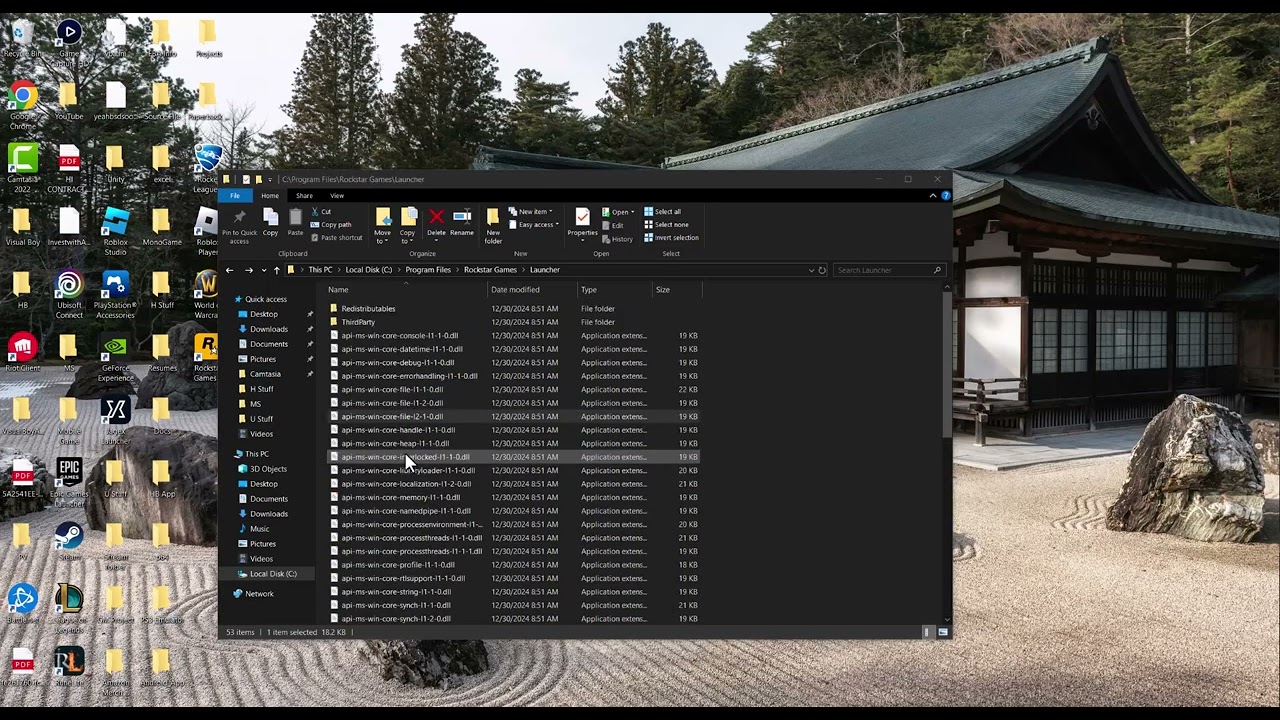
- Try a clean launcher install: If the same message remains, run
uninstall.exeinC:Program FilesRockstar GamesLauncher. Leave uninstall the game data unchecked. Remove only the exact Launcher and Social Club folders listed in Rockstar’s clean-install article, restart, and reinstall the launcher. - Launch normally: Start the launcher from its regular shortcut. Use Run as administrator only as a temporary diagnostic if normal launch is blocked by permissions.
Why this works
Rockstar documents failed initialization as a launcher installation or update problem. Installing the current launcher repairs missing components; verifying GTA 5 repairs damaged game and supporting files; a clean launcher install replaces stale Social Club and launcher files without removing the game when the game-data option stays unchecked.
Alternatives
- Verify GTA 5 in Steam or Epic if that launcher owns your copy, then start Rockstar Games Launcher again.
- Disable overlays and monitoring tools for one test, then re-enable them if they are not the cause.
- Submit a Rockstar Support request with the exact wording and any error code if initialization still fails.
Warnings and reversal
Do not delete the entire Documents folder or GTA 5 installation. During uninstall, keep uninstall the game data unchecked. If you temporarily use administrator mode, clear Run this program as an administrator after testing so the launcher does not always run elevated.
FAQ
Will reinstalling the launcher delete GTA 5?
Not if you leave the game-data option unchecked and delete only the launcher/Social Club paths Rockstar lists.
Should I redeem my activation code again?
No if the game already appears on the correct Rockstar account. Codes are one-time use and permanently attach to the signed-in account.
Can file verification fix launcher errors?
It can fix damaged supporting files, but a missing launcher component still requires the current installer or clean launcher install.
Official references
- Rockstar: Resolve launcher errors for GTA 5 on PC
- Rockstar: Verify game files
- Rockstar: Clean install the launcher
Source video
Captions remained unavailable after the required retries. The guide uses the video’s stated error as the topic and relies on current Rockstar instructions for every repair step.
As an Amazon Associate I earn from qualifying purchases.