Quick answer: EA defines code:leaf as its servers not responding to a match request. Check Apex server status first, then restart the game and router, try Ethernet, and select the nearest low-ping data center. If EA reports an outage, wait rather than changing your system.
Before you start
- Check the official Apex Legends server-status page.
- Note your current data center, ping, and packet-loss values.
- Pause downloads, streaming, VPNs, and cloud sync during testing.
How to fix code:leaf
- Restart Apex and your platform: Fully close the game, restart the PC or console, and reconnect.
- Restart the router: Unplug it for 30 seconds, reconnect it, and wait for internet service to return.
- Use Ethernet if possible: A wired test removes Wi-Fi interference from the diagnosis.
- Choose a closer data center: On the Apex launch screen, do not select Continue. Open Data Center and choose the nearby location with the lowest ping and packet loss.
- Update the game: Install any pending Apex update before joining a match.
- Repair PC files: In the EA app choose Library > Apex Legends > Manage > Repair; in Steam use Properties > Installed Files > Verify integrity.
Why this works
EA says code:leaf occurs when its servers stop responding. A restart rebuilds the session, Ethernet removes wireless packet loss, and a nearby data center shortens the network path. File repair matters only when the local installation is damaged.
Alternatives
- Test a different home network briefly to isolate the router or ISP.
- Turn on Apex Performance Display to monitor latency and packet loss.
- If every data center has high loss, stop troubleshooting locally and recheck EA status.
Warnings and reversal
Do not factory-reset your router, open broad port ranges, or disable security software for code:leaf. Return the data center to Automatic if a manual choice is worse. Re-enable VPN or background apps after testing one at a time.
FAQ
Is code:leaf an account ban?
No. EA identifies it as a server-response or connectivity error.
Does changing data center erase progress?
No. It changes the server region used for the connection, not your account data.
What if the error starts after an update?
Check EA status and install the latest game update before repairing files.
Official references
Source video
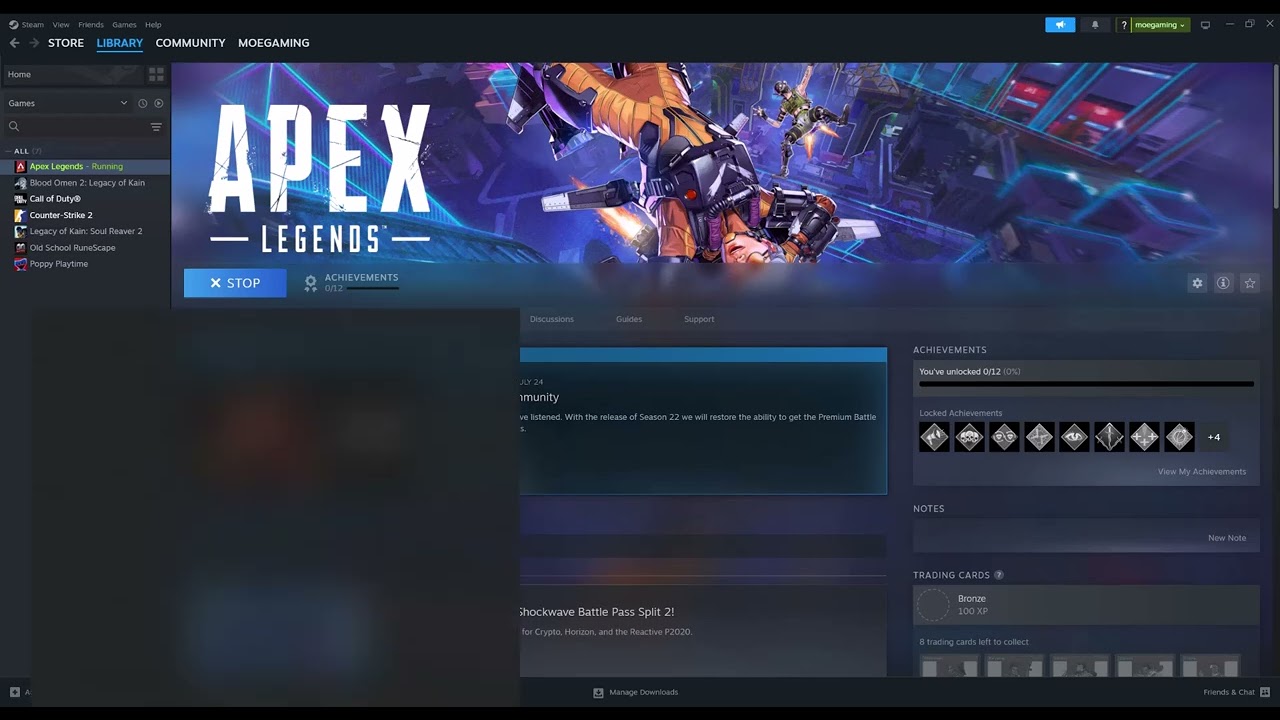
The video demonstrates changing the Apex data center. The guide limits that workaround to nearby, low-loss regions and uses EA’s current description of code:leaf for the remaining steps.
As an Amazon Associate I earn from qualifying purchases.