Quick answer: Fully restart the PS4, check for a Black Ops 6 update, update PS4 system software, and restore licenses. If crashes continue, rebuild the database in Safe Mode. Reinstall the game application only after backing up local saves and checking Activision’s service status.
Before you start
- Check Activision Online Services and PlayStation Network status.
- Sync trophies and back up local saved data to cloud or USB.
- Do not initialize the PS4 or delete saved data.
Fix Black Ops 6 crashes on PS4
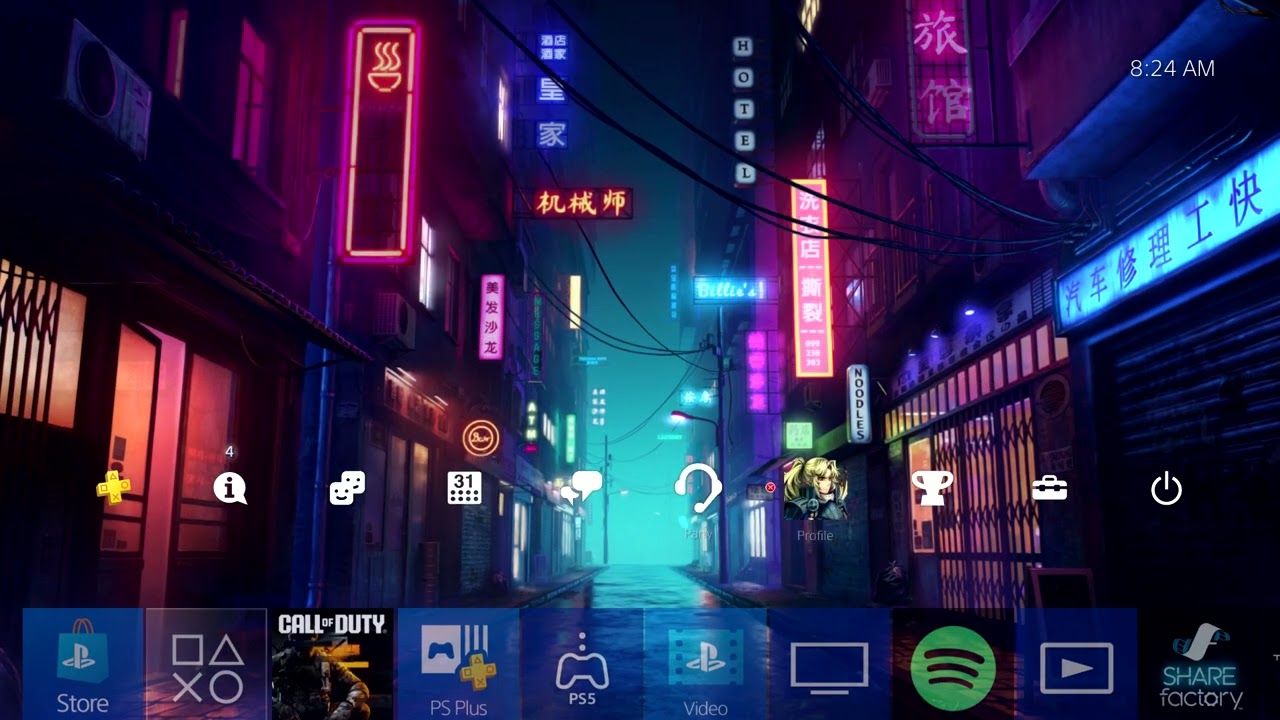
- Close and restart: Press the PS button, highlight Call of Duty, press Options > Close Application, then restart the PS4 rather than using Rest Mode.
- Update the game: Highlight Call of Duty, press Options, and choose Check for Update. Let every content pack finish downloading.
- Update system software: Open Settings > System Software Update, install the update, and restart.
- Restore licenses: Go to Settings > Account Management > Restore Licenses. This can repair entitlement checks without deleting data.
- Check storage: Keep enough free space for the game to unpack patches. Remove unused applications—not saved data—if space is critically low.
- Rebuild the database: Turn off the PS4. Hold the power button until the second beep, connect the controller by USB, and select Rebuild Database. Do not choose Initialize.
- Reinstall last: Delete only the Call of Duty game application, restart, and reinstall it plus required BO6 content packs. Restore local saves only if needed.
Why this works
Game and system updates resolve known compatibility problems. Restoring licenses rebuilds entitlement records. Rebuilding the database reindexes storage without the destructive console initialization step. A final reinstall replaces files that ordinary patching could not repair.
Alternatives
- Test another mode to see whether the crash follows one playlist or map.
- Disconnect optional USB storage for one test if the game is installed internally.
- If the error begins during a confirmed outage, wait before reinstalling.
- Contact Activision with the error text, crash time, mode, and PS4 model.
Warnings and reversal
Do not select Initialize PS4 in Safe Mode; it deletes user data. Restoring licenses and rebuilding the database do not need to be undone. Reinstallation removes the game application, so confirm local save backups first and avoid deleting the Saved Data entry.
FAQ
Will Restore Licenses delete saves?
No. It refreshes PlayStation Store entitlements.
Is Rebuild Database a factory reset?
No, but it can take time and reorganize the content list. Do not choose Initialize.
Should the PS4 be the primary console?
That matters mainly for license sharing and offline access. Do not change primary activation unless the problem is clearly an ownership or lock-icon issue.
Official references
- Activision: Black Ops 6 crashes and freezes
- PlayStation: Restore licenses
- PlayStation: Safe Mode options
Source video
The video demonstrates restart, update, license, system-software, and reinstall steps. The guide excludes destructive initialization and distinguishes application removal from saved data.
As an Amazon Associate I earn from qualifying purchases.
Leave a Reply