Quick answer: Restart the PC, verify The Last of Us Part II Remastered in Steam, let shader compilation finish, and install the latest stable graphics driver from your GPU manufacturer. Confirm the PC meets the current requirements before changing advanced settings or reinstalling.
Before you start
- Record whether the crash occurs at launch, during shader compilation, or after loading gameplay.
- Check Steam for a game update and Naughty Dog for current patch notes.
- Return overclocks and undervolts to tested defaults.
Fix The Last of Us Part II Remastered crashes
- Restart Windows: Fully exit Steam, restart the PC, and reopen Steam.
- Verify files: Right-click the game, select Properties > Installed Files > Verify integrity of game files, and wait for repairs to finish.
- Finish shader compilation: At the main menu, let the shader process reach completion before starting or loading a game. Avoid running heavy background tasks during the build.
- Update the GPU driver: Download the current stable driver directly from NVIDIA, AMD, or Intel. Restart after installation.
- Update Windows: Install pending system and runtime updates, then restart again.
- Close overlays: Exit non-essential recording, monitoring, RGB, and third-party overlay tools for one test.
- Check requirements and storage: Compare CPU, GPU, RAM, operating system, and SSD space with the current official PC specification.
Why this works
Verification replaces corrupt or incomplete game packages. Shader compilation creates GPU-specific data the game needs; interrupting it can cause stutter or instability. Current graphics drivers contain game-specific fixes, while a clean overlay test isolates software that hooks the renderer.
Alternatives
- Lower texture quality and VRAM-heavy settings if the crash happens only after entering gameplay.
- Clear the graphics shader cache through Windows or the GPU vendor, then allow the game to rebuild it once.
- Move the installation to a healthy SSD if verification repeatedly finds errors.
- Submit a Naughty Dog or PlayStation PC support ticket with the crash time, hardware, driver version, and steps already tried.
Warnings and reversal
Do not download DLLs, unofficial executables, or driver bundles. Do not delete saved-game folders while troubleshooting. Re-enable overlays one at a time after testing. If a new driver made the crash worse, use the GPU vendor’s supported rollback process rather than a third-party uninstaller.
FAQ
Is this the same as The Last of Us Part I?
No. Part II Remastered is a separate PC release with its own patches, requirements, and files.
Will Steam verification delete saves?
No. It checks installed game content rather than the separate save-data location.
Why does the first launch take a long time?
Shader compilation can be CPU-intensive. Let it finish and keep the PC awake.
Official references
- Naughty Dog: PC features and specifications
- Steam: Verify game files
- NVIDIA drivers, AMD drivers, and Intel drivers
Source video
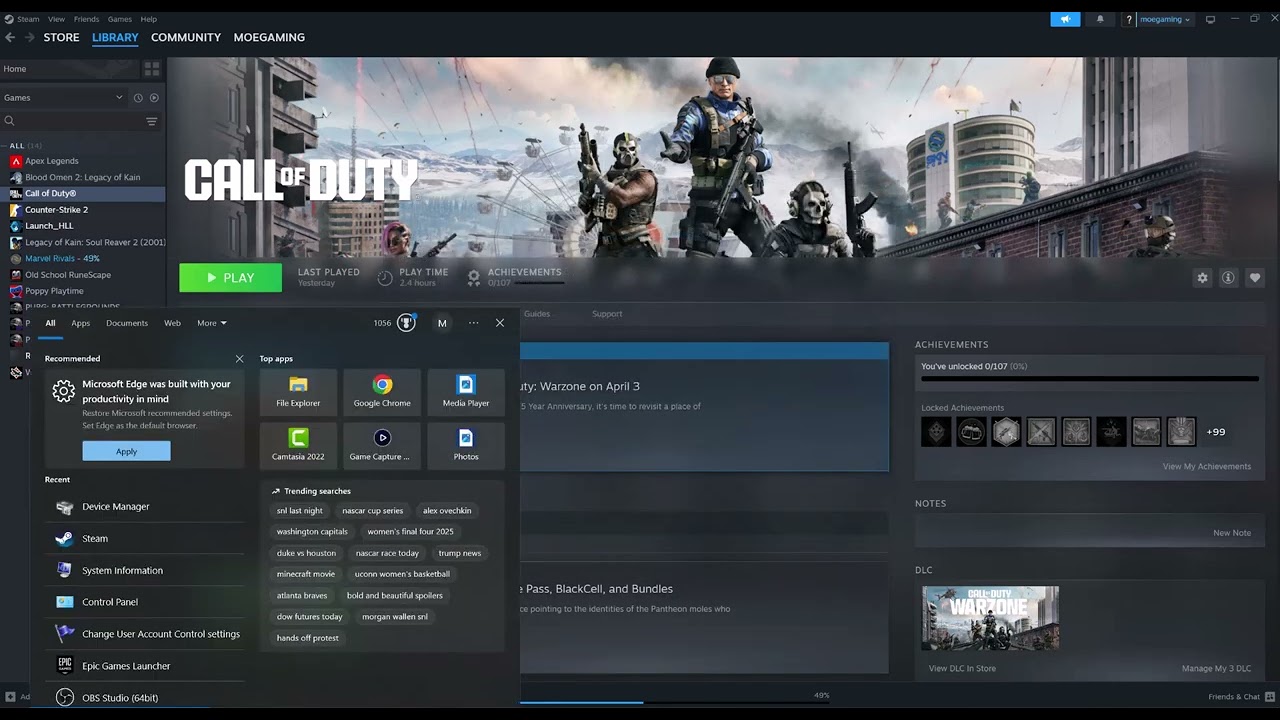
The video demonstrates Steam verification and graphics-driver updating. This guide adds shader, system-requirement, overlay, and reversal checks using first-party resources.
As an Amazon Associate I earn from qualifying purchases.
Leave a Reply