Quick answer: Fully close Epic Games Launcher and Rockstar Games Launcher, restart Windows, check Rockstar service status, and verify GTA 5 from Epic Library > three dots > Manage > Verify. Remove custom launch arguments and mods for the test, then update or reinstall Rockstar Games Launcher if the handoff still fails.
Before you start
- Confirm Epic, Rockstar Games Launcher, and GTA5.exe are not still running in Task Manager.
- Check Rockstar Service Status.
- Back up single-player saves before removing mods or reinstalling.
- Note whether Epic shows Running, Rockstar Launcher opens and closes, or GTA displays an error.
How to fix GTA 5 not launching from Epic
- Restart Windows. This clears a stuck Epic-to-Rockstar launcher handoff and releases locked files.
- Open Epic Games Launcher normally. Sign into the Epic account that owns GTA 5 and confirm Rockstar Games Launcher uses the linked Rockstar account.
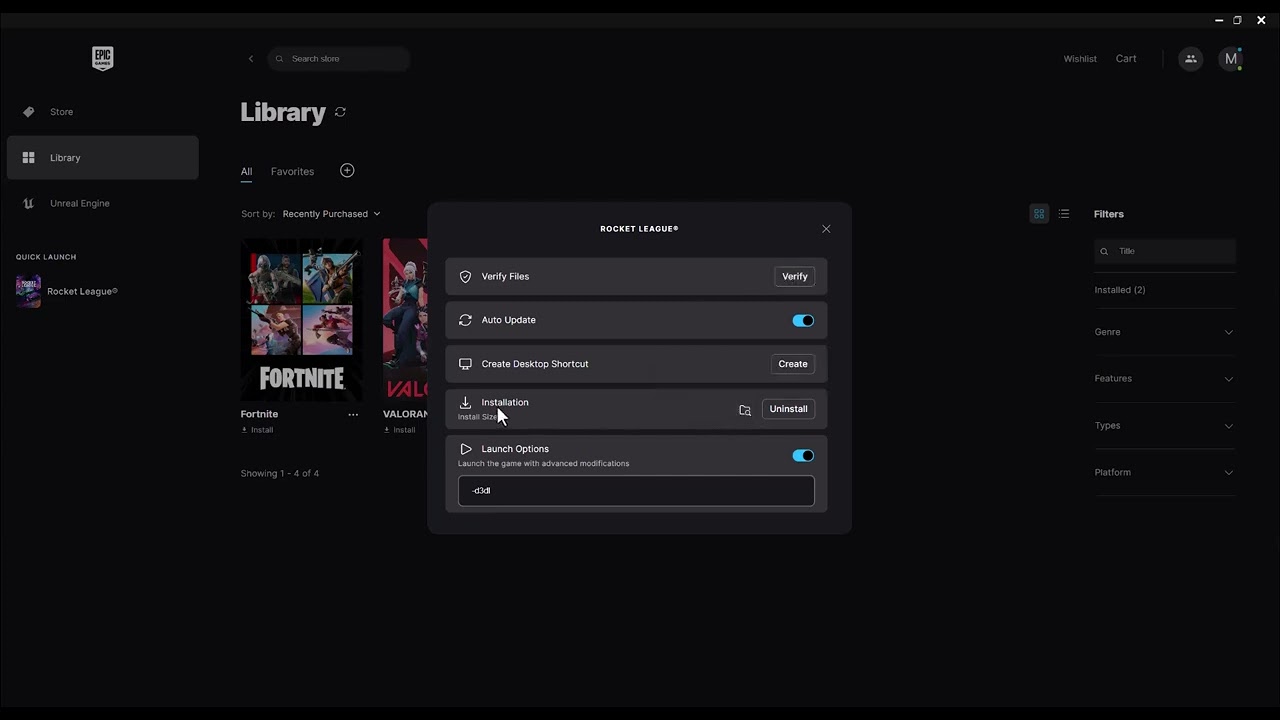
- Verify GTA 5. Open Epic Library, select the three dots beside GTA 5, choose Manage, then Verify. Epic says this checks for damaged or corrupted files and repairs differences without affecting saved data.
- Remove custom launch options. Clear any DX11, DX12, or other arguments for the first clean test. The source video mentions renderer flags, but forcing an unsupported mode can create a second problem.
- Remove mods for a clean test. Move Script Hook, ASI loaders, ReShade, and modified files out of the GTA directory. Verification may replace changed files, but manually confirm the folder is clean.
- Update Rockstar Games Launcher. Exit it completely and reopen it so it can update. Also install current Windows and graphics-driver updates.
- Launch through Epic. Start GTA 5 from Epic rather than running GTA5.exe directly. This preserves the ownership and account-link checks between Epic and Rockstar.
- Repair the Rockstar launcher layer. If Epic verification passes but Rockstar Games Launcher loops or closes, uninstall Rockstar Games Launcher, restart, and install the current official version. Do not delete the GTA game folder unless you intend to redownload it.
- Clean-boot Windows. If it still fails, disable non-Microsoft startup apps for one test to identify overlays, injectors, security tools, or tuning utilities that conflict with launch.
Why this works
The Epic edition uses two launchers: Epic confirms ownership and starts Rockstar Games Launcher, which authenticates the Rockstar account and starts GTA. Verification repairs the game package; restarting and updating repair the launcher handoff; removing mods and custom flags returns the executable to a supported baseline.
Compatibility mode and administrator access
The video shows Windows compatibility and administrator options. They are not good universal defaults for GTA 5. Compatibility mode can make a modern launcher behave like an older Windows version, while mixed privilege levels can stop Epic and Rockstar from communicating. Test the normal configuration first and use elevated access only when official support requests it.
Alternatives
- Switch between GTA V Legacy and Enhanced only if the owned edition and PC meet that edition’s requirements.
- If BattlEye blocks Story Mode on a specific PC, read our GTA 5 0xc000009a/BattlEye limitation guide. Disabling BattlEye is Story Mode-only and prevents GTA Online access.
- If one Windows profile is damaged, test from a new local administrator account before reinstalling the whole game.
Warnings
Do not download replacement DLL or executable files. Do not disable BattlEye if you intend to use GTA Online. Do not unlink Epic and Rockstar accounts as a routine fix; account-link changes can require Rockstar Support.
Frequently asked questions
Will Verify delete my GTA saves?
Epic states that verification does not affect saved data. Back up single-player saves anyway before broader launcher or mod cleanup.
Why does Rockstar Games Launcher open when I use Epic?
The Epic version still uses Rockstar’s launcher for Rockstar account authentication and startup.
Should I force DX11 or DX12?
Not as the first fix. Clear custom arguments, verify files, and let the supported build select its normal mode.
Official references
Source video
As an Amazon Associate I earn from qualifying purchases.