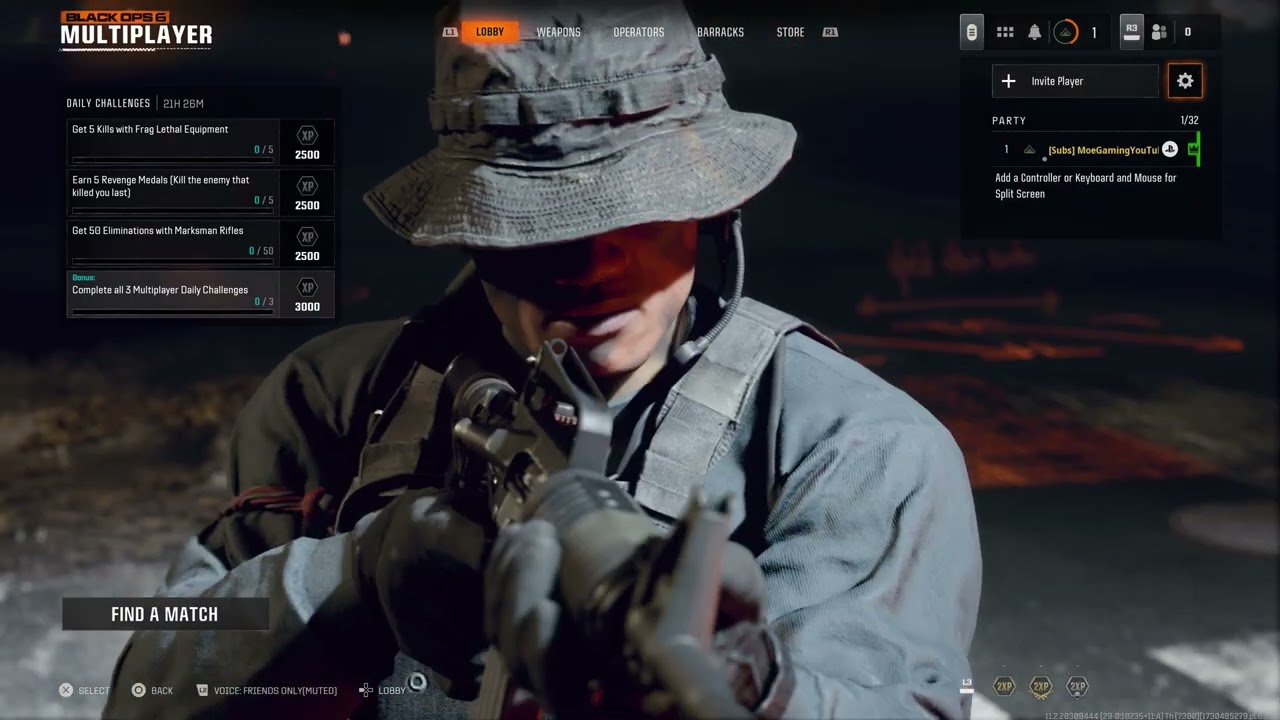
Quick answer: In the Black Ops 6 social or party menu, set the party to Open, then try invitations in both directions. If that fails, check Activision and PlayStation service status, fully restart the game and PS5, and power-cycle the router. Changing DNS can be a final reversible test, but it will not repair a server outage or a strict NAT configuration.
Prerequisites
- Both players should be signed into PlayStation Network and their Activision accounts.
- Update Call of Duty and PS5 system software before comparing party settings.
- Cross-platform groups need crossplay enabled for every player.
How to fix the party error
- Check for an outage first. Visit Activision Online Services and PlayStation Status. Wait if either service reports an incident.
- Restart the session. Close Call of Duty from the PS5 switcher, restart the console, then reopen the game. Have the other player do the same.
- Set party privacy to Open. From the multiplayer lobby, open the party or social panel, select the party settings/cog, and change privacy or joinability to Open. Repeat this on the other player’s system.
- Try invitations both ways. First have Player A invite Player B. If it fails, disband the lobby, let Player B host, and send the invitation in the opposite direction. This creates a fresh lobby owner and connection path.
- Confirm crossplay and account permissions. For mixed platforms, enable crossplay. Check that neither account’s privacy or family settings block multiplayer communication.
- Power-cycle the network. Turn off the PS5. Unplug the modem/router for at least five minutes, reconnect it, wait until internet service returns, then start the PS5.
- Test the PS5 connection. Go to Settings > Network > Connection Status > Test Internet Connection. Resolve sign-in or internet failures before reopening the game.
- Try public DNS only as a last test. Go to Settings > Network > Settings > Set Up Internet Connection, highlight the active network, choose Advanced Settings, and set DNS to Manual. The video demonstrates Cloudflare’s Primary 1.1.1.1 and Secondary 1.0.0.1. Record the old setting so you can return it to Automatic.
Why the fix can work
An open party allows eligible friends to join without a stale invitation token. Switching hosts also changes which console owns the lobby. The restart and router cycle clear temporary sessions, while a DNS change can help only when name resolution is the failing layer.
Alternatives
- Use a wired Ethernet connection for testing.
- Remove and re-add the affected Activision friend, then restart the game.
- Have every player enter multiplayer independently before forming the party.
- If only one network fails, contact the ISP about NAT or router firmware rather than factory-resetting the router.
Warnings and limitations
Do not factory-reset the router for a single party error unless you have its ISP credentials and configuration backup. Manual DNS does not open NAT ports, bypass parental controls, or fix Activision maintenance. Return DNS to Automatic if the change does not help.
Frequently asked questions
Why can I join some friends but not one specific player?
The affected player may have a closed party, incompatible crossplay setting, account restriction, or network-specific NAT problem. Test each player as host.
Will reinstalling Black Ops 6 help?
Usually not for a party-only problem. Check services, party permissions, accounts, and networking first.
Does this guarantee the error is fixed?
No. Party errors can be server-side. These steps address the reversible local causes the source video demonstrates.
Source video
Official references
As an Amazon Associate I earn from qualifying purchases.