Quick answer: PlayStation identifies CE-118527-4 as a PS5 hostname-resolution problem. Test the console’s internet connection, power-cycle the router/modem for at least five minutes, and verify any manually entered DNS values. If the network is healthy, check with the ISP and retry later because the symptom can be temporary.
Important correction: The source video’s title calls this a PS4 code, but Sony’s current error-code page lists CE-118527-4 for PS5. The steps below use the official PS5 guidance and current PS5 menu names.
Before you start
- Record any custom IP or DNS values before changing the connection.
- Make sure you can reach the router or ask the network owner to restart it.
- Do not factory-reset the router; Sony does not require that for this code.
How to fix CE-118527-4 on PS5
- Test the connection. Open Settings > Network > Connection Status > Test Internet Connection. Confirm that the PS5 receives an IP address and reaches the internet.
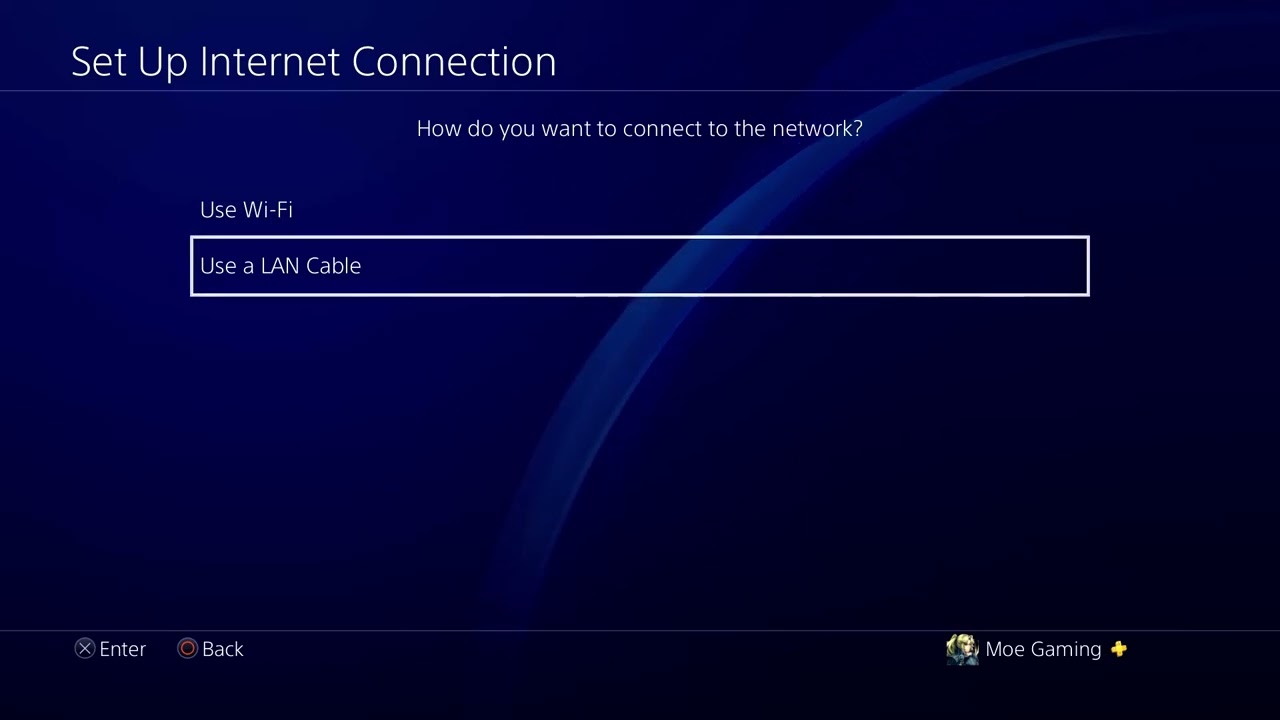
- Reconnect if the test fails. Open Settings > Network > Settings > Set Up Internet Connection. Select the correct Wi-Fi or wired network and enter the credentials again.
- Restart the PS5. Choose Power > Restart PS5 so network services start with a clean session.
- Power-cycle the modem/router. Turn off the PS5, unplug the networking equipment, and wait at least five minutes. Reconnect the modem first, wait for service, reconnect the router, and test again.
- Check manual DNS entries. Highlight the active connection, choose Advanced Settings, and inspect DNS. If it is Manual, correct the Primary and Secondary addresses or temporarily return DNS to Automatic.
- Try a reputable public DNS only as a test. The video demonstrates Google DNS: Primary 8.8.8.8, Secondary 8.8.4.4. Cloudflare’s 1.1.1.1 and 1.0.0.1 are another option. Keep whichever setting is reliable; otherwise return to Automatic.
- Check with the ISP. Ask whether DNS service or network maintenance is occurring. Sony says the error may be temporary, so wait a few minutes and retry.
Why this works
A hostname must be translated into an IP address before the PS5 can reach it. Error CE-118527-4 appears when that resolution fails through the current network path. Reconnecting, restarting the router, and correcting DNS address the local causes without touching game data.
Alternatives
- Connect the PS5 to Ethernet to rule out Wi-Fi interference.
- Test a mobile hotspot briefly. If the code disappears, the home router or ISP path is likely involved.
- Update router firmware using only the router maker’s instructions.
Warnings
Do not factory-reset the router unless the ISP or manufacturer directs you and you have the configuration backup. A public DNS does not bypass an outage, account restriction, or parental-control rule. Avoid changing IP, MTU, or proxy settings for a hostname-resolution code unless your network administrator requires it.
Frequently asked questions
Is CE-118527-4 a PS4 or PS5 error?
It is a PS5 error in Sony’s current support catalog. The source video title is mislabeled.
Will changing DNS delete games or saves?
No. DNS is a network setting. Record the old value so you can undo the test.
What if every device has DNS problems?
Restart the modem/router, then contact the ISP. A problem affecting every device is unlikely to be specific to the PS5.
Source video
Official references
As an Amazon Associate I earn from qualifying purchases.