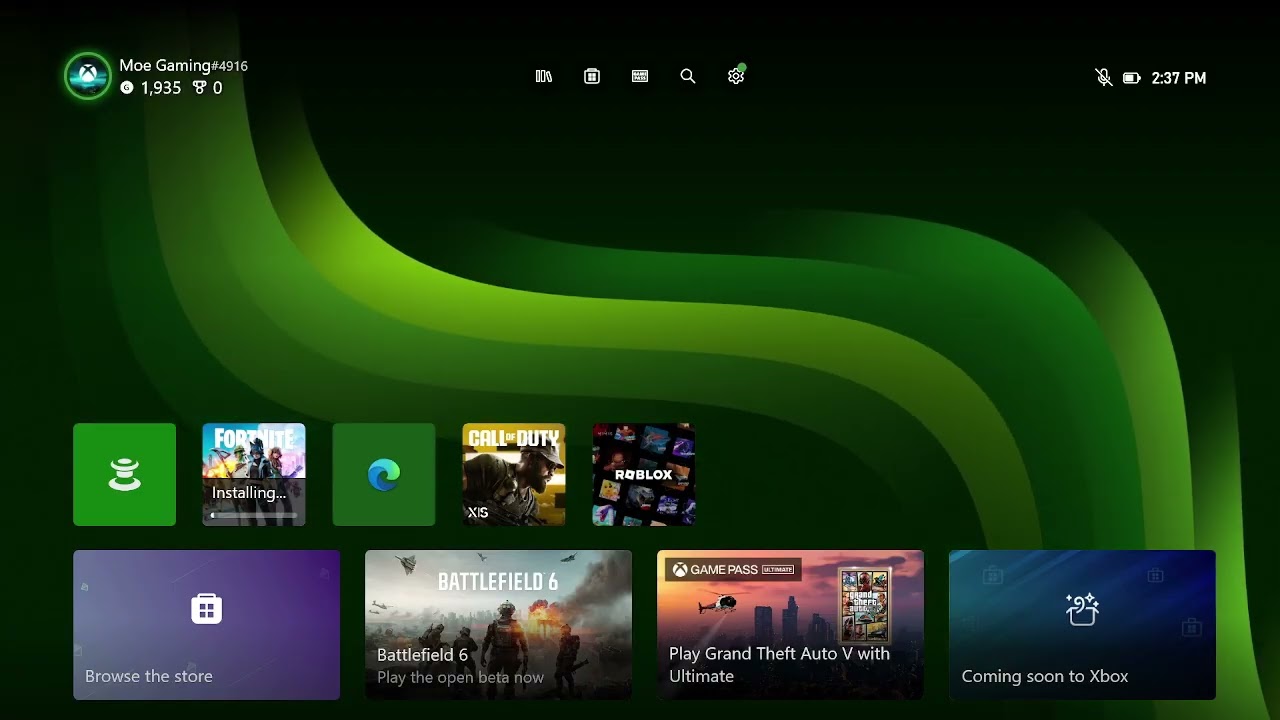
Quick answer: Xbox error 0x00000201 is associated with a console update that cannot complete. Restart the console and network, test the Xbox connection, confirm there is free storage, and retry the update. Use the official Offline System Update only when normal updating still fails and the console is not enrolled in an Xbox Insider preview.
The source video’s captions remained unavailable. The procedure below follows Xbox’s current error and system-update guidance. Error 0x00000000 can be a generic companion code; use 0x00000201 and the update screen as the main diagnostic clue.
Before you start
- Note whether the error appears during a console update or while installing a game.
- Check Xbox status for account, store, or network incidents.
- Do not factory-reset the console before trying the non-destructive steps.
Fix Xbox update error 0x00000201
- Retry once. If the update screen offers Try again, select it after confirming the internet connection is working.
- Restart the Xbox. Hold the Xbox button on the controller and choose Restart console. If the interface is unresponsive, hold the console power button for about 10 seconds, wait 30 seconds, and turn it on.
- Restart the router. Unplug the router for 60 seconds, reconnect it, and wait until the connection is stable.
- Test the network. Go to Profile & system > Settings > General > Network settings > Test network connection. Resolve any reported DNS, packet-loss, or NAT issue.
- Change the connection path. Use Ethernet if available. If already wired, reseat the cable and try another router port. On Wi-Fi, move closer and remove the saved network before reconnecting.
- Check storage. Remove an unused game if the internal drive is nearly full, restart, and try the update again.
- Use the Startup Troubleshooter. If the console will not reach the dashboard, follow Microsoft’s model-specific instructions to open the Xbox Startup Troubleshooter and retry the update.
- Consider the official Offline System Update. Download the OSU file only from Xbox Support and follow its USB instructions exactly. Xbox Insider consoles may need a different recovery path, so do not apply an OSU blindly.
Why these steps work
The update has to download, validate, unpack, and write system files. A temporary service interruption, unstable connection, insufficient working space, or stalled update state can break that sequence. Restarting clears the state; a wired connection reduces packet loss; the official offline package provides a clean update source.
Alternatives and escalation
- Try a mobile hotspot briefly to determine whether the home network is the cause; watch cellular data usage.
- If the update works on the alternate network, return to the router and review firmware, filtering, and DNS settings.
- If the Startup Troubleshooter or OSU reports another code, record the full code before contacting Xbox Support.
Warnings
A reset can remove local data depending on the option selected. Choose Reset and keep my games & apps only when Xbox Support’s flow specifically recommends it. Never download an Xbox update package from a third-party site.
FAQ
Does restarting the router erase its settings?
No. Unplugging and reconnecting power is not the same as pressing the router’s factory-reset button.
Can I use the offline update on an Insider console?
Not safely by assumption. Preview builds may be newer than the public OSU package. Follow Xbox Insider recovery guidance.
What if the code appears during a game download?
Pause and resume the download, restart the console, check storage, and test the network. If the console itself is also requesting an update, complete that first.