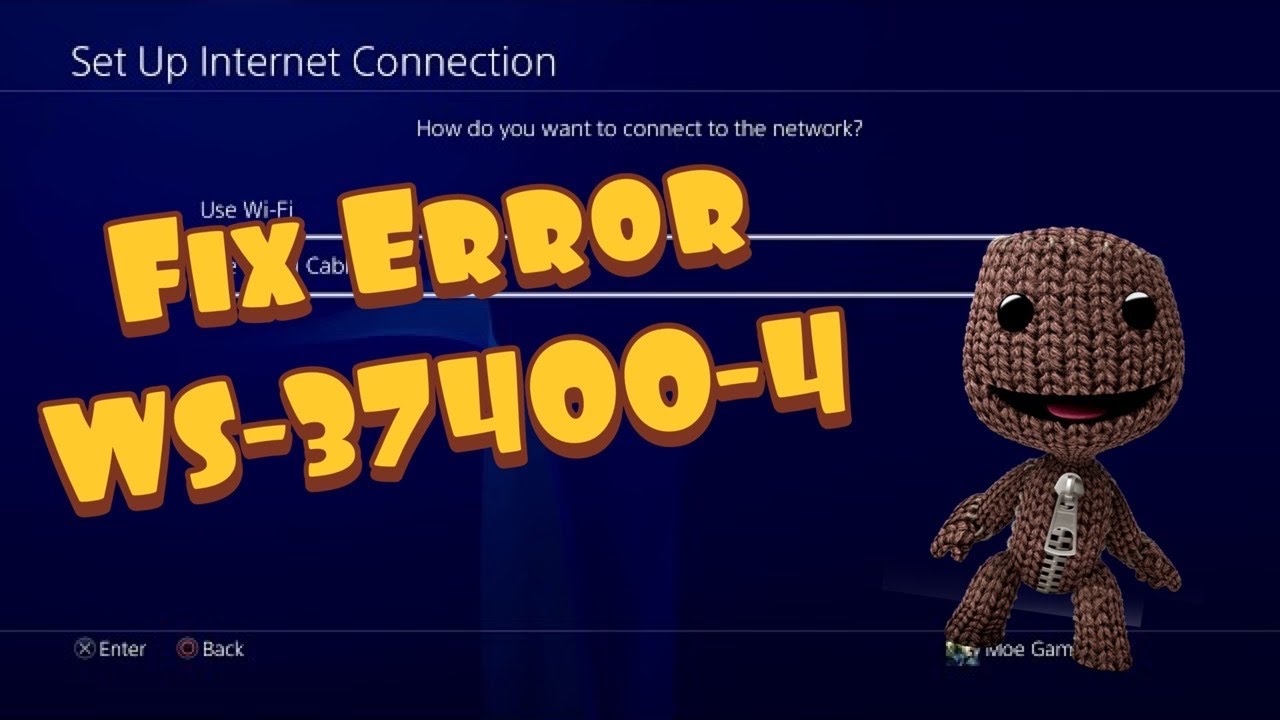
Quick answer: For PS4 error WS-37400-4, check PlayStation Network status before changing anything. If PSN is available, restart the PS4 and router, run Test Internet Connection, recreate the saved connection and try Ethernet. The video’s hotspot and public-DNS methods are optional, reversible diagnostics; they do not repair a PSN outage.
Before you start
- Save the Wi-Fi password.
- Check whether other devices can reach the internet.
- Do not press the router’s factory-reset button.
- Record automatic network settings before testing manual DNS.
Fix WS-37400-4
- Check PlayStation Status. If Account Management or Gaming and Social has an incident, wait and retry after the status page clears.
- Restart cleanly. Fully restart the PS4. Power-cycle the modem/router, wait until its normal lights return and then test again.
- Run the PS4 network test. Open Settings > Network > Test Internet Connection. Note which stage fails: IP address, internet or PSN sign-in.
- Recreate the connection. Choose Settings > Network > Set Up Internet Connection and reconnect with Easy/Automatic settings.
- Try Ethernet. A wired test bypasses weak signal and interference. On Wi-Fi, move the PS4 and router closer and pause large household downloads.
- Use a hotspot only as a diagnostic. A brief phone-hotspot test can show whether the home ISP or router is involved. Stop immediately if data charges are a concern.
- Optional DNS test. In Custom network setup, leave IP and MTU automatic and test Cloudflare DNS 1.1.1.1 / 1.0.0.1. If it makes no difference, return DNS to Automatic.
- Contact the right support. If the PS4 reaches the internet but PSN sign-in alone fails while status is healthy, contact PlayStation. If all devices fail, contact the ISP.
Why this works
Each step isolates a different layer: PlayStation service, console session, local Wi-Fi, router/ISP path and name resolution. The order avoids unnecessary DNS or account changes when the problem is a temporary outage.
Alternatives
- Try the same PSN account on the PlayStation App or a browser.
- Use 2.4 GHz for range or 5 GHz near the router when both are available.
- Update PS4 system software after the connection is stable.
Warnings
Do not expose the PS4 through router DMZ, copy another device’s static IP or factory-reset network equipment. Public DNS is not guaranteed to fix the code. To undo the DNS test, recreate the connection with Easy settings or set DNS back to Automatic.
FAQ
Is WS-37400-4 a ban?
The code alone does not establish a suspension. Check service and network status first.
Will rebuilding the database fix it?
That is not a first-line network step and is unnecessary unless a separate storage or menu problem exists.
Can a hotspot prove the PS4 is healthy?
It can help isolate the home network, but it does not prove every console component or PSN service is healthy.
Official references
Source video
The Moe Gaming video below is source material. Current first-party instructions and the warnings in this guide take priority.
As an Amazon Associate I earn from qualifying purchases. This guide includes no product recommendations or affiliate purchase links.