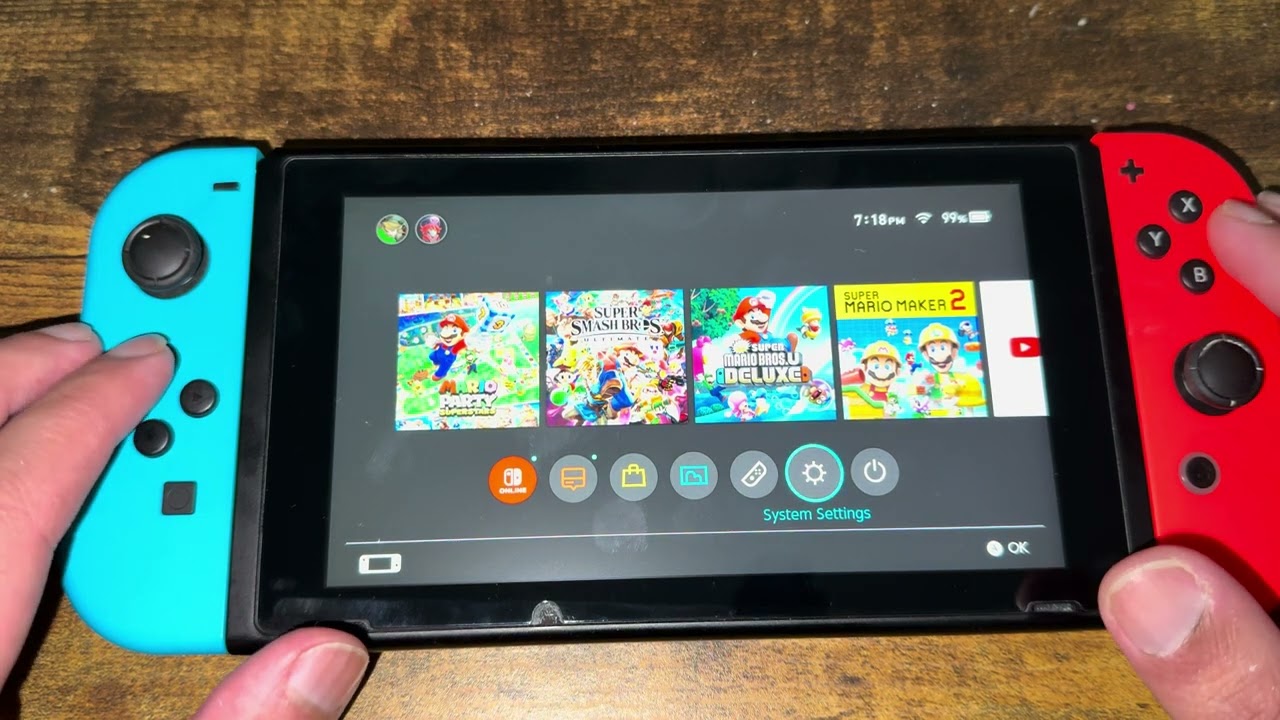
Quick answer: Fully restart the Nintendo Switch, update the system and affected game, then use Check for Corrupt Data. If Nintendo reports damaged software, redownload it. Do not delete save data as a routine fix.
Before you start
- Connect the console to the internet.
- Keep the console charged or docked.
- If you use Save Data Cloud, confirm the latest backup before any destructive action.
Fix the software-closing error
- Perform a full restart. Hold the POWER Button for at least three seconds, choose Power Options → Restart, and try the game again.
- Update the console. Open System Settings → System → System Update.
- Update the game. Highlight it on the HOME Menu, press + or −, then choose Software Update → Via the Internet.
- Check for corrupt data. Open System Settings → Data Management → Manage Software, choose the game, then select Check for Corrupt Data.
- Redownload the software if prompted. Reinstalling downloaded software does not normally erase separate save data, but verify your backup first.
- Contact Nintendo if it persists. Repeated errors across multiple games can indicate a console or storage problem.
Why this works
A complete restart clears a stuck game process. Updates address known software defects, while Nintendo’s corruption check can identify damaged installed data and direct the console to redownload it.
Alternatives
- Remove and reinsert the game card, then inspect it for dirt or damage.
- If the game is on microSD, test it from system memory or another supported card.
- Try another game to learn whether the fault affects one title or the whole console.
Warnings and reversibility
The source video suggests deleting save data. That is destructive and may be unrecoverable without a cloud backup, so this guide replaces it with Nintendo’s safer Check for Corrupt Data and redownload workflow. Do not erase saves unless Nintendo Support specifically instructs you and you have confirmed a backup.
FAQ
Does redownloading a game delete save data?
Save data is stored separately, but always confirm a backup before reinstalling or managing storage.
What if only one game crashes?
Update, check that game’s data, and redownload it if needed.
What if every game crashes?
Update the system and contact Nintendo Support; the console or storage may need service.
Official references
- Nintendo Support: Software was closed because an error occurred
- Nintendo Support: Corrupted or unreadable save data
Source video
As an Amazon Associate I earn from qualifying purchases.