Quick answer: Rockstar identifies Error Code 16 as an incomplete installation. Update Rockstar Games Launcher and the affected game, verify the game files, and only then follow Rockstar’s clean launcher reinstall instructions.
Before you start
- Close Rockstar Games Launcher, Steam or Epic, and the game.
- Know your Rockstar account sign-in details.
- Back up local saves and record custom install locations.
Fix Rockstar Games Error Code 16
- Finish pending updates. Update Rockstar Games Launcher, the storefront launcher, and the affected Rockstar title.
- Check activation. Confirm the game is visible on the correct Rockstar account and that any required activation code has been redeemed.
- Verify game files. In Rockstar Games Launcher, open Settings, select the installed game, and choose Verify integrity. Steam and Epic users can also verify in their storefront.
- Restart Windows. Launch Rockstar Games Launcher normally and test again.
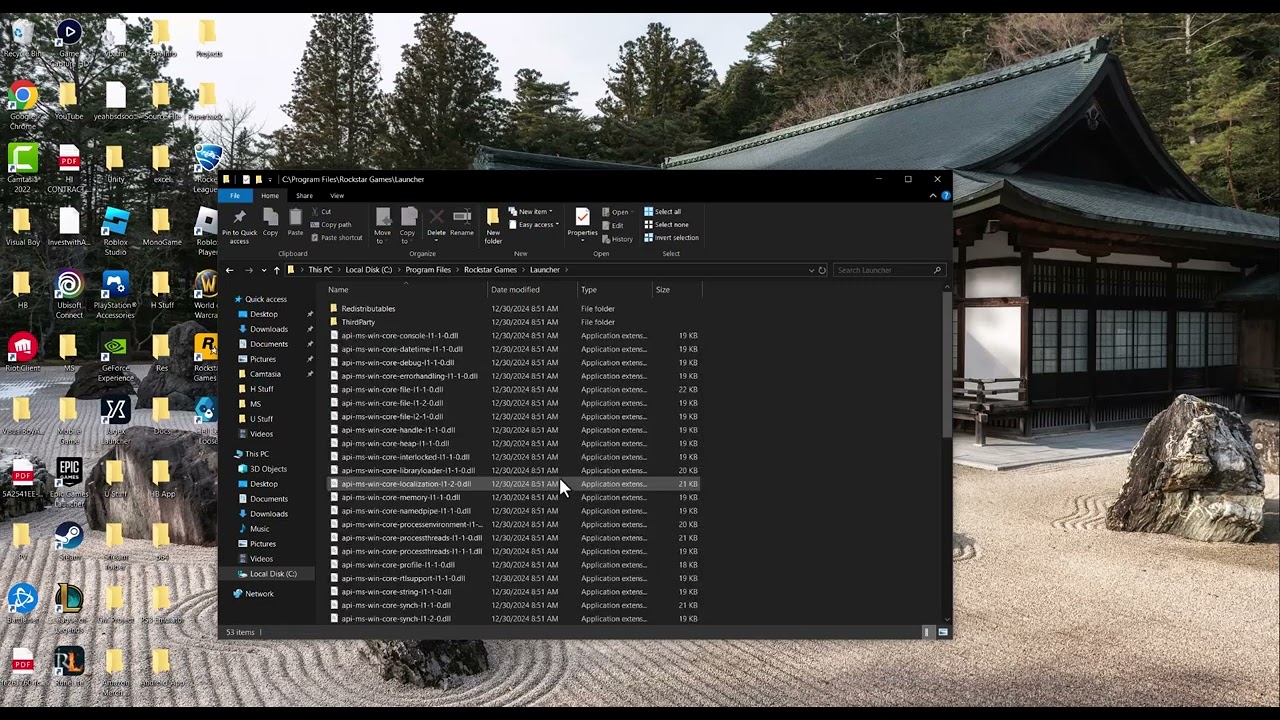
- Clean-reinstall the launcher if Code 16 remains. Follow Rockstar’s Error Code 16 page exactly. Uninstall the launcher, remove only the folders Rockstar names, download the latest installer from Rockstar, and reinstall.
Why this works
Code 16 is tied to an incomplete or inconsistent Rockstar installation. Updates and verification repair missing components first. A clean reinstall replaces the launcher and Social Club components when the normal repair is not enough.
Alternatives
- Temporarily pause third-party overlays and restart the launcher.
- Use Rockstar’s general GTA V launcher troubleshooting if the error changes.
- Collect launcher logs and contact Rockstar Support if a clean reinstall fails.
Warnings and reversibility
The source video proposes renaming the Rockstar Games folder and deleting Social Club manually. A viewer said the rename helped, but folder renames can break registered paths. This guide uses Rockstar’s documented procedure instead. Delete only the exact folders named by Rockstar; deleting other folders can remove game data. Restore backed-up saves if needed after reinstalling.
FAQ
What does Error Code 16 mean?
Rockstar describes it as an incomplete installation of required Rockstar components.
Do I need to reinstall GTA V first?
No. Update and verify files before reinstalling the game itself.
Can I just rename the Rockstar folder?
It may change behavior temporarily, but it is not the preferred current fix because it can break launcher paths.
Official references
Source video
As an Amazon Associate I earn from qualifying purchases.