Quick answer: On a PS5, highlight Call of Duty: Black Ops 6 on the Home screen, press the controller’s Options button, select Restore License, and confirm the restoration. Relaunch BO6 when it finishes. If the error remains, verify that the required BO6 content is installed and that you are using the current standalone version of the game.
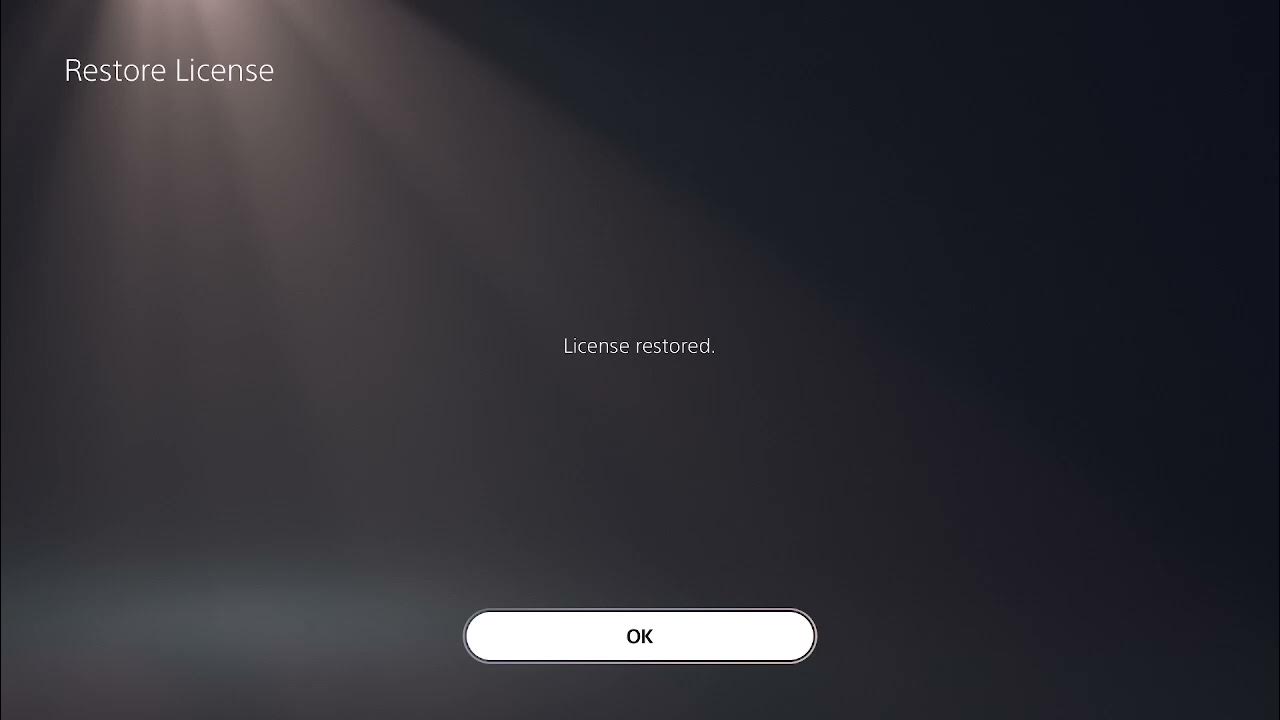
Important 2026 update: Activision moved Black Ops 6 outside the main Call of Duty experience and made it a standalone title. Older BO6 files inside the Call of Duty experience were scheduled for automatic removal on July 7, 2026. That means your current menus may not look exactly like the older installation shown in the video. The license-restoration fix is still valid on PlayStation, but an outdated installation may need to be replaced with the standalone BO6 download.
What causes BO6 Dev Error 0xD8E46539?
Activision has not published a public definition for this exact error code. Based on the behavior demonstrated in the video, the successful reports from affected players, and Sony’s own license troubleshooting guidance, the error commonly appears when PlayStation cannot correctly validate the game license or when the installed BO6 content does not match what the game expects.
Because there is no official definition for the code, treat that explanation as the most likely diagnosis—not a confirmed technical description from Activision.
Fix 1: Restore the Black Ops 6 license on PS5
- Return to the PS5 Home screen.
- Highlight Call of Duty: Black Ops 6 without opening it.
- Press the controller’s Options button.
- Select Restore License.
- Select the BO6 license if prompted, confirm the restoration, and wait for it to finish.
- Launch Black Ops 6 and test it again.
If Restore License does not appear in the game’s Options menu, use the full PS5 settings path:
Settings → Users and Accounts → Other → Restore Licenses
Sony states that restoring licenses does not affect saved data. It is therefore a sensible first fix before deleting or reinstalling a large game.
Restore licenses on PS4
On PS4, open Settings → Account Management → Restore Licenses, then select Restore. When it completes, restart BO6.
Fix 2: Check the installed Black Ops 6 content
If restoring the license does not solve Dev Error 0xD8E46539, make sure the required BO6 components are installed. Depending on which Call of Duty installation you have, use one of these paths:
- From the PlayStation Home screen: Highlight the game, press Options, and open Manage Game Content. Install any missing BO6 component required for the mode you want to play.
- Inside Call of Duty: Open the game menu, select Manage Files, choose the appropriate game tile, and install the required content.
Do not install unrelated packs simply because they appear in the list. Confirm that the item is labeled for Black Ops 6 and for the mode you need, such as Multiplayer, Campaign, or Zombies.
Fix 3: Install the current standalone version of BO6
If you still have an older BO6 installation tied to the Call of Duty experience, download the current standalone version:
- Open the PlayStation Game Library.
- Go to Your Collection.
- Find Call of Duty: Black Ops 6.
- Select Download and allow the installation to finish completely.
You can also find BO6 in the PlayStation Store. If the store asks you to buy the game again even though you own it, switch to the primary account that purchased or redeemed the game, restore its licenses, and check the Library again.
Fix 4: Update the game and PlayStation system software
An outdated console or partially installed game update can leave the installation in an inconsistent state.
- Highlight BO6, press Options, and select Check for Update.
- On PS5, open Settings → System → System Software → System Software Update and Settings.
- Install every available update, restart the console, and test the game again.
Fix 5: Reinstall BO6 only as a last resort
If the license is restored, the proper content is present, and all updates are installed, remove and reinstall the current standalone BO6 title. Verify that cloud or console save synchronization has completed first. The initial license fix is much faster, so do not begin with a full reinstall.
Frequently asked questions
Will restoring PlayStation licenses delete my BO6 saves?
No. Sony specifically states that restoring licenses does not affect your data.
Why is Restore License missing from the Options menu?
Use the system-level PS5 path instead: Settings → Users and Accounts → Other → Restore Licenses. On PS4, use Settings → Account Management → Restore Licenses.
What if Black Ops 6 says content is missing?
Check Manage Game Content or the in-game Manage Files menu and install the BO6 pack required for the mode you are launching. If you have an older Call of Duty HQ installation, download the current standalone BO6 version.
Does this fix work on Xbox or PC?
The PlayStation license-restoration steps do not apply to Xbox or PC. On those platforms, verify the installed BO6 components, install all platform and game updates, and repair or reinstall the game through the relevant launcher if necessary.
Optional storage note
Only consider a storage upgrade if PlayStation specifically reports that there is not enough free space to install the required BO6 files. Additional storage will not repair a license error by itself.
Affiliate disclosure: As an Amazon Associate I earn from qualifying purchases.
If lack of storage is blocking the required installation, you can view the WD_BLACK 2TB SN850P NVMe M.2 SSD for PS5 on Amazon. Confirm the current PS5 storage requirements and installation instructions before purchasing.
Optional PS5 accessories
- If the controller’s Options button is physically unreliable in other games and menus too, view the DualSense wireless controller on Amazon.
- For a compatible display setup, view the certified Silkland HDMI 2.1 cable on Amazon.
- For general game audio and voice chat, view this PS5-compatible wireless gaming headset on Amazon.
These are optional accessories. None will repair a BO6 license or installation error when the existing hardware works normally.