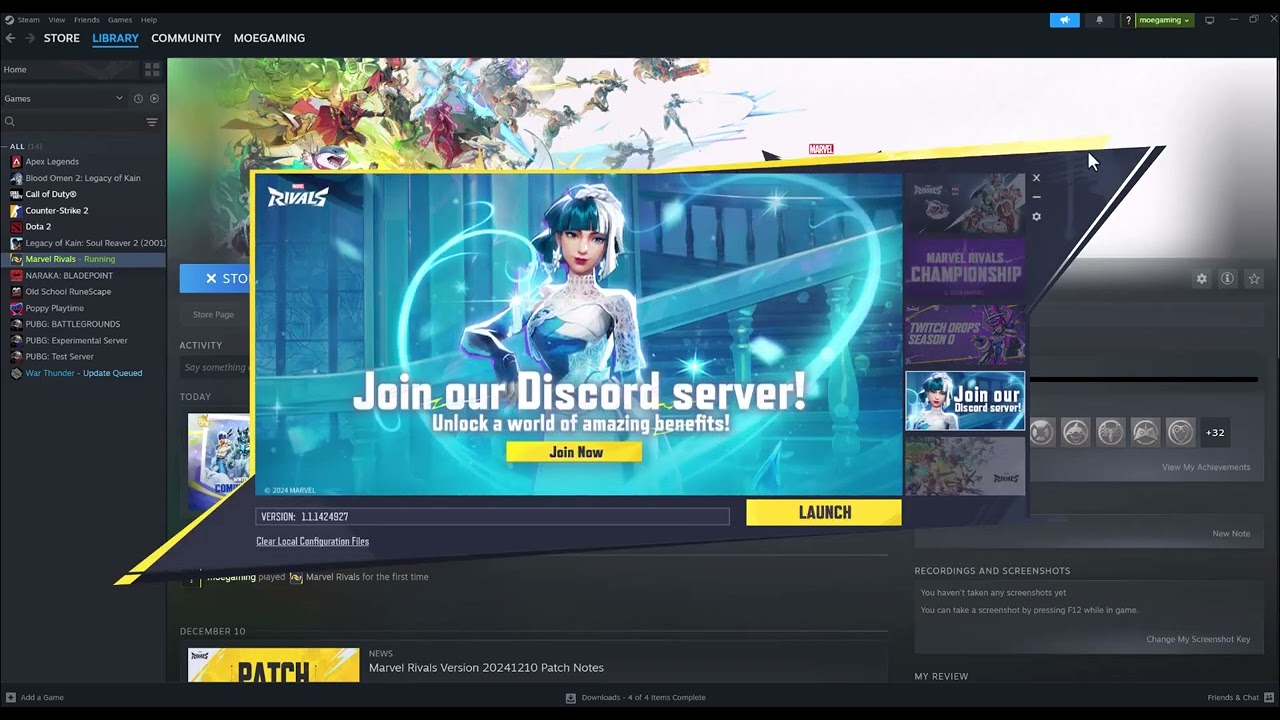
Quick answer: In the Marvel Rivals launcher, open the settings/cog menu and enable GPU Debug Mode. On current builds, also try Switch Shader Compilation Mode. Verify files and install the latest supported GPU driver before testing again.
Before you start
- Update Marvel Rivals and its launcher.
- Close GPU overclocking and overlay tools.
- Identify your GPU and, for Intel systems, your CPU generation.
Fix the shader-compilation crash
- Enable GPU Debug Mode. Open the launcher settings before selecting Launch, enable GPU Debug Mode, and start the game.
- Try Switch Shader Compilation Mode. Marvel Rivals added this launcher option to reduce shader-related crashes on affected systems.
- Verify installed files. In Steam, open Properties → Installed Files → Verify integrity of game files.
- Update the GPU driver. Download it from NVIDIA, AMD, or Intel’s official site, then restart Windows.
- Clear the GPU shader cache only if the official debug guide calls for it. Rebuilding the cache may make the next launch take longer.
- Check Intel 13th/14th-generation CPU guidance. Marvel Rivals documents a separate stability path for affected Intel processors.
- Collect crash information for support. GPU Debug Mode helps produce diagnostic data if the crash happens again.
Why this works
Shader compilation stresses the graphics driver, cache and CPU. Marvel Rivals’ official debug and alternate compilation modes change how that work is performed and improve the diagnostic data available to support.
Alternatives
- Return GPU and CPU overclocks to defaults.
- Close other overlays and hardware-monitoring tools.
- Use the official Intel CPU crash guide if its symptoms match your system.
Warnings and reversibility
The video also suggests an unspecified launch option plus Windows 7/8 compatibility and permanent administrator mode. Because the launch string is not visible in the captions and those compatibility changes are not part of the current official shader-crash guidance, this article omits them. GPU Debug Mode and Switch Shader Compilation Mode can be switched off in the launcher after testing.
FAQ
Is GPU Debug Mode only for collecting logs?
Marvel Rivals says it can help with continued crashes and produces useful diagnostic information.
Why does the first launch take longer?
Rebuilding or switching shader compilation can require fresh shader work.
Should I use Windows 8 compatibility mode?
No—not unless current official support specifically asks for it.
Official references
- Marvel Rivals: Common technical issues
- Marvel Rivals: GPU Debug Mode guide
- Marvel Rivals: Intel CPU crash troubleshooting
- Steam Support: Verify integrity of game files
Source video
As an Amazon Associate I earn from qualifying purchases.