Quick answer: Turn the PS4 completely off, start it in Safe Mode, and try Rebuild Database. If the error remains, update the system software from Safe Mode. Treat Initialize PS4 or reinstalling system software as a final, data-erasing step—not as the first fix.
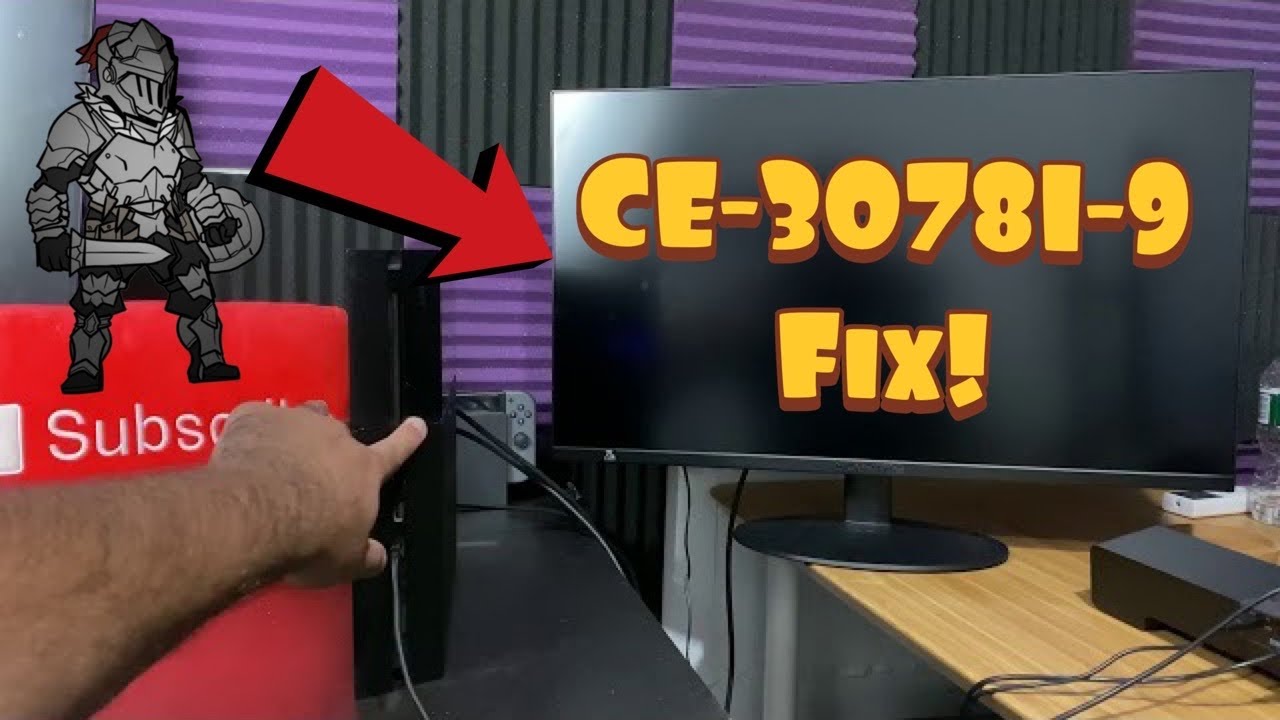
Before you start
- A USB data cable that can pair the DualShock 4 with the console; charge-only cables may not work in Safe Mode.
- Time for a database rebuild. The console can take longer than the initial estimate.
- A recent backup of irreplaceable save data before considering initialization.
- A USB drive and a computer only if the normal Safe Mode update cannot complete.
How to fix PS4 error CE-30781-9
- Restart normally once. Shut down the PS4 fully, unplug it for a minute, reconnect it, and try the action that produced the error again.
- Enter Safe Mode. With the console off, press and hold the power button. Release it after the second beep, then connect the controller with a USB data cable and press the PS button.
- Select Rebuild Database. This scans the drive and rebuilds the content index. It is designed to reorganize the database rather than erase installed games or saved data, but a backup is still sensible whenever storage may be unhealthy.
- Test the console. Let the rebuild finish without removing power. Start the PS4 normally and check whether CE-30781-9 returns.
- Update system software from Safe Mode. Return to Safe Mode, choose Update System Software, and try the internet option first. If that fails, follow Sony’s current USB update instructions exactly.
- Back up before any reset. If the console is usable, copy eligible saves to USB or cloud storage and record which account owns the games.
- Use initialization only as a last resort. Safe Mode options that initialize the PS4 erase user data. The reinstall-system-software option also removes the console firmware and requires the full reinstallation file. If storage errors continue after a clean reinstall, use PlayStation Repairs rather than repeatedly wiping the drive.
Why this can work
The video’s sequence targets two different failure points: a damaged or inconsistent content index and incomplete system software. Rebuild Database refreshes the index without starting with a factory reset. Updating system software replaces outdated system components. Neither step proves that the hard drive is healthy, so recurring errors, unusual drive noises, or repeated update failures deserve a hardware assessment.
Other safe options
- Disconnect nonessential USB accessories and external storage, then retry.
- Make sure the console has ventilation and is not losing power during updates.
- If the USB update is not recognized, recheck Sony’s folder names and filename instead of downloading firmware from a third-party site.
Warnings and how to undo changes
Do not select Initialize PS4 or Initialize PS4 (Reinstall System Software) until you accept that local users, settings, games, screenshots, and unsynced saves can be deleted. A database rebuild cannot be “undone,” but it does not intentionally delete user content. An initialization can only be recovered from a backup or cloud copy.
Source video
The video presents this as a community workaround. Sony does not currently publish a dedicated CE-30781-9 page, so the guide uses Sony’s documented Safe Mode behavior and does not promise that a rebuild or reinstall will repair failing hardware.
Frequently asked questions
Does Rebuild Database delete PS4 saves?
It is intended to rebuild the console’s content index, not erase user data. Because CE-30781-9 may appear alongside storage trouble, back up important data whenever the console still allows it.
Which Safe Mode update should I try?
Try the normal internet update first. Use Sony’s USB update method when the online update fails. Do not confuse the standard update file with the larger reinstallation file.
Should I replace the hard drive immediately?
No. Try the non-destructive recovery steps first. If the error repeatedly returns after a clean system-software installation, the drive disconnects, or the console cannot read storage reliably, contact PlayStation Repairs or a qualified technician.
Official references
Checked October 1, 2026.
As an Amazon Associate I earn from qualifying purchases.