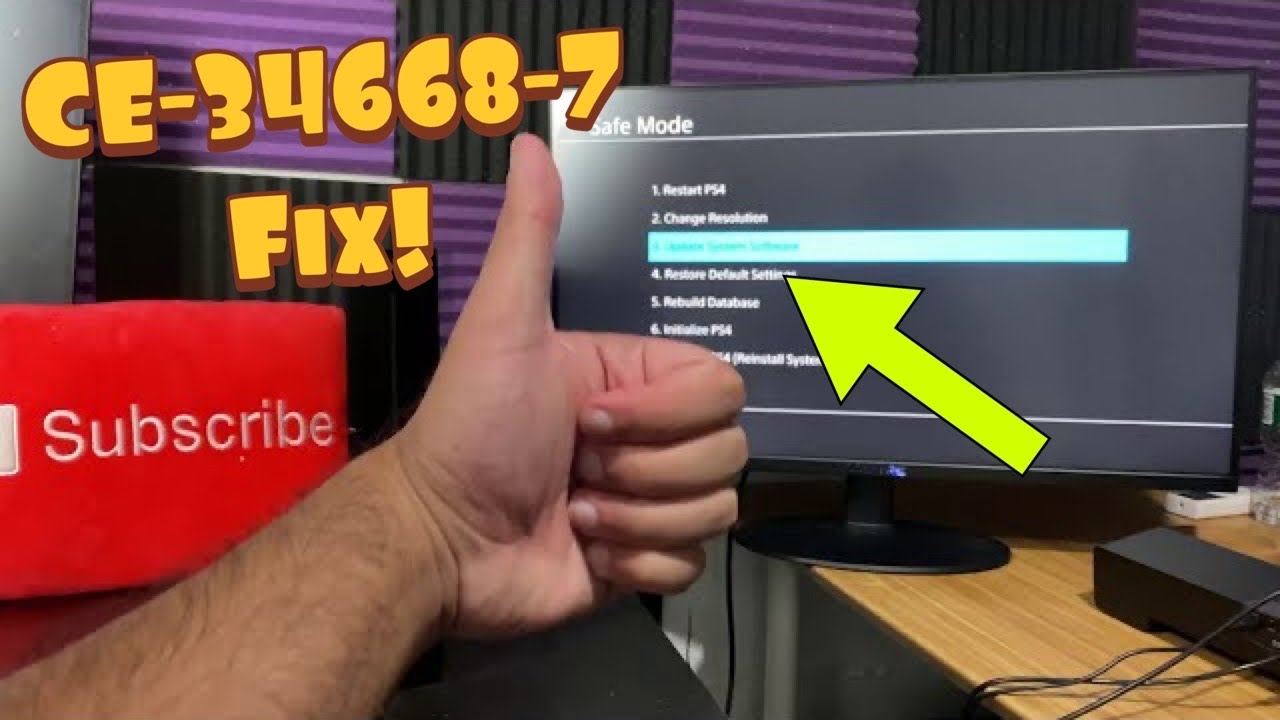
Quick answer: Start with a full restart and a normal system-software update. If CE-34668-7 returns, use PS4 Safe Mode to update system software, then try Rebuild Database. Initialization or a system-software reinstall is a data-erasing last resort only.
Before you start
- A DUALSHOCK 4 and data-capable USB cable
- A stable internet connection or FAT32/exFAT USB drive for a manual update
- A backup of saves and captures before any initialization step
Steps to fix the error
- Power-cycle the PS4. Turn the PS4 fully off, unplug it for about one minute, reconnect it, and start normally.
- Remove a failed update download. If you can reach the home screen, open Notifications, highlight the failed update, press OPTIONS, delete it, then use Settings > System Software Update.
- Start Safe Mode. Turn the console off. Hold the power button until the second beep, connect the controller by USB, and press the PS button.
- Update System Software. Choose Safe Mode option 3. Try the internet method first. For USB, use Sony’s current folder and file-name instructions exactly.
- Rebuild Database. If the update completes but CE-34668-7 returns, reopen Safe Mode and choose Rebuild Database. This rescans storage and does not intentionally erase user data, although a backup is still wise.
- Escalate without guessing. If the console cannot update or rebuild reliably, use PlayStation Repairs. Treat Initialize PS4 and Reinstall System Software as last resorts after a verified backup.
Why this works
A failed update or inconsistent storage index can stop the PS4 from loading data correctly. Updating the firmware and rebuilding the database address those layers before any destructive reset.
Safe alternatives
- Disconnect nonessential USB storage and test the console’s internal storage only.
- If a USB update is not recognized, recheck FAT32/exFAT format plus uppercase PS4/UPDATE folders and PS4UPDATE.PUP file name.
Warnings and limitations
YouTube captions remained unavailable after every required retry, so this guide does not reproduce undocumented narration. The safe sequence comes from current PlayStation Safe Mode and system-update instructions. Initialize PS4 and Reinstall System Software delete user data; do not choose them casually.
Frequently asked questions
Does Rebuild Database delete games?
PlayStation describes it as scanning the drive and recreating the content database; it is not the same as Initialize PS4.
What if the USB update is not recognized?
Check the drive format, folder names, and filename exactly as PlayStation specifies.
When should I request repair?
When updates and database rebuilding repeatedly fail, or storage errors return after a clean update.
Official references
Source video
Checked against current PlayStation support guidance on September 18, 2026. The source video is supporting material; official instructions and the warnings above take priority.