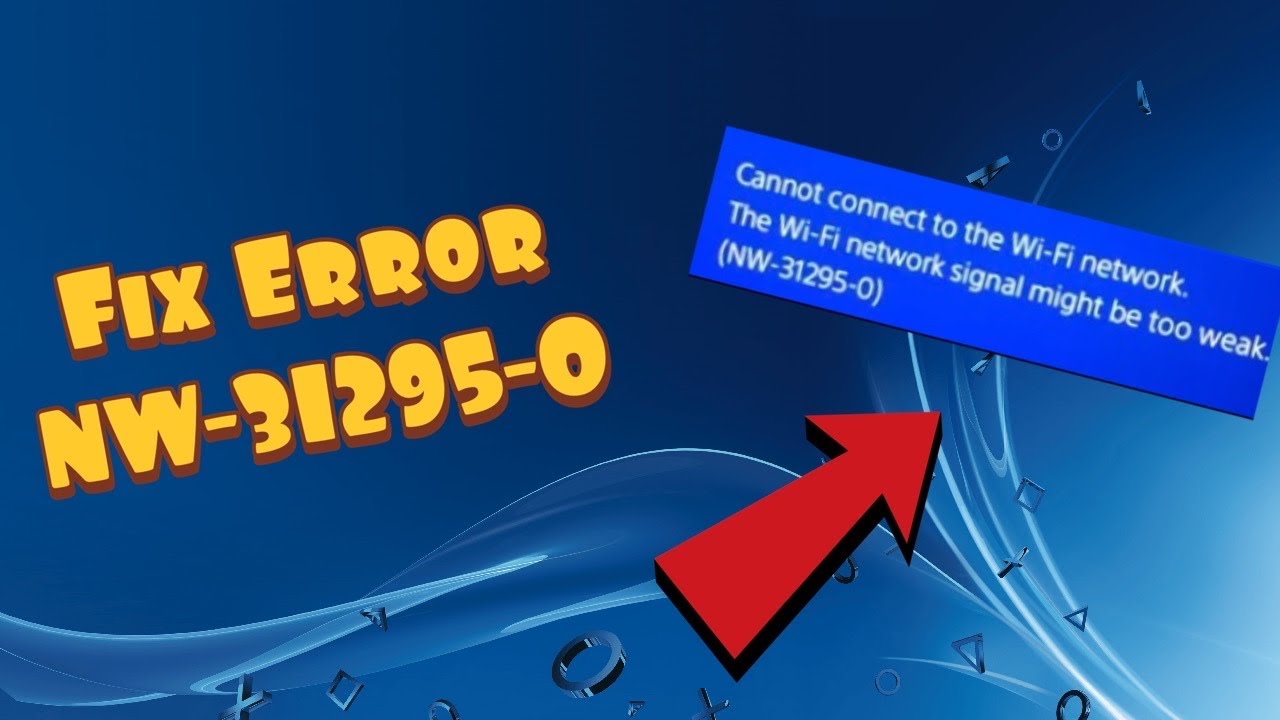
Quick answer: PlayStation says NW-31295-0 means the PS4 cannot connect to Wi-Fi and its signal may be too weak. Run Settings > Network > Test Internet Connection, move PS4 and router closer with fewer obstacles, then power-cycle the modem/router and wait the five minutes specified by Sony before turning it back on. Ethernet is an alternative if Wi-Fi remains unreliable.
Before you start
Confirm the network name and password. A router restart will interrupt other household devices; coordinate it if someone is working online. The source video’s older Wi-Fi/network suggestions are not evidence that a license restore cures weak radio signal. Use Sony’s current NW-31295-0 code page as the main guide.
Numbered steps
- On the PS4 go to Settings > Network > Test Internet Connection. Note whether the console can see and join the Wi-Fi network.
- Move the PS4 nearer the router and remove obvious obstructions (cabinet walls, large metal objects) between them. Retest before buying new equipment.
- If the signal is still weak, turn off the modem or router, wait five minutes, and power it back on. Wait for network service to return, then test the PS4 again.
- Reconnect the PS4 to the correct home Wi-Fi with the correct password. If you have both 2.4 GHz and 5 GHz network names, test the one that offers better signal at the console’s location rather than assuming one band always wins.
- If convenient, connect PS4 to the router with Ethernet and retest. A successful wired test can help isolate Wi-Fi coverage or interference.
Why the fix works
NW-31295-0 concerns Wi-Fi association/signal, not necessarily PlayStation Network account authorization. Reducing distance and obstructions improves the radio link, and restarting network equipment can clear a temporary connection state. A wired test bypasses Wi-Fi to help identify where the issue resides.
Alternatives and warnings
If all other devices also lose Wi-Fi, contact your ISP or router vendor. If only the PS4 fails near the router, contact PlayStation hardware support. Do not turn off router security, use an open hotspot for account sign-in, or change unrelated PSN passwords. Undo: reconnect to your preferred Wi-Fi network after the test; unplug Ethernet if you were only using it diagnostically.
FAQ
Is NW-31295-0 a ban?
No; Sony describes a Wi-Fi connectivity failure.
Should I restore licenses?
Not for weak Wi-Fi. That feature addresses digital game entitlements, not radio signal.
Official references
Sony NW-31295-0 troubleshooting · PlayStation connectivity support.
Source video
Watch the original Moe Gaming demonstration below. The video is source material, while official references above govern current supported steps.
As an Amazon Associate I earn from qualifying purchases. This guide includes no product recommendations or affiliate purchase links.