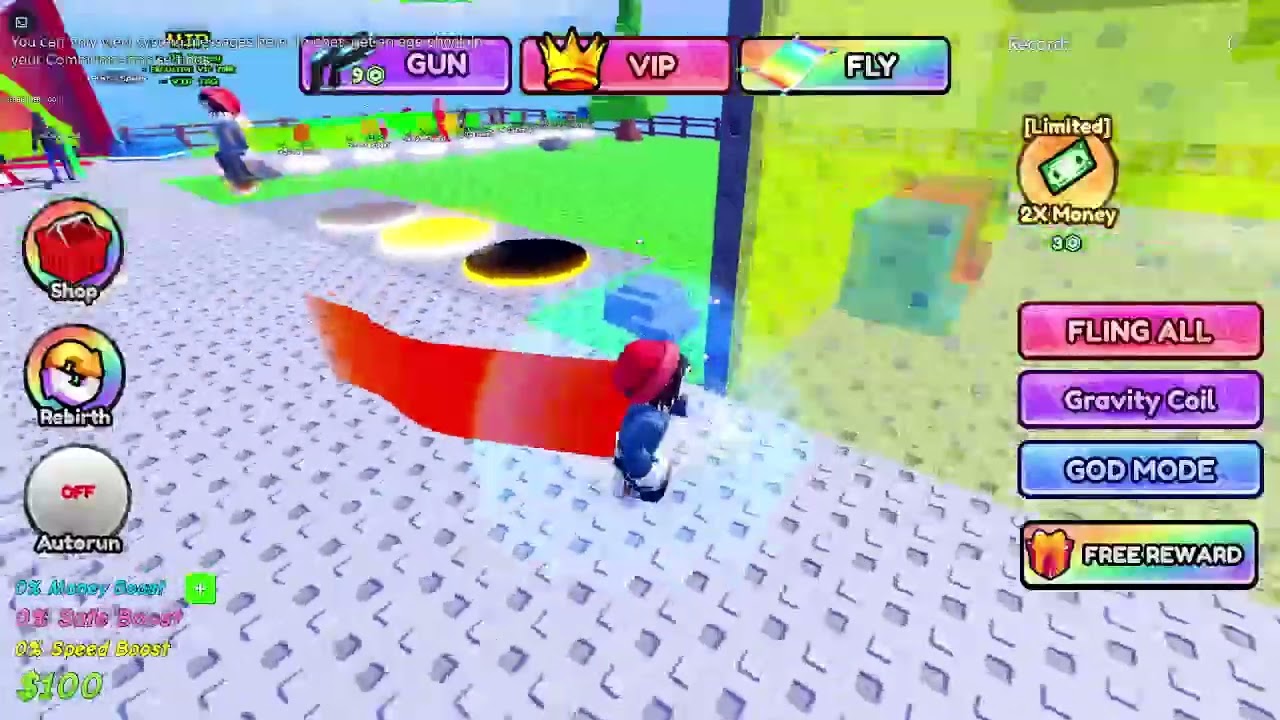
If Roblox shows “You can only view system messages here” or its text-chat box is locked or hidden, the account usually has not completed the required age check, communication is disabled in privacy or parental controls, or that experience does not allow chat for the account’s age group. Complete the official age check, review Communication settings, and then rejoin a chat-enabled experience.
Quick answer
- Open Roblox Settings > Account Info and review the account’s Age Group.
- Select Continue with selfie to complete facial age estimation; Roblox may offer ID verification as an alternative.
- Open Settings > Privacy & content restrictions > Communication > Experience chat.
- Enable the allowed chat option or have the linked parent approve it when required.
- Close and reopen Roblox, then test an experience that supports text chat.
Before you start
- Use only Roblox’s built-in age-check flow. Do not send identity documents or selfies to another player, creator, or unofficial website.
- Make sure the account’s birthday information is accurate.
- If the account is supervised, the linked parent may need to change the communication setting.
- Chat availability depends on age group, region, parental controls, and the individual experience.
How to fix locked or hidden text chat in Roblox
1. Read the message shown in the chat panel
If the panel says you can only view system messages and asks for an age check, the game is explaining an account eligibility requirement—not a controller or network failure. Reinstalling Roblox will not remove that requirement.
2. Complete the official Roblox age check
Open Settings > Account Info, find Age Group, and choose Continue with selfie. Follow the camera prompts. Roblox uses facial age estimation to place the account in an age group. If the estimate cannot be completed, the service may offer ID verification where available.
The original walkthrough demonstrates the selfie route; it does not require an ID when facial estimation succeeds.
3. Review Experience Chat permissions
After the age check, go to Settings > Privacy & content restrictions > Communication > Experience chat. Choose the option available for the verified age group. Roblox says chat cannot be enabled until the account completes an age check.
4. Ask the linked parent to approve communication when required
For supervised accounts, a parent may need to use Roblox parental controls. Current Roblox guidance says children ages 5–9 need parental consent for Experience Chat, and users under 16 need parental consent for Direct Chat. The available choices can also vary by region.
5. Rejoin a chat-enabled experience
Leave the current experience, close Roblox, reopen it, and join again. Open the in-experience menu or chat control. Some experiences disable chat completely or restrict it for specific age groups, so test another well-known chat-enabled experience before assuming the account setting failed.
6. Update Roblox and refresh the sign-in
If communication is enabled but the control still does not appear, install the latest Roblox update. Sign out, restart the device, and sign back in so the new account eligibility and privacy settings are loaded.
7. Check for account restrictions and regional limits
Review Privacy & content restrictions for stricter content maturity or communication limits. If the expected option is absent after a successful age check, consult Roblox Support. Availability may depend on the account’s region and age group.
Why these fixes work
Roblox now ties communication access to an age-checked account and the applicable privacy or parental-control policy. Completing the age check establishes the account’s age group; Communication settings determine what that group may use; rejoining forces the experience to load the current permissions. The experience itself still has the final ability to support or disable chat.
What not to do
- Do not enter a false birthday or use another person’s face or ID to bypass the age requirement.
- Do not send personal information to an unofficial “verification” page.
- Do not assume every Roblox experience supports text chat.
- Do not disable parental controls without the linked parent’s approval.
Frequently asked questions
Why can I see system messages but cannot type?
The experience can display system messages while player chat remains unavailable because of age-check, communication, parental, regional, or experience-level restrictions.
Do I need an ID to unlock Roblox chat?
Not always. Roblox offers facial age estimation through a selfie. ID verification may be offered as an alternative when available or when estimation cannot be completed.
Why is chat still missing after age verification?
Check Experience Chat permissions, parental controls, and regional eligibility. Then restart Roblox and test another experience that supports chat.
Can a game developer disable chat?
Yes. An individual experience may not enable text chat, or it may limit chat for particular age groups. Account permission does not force every experience to provide the feature.
Is voice chat the same as text chat?
No. Voice and text are separate communication features with their own eligibility and controls. Fixing Experience Chat does not automatically enable voice chat.