Quick answer: Xbox identifies error 0x87DD0019 as an Xbox service outage or a connection error. Check Xbox status first. If services are healthy, restart the console or PC and network equipment, then test the connection again.
Source note: The source video had no usable transcript after the required retries. Its visible title, description, and chapter cues were used only to identify the problem; the repair steps below were checked against current first-party support on September 29, 2026.
Before you start
- Do not change account credentials until Xbox status is normal.
- Check whether other devices can reach the internet.
- If you use Xbox on Windows, close the Xbox app and Microsoft Store before restarting.
Fix Xbox error 0x87DD0019
- Check Xbox status. Look for an incident affecting Account & profile, multiplayer, or the game you are opening. If an incident is active, wait and retry later.
- Retry the sign-in once. Return to the Home screen or close the Xbox app, wait a minute, and sign in again. Repeated rapid attempts will not fix an outage.
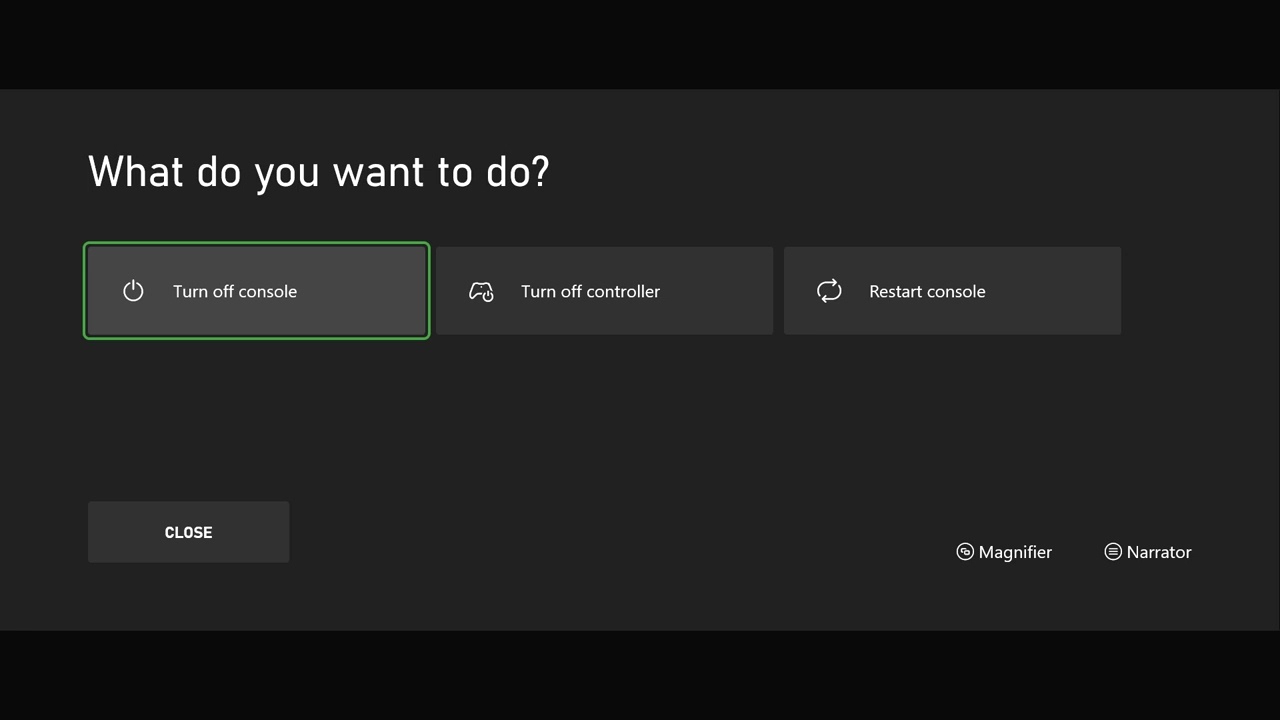
- Power-cycle the device. On console, hold the Xbox button and choose a full restart. On PC, restart Windows rather than only closing the app.
- Restart the network. Turn off the modem/router for about 30 seconds, restore it, wait for internet service, then reconnect the Xbox device.
- Run the network test. On Xbox console, open Settings > General > Network settings > Test network connection. Address any result shown there before retrying sign-in.
- Test Ethernet if available. A temporary wired test can reveal whether Wi-Fi interference is causing the connection error.
- On Windows, repair Gaming Services. Open the Xbox app Support area and run the Gaming Services Repair Tool if games and sign-in remain affected.
Why this works
The code does not identify a damaged game installation. It indicates that the device could not complete the online Xbox request. Status comes first because no local change can repair a service outage; restarts and the network test then clear temporary device, router, or app-session failures.
Alternatives
- Try another network, such as a trusted mobile hotspot, only as a short diagnostic test.
- If every device on the home connection fails, contact the ISP.
- If only one Xbox profile fails after services recover, use Xbox Support rather than deleting saved data.
Warnings
Do not factory-reset the console, delete your profile, or change router security settings for this code as a first response. Avoid public VPNs and third-party “network repair” tools. A temporary outage can resolve without any destructive action.
FAQ
Does 0x87DD0019 mean my account is banned?
No. Xbox describes it as a service outage or connection error, not an enforcement message.
Will reinstalling the game help?
Usually not, because the failure happens at the service or connection layer.
Can I play offline?
Only games and licenses already configured for offline use will work, and online features remain unavailable until the connection returns.
Official references
Source video
As an Amazon Associate I earn from qualifying purchases.