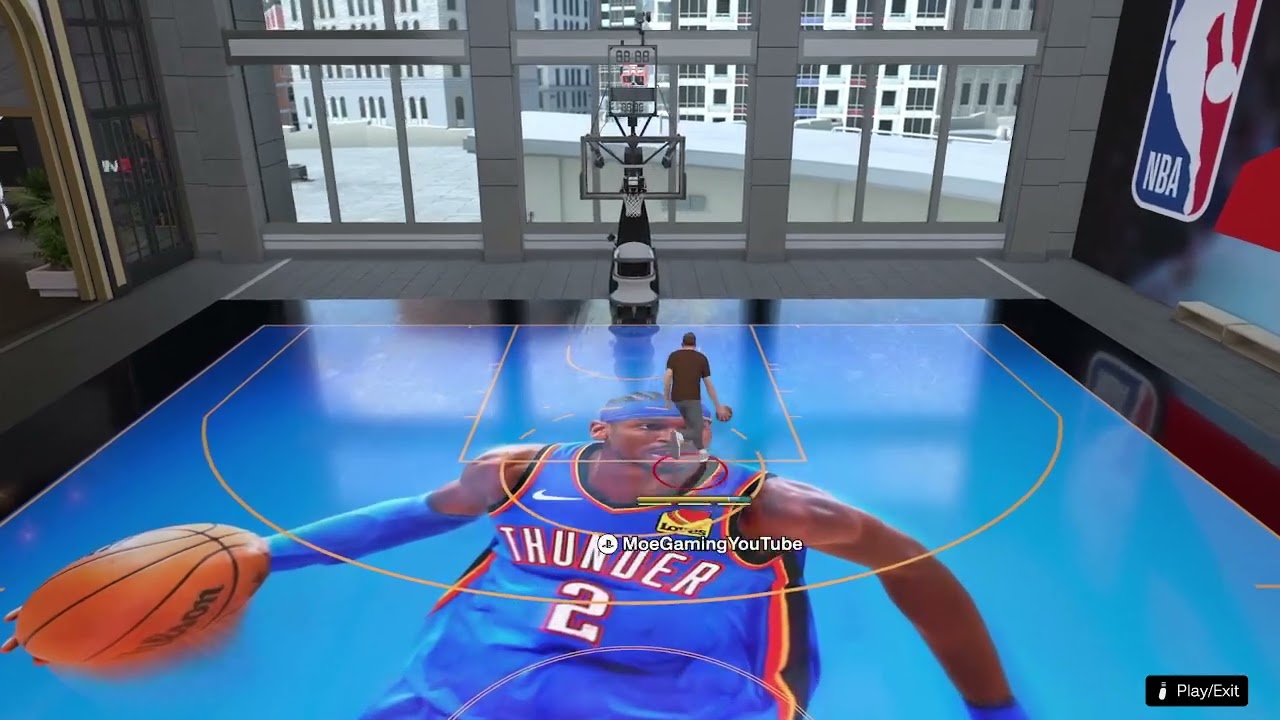
Quick answer: During an NBA 2K26 Park or outdoor-court game, press Right on the D-pad to open the camera selector. Choose a camera angle, adjust its available options, and return to play. The shortcut is video-derived and may only appear during live play or a stoppage in supported modes.
Before you start
- Enter a Park or City court game; the setting may not appear in every menu or game mode.
- Use a controller with a working D-pad.
- Wait for a safe moment or stoppage before opening the overlay.
Change the Park camera
- Start or join a Park game in NBA 2K26.
- Press Right on the D-pad.
- Use the on-screen camera selector to cycle through the available views.
- Highlight the angle you want to use.
- Adjust any options the selected angle offers, such as zoom or height.
- Close the overlay and play a possession to judge visibility.
- Repeat the shortcut if you want to compare another angle.
Why this works
NBA 2K uses contextual controls during games. The right-D-pad shortcut opens the camera overlay without requiring you to leave the court. Camera choices affect only your view; they do not change player attributes, shot timing, latency, or what opponents see.
If the D-pad shortcut does nothing
- Confirm you are already inside an active Park or supported court game.
- Try the shortcut during a dead ball or after the next possession begins.
- Close any Social, squad, or substitution overlay that may be using the D-pad.
- Test the D-pad in another game or the console’s accessory app.
- Restart NBA 2K26 and install any pending game or controller update.
- Check the normal controller-settings menu if a custom button layout is active.
Choosing a useful angle
A wider view helps you see cutters and weak-side defenders, while a closer view can make dribble and finishing animations easier to read. Try one change at a time and play several possessions before deciding. Competitive comfort matters more than copying another player’s exact zoom or height.
Warnings and how to undo the change
Opening the selector during live play can distract you, so wait for a stoppage when possible. To undo the change, press Right on the D-pad again and select your previous camera. Camera availability and saved preferences can vary by mode.
Frequently asked questions
Does the camera change affect other players?
No. It changes your local view only.
Why are some camera options missing?
NBA 2K can offer different camera presets in Park, MyCAREER, and traditional NBA games. Enter the intended mode before comparing options.
Will a wider camera reduce input delay?
No. Camera choice changes framing, not network latency or controller response.