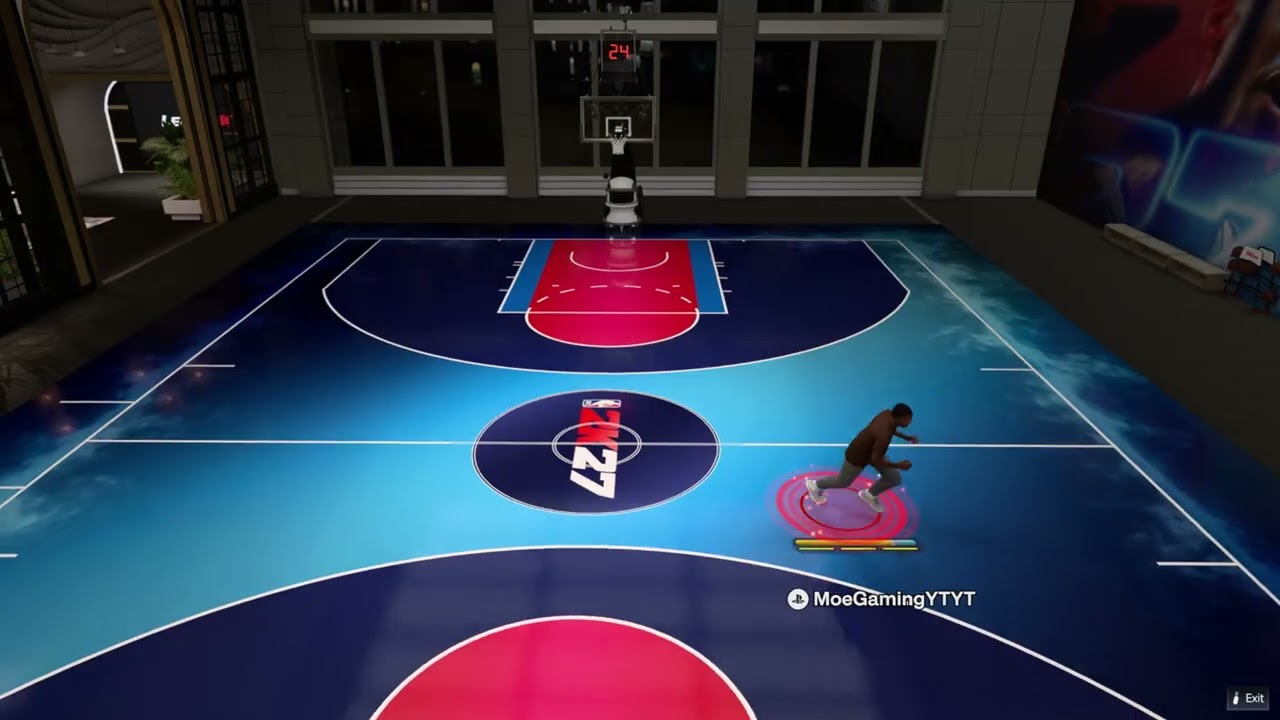
Quick answer: During a Park or court game, press D-pad Right to open Camera, use R1 or L1 to cycle views, and adjust zoom, height, key zoom, auto flip, and related options. To disable controller feedback from the main menu, open Features or the gear icon, choose Controller Settings, then turn Vibration Function and Trigger Effect off.
This guide combines the exact actions demonstrated in Moe Gaming’s source videos with current first-party support information. Menu names can move after updates, so use the current on-screen label when it differs slightly.
Before you start
- For camera changes, enter an active court or Park game; some options do not appear while walking around the City.
- For controller options, return to the main menu and locate Features or the settings gear.
- Write down the current values if you may want to restore them.
Change the camera during a game
- Press D-pad Right while the game is active.
- Use R1 and L1 to cycle through available views such as Drive, 2K Low, and 2K Legacy.
- Adjust Zoom and Height for the selected view.
- Review Key Zoom, Rev Angle, Auto Flip, Fixed Height, and Flip Style where available.
- Confirm the change or choose Reset to restore the preset.
Camera choices are context-sensitive. A view offered in an NBA game may differ from the Park or another online mode.
Choose a useful starting camera
- Try 2K or 2K Low for a broad half-court view.
- Use Drive if you prefer a closer angle behind the ball handler.
- Test Auto Flip in a low-pressure game; disable it only if the direction change is distracting.
- Change one setting at a time so you can identify what improved visibility.
There is no single competitive setting for every player. The useful view is the one that keeps teammates, defenders, and spacing readable without making movement disorienting.
Turn off vibration and adaptive trigger effects
- Return to the NBA 2K27 main menu.
- Open Features or the gear icon, then choose Controller Settings.
- Scroll to Vibration Function and set it to Off.
- Set Trigger Effect to Off if you also want to remove adaptive-trigger resistance.
- Back out normally so the game stores the changes.
The game-level settings affect NBA 2K27. If feedback continues in other games, adjust the console’s controller settings separately.
If the setting does not save
- Make the change from the main menu rather than during a temporary session.
- Close the menu normally and wait for any save indicator.
- Restart the game and recheck the setting.
- Confirm the correct PlayStation or Xbox profile is active.
Per-profile configuration may not carry to another console account or a different local settings file.
Why these steps work
The in-game camera menu changes presentation for the current gameplay context, while Controller Settings controls feedback effects. Keeping these two menus separate prevents players from searching system settings for a game-specific option.
Warnings and common mistakes
- Changing the camera during online play can briefly distract you; pause only in modes that actually allow it.
- Disabling vibration or trigger effects changes feedback, not network latency or stick responsiveness.
- Reset only the camera preset you intend to reset; do not erase saved data to fix a preference.
Relevant gaming gear
As an Amazon Associate I earn from qualifying purchases.
- DualSense wireless controller — optional equipment; buy only if it fits the specific setup described above.
- PlayStation controller thumbstick caps — optional equipment; buy only if it fits the specific setup described above.
Watch the original Moe Gaming walkthroughs
Frequently asked questions
Why does D-pad Right do nothing in the City?
The detailed camera menu is intended for active gameplay contexts. Enter a Park or court game and try again.
Does turning off vibration reduce input delay?
It may change how the controller feels, but it is not a network or USB-latency fix. Use the separate controller-delay guide for connection troubleshooting.
What is the best NBA 2K27 camera?
2K and 2K Low are common starting points because they show spacing well, but preference depends on mode, display, and play style.