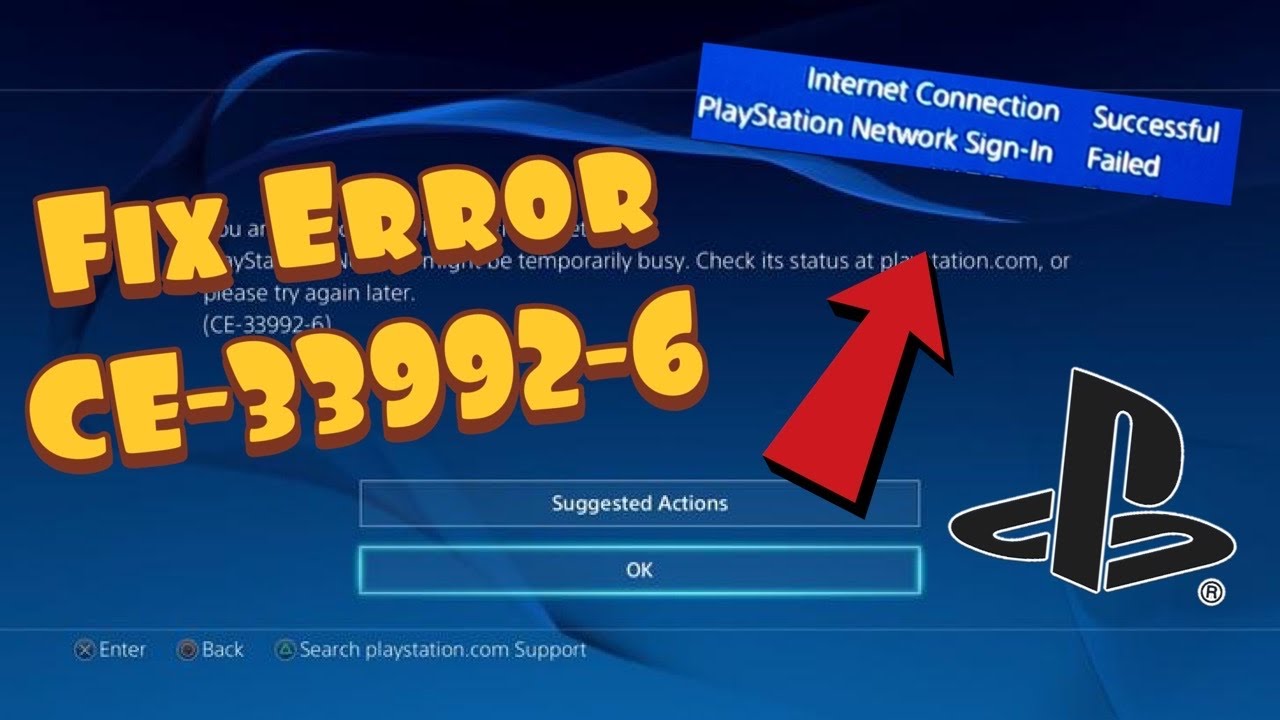
Quick answer: PlayStation identifies PS4 error CE-33992-6 as an internet connection test error. Check PSN status from another connected device. If PlayStation services are green, run Settings > Network > Test Internet Connection and investigate the home network; Sony recommends a connection with at least 5 Mbps download. Do not mistake a failing network test for proof that your PSN account is suspended.
Prerequisites
Have access to a phone or computer to view service status, know your Wi-Fi credentials if reconnecting, and note whether other devices on the same network can access PlayStation services. The Moe Gaming video addresses PSN sign-in symptoms; Sony’s current code page gives a more specific network-test diagnosis.
Step-by-step diagnosis
- On another internet-connected device open PlayStation Network status. If any relevant service is impaired, wait and retry after it recovers.
- On PS4 open Settings > Network > Test Internet Connection. Write down which stage fails—obtaining an IP address, internet access or PSN sign-in—rather than repeatedly changing every setting.
- If PSN is green but the internet test fails, restart the PS4 and your home modem/router using the manufacturer’s normal power procedure, then repeat the test. This briefly interrupts connectivity for everyone on that network, so choose an appropriate time.
- Try moving the PS4 closer to the router or, if convenient, Ethernet. Measure the download speed; Sony’s code-specific guidance suggests trying another network with 5 Mbps or better if your speeds are lower.
- If another adequate connection works, troubleshoot the original network or contact your ISP. If multiple networks fail while PSN is green, record the error and contact PlayStation support for account/console-specific help.
Why the order matters
A service outage and a local connectivity failure produce similar sign-in symptoms but require different responses. The PlayStation code page says to check service health before treating the home network as the cause. Temporary improvements after a router reboot do not establish that the console or account was at fault.
Alternatives and warnings
Do not factory-reset your PS4, open router ports, or disable its firewall merely because the code appears. Those are broader, riskier changes and not part of Sony’s short code-specific sequence. Undo: if you tested a different Wi-Fi network, reconnect to your usual one once its connection has recovered; an Ethernet test can simply be disconnected.
FAQ
Does CE-33992-6 mean I am banned?
No. Sony defines it as an internet connection test error.
What if PSN is down?
Wait until service status recovers before troubleshooting the router.
Official references
Sony CE-33992-6 guidance · Live PSN status.
Source video
Watch the original Moe Gaming demonstration below. The video is source material, while official references above govern current supported steps.
As an Amazon Associate I earn from qualifying purchases. This guide includes no product recommendations or affiliate purchase links.