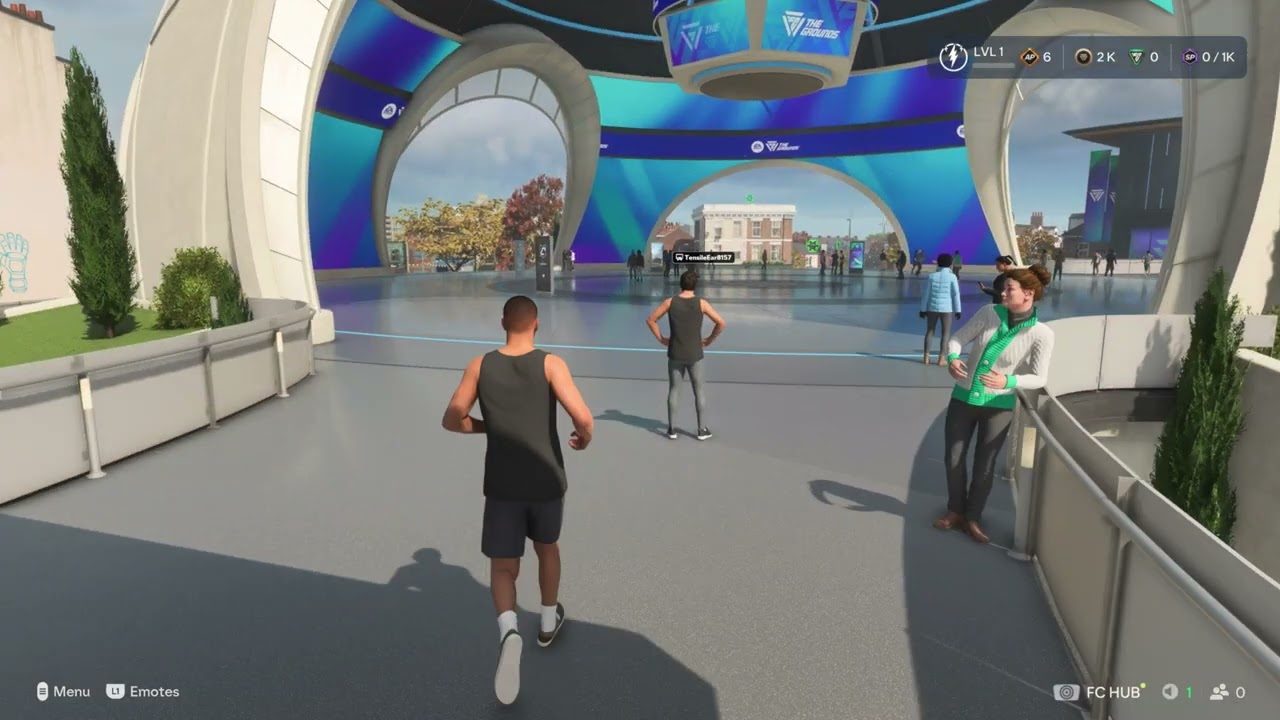
Quick answer: Open EA Connect from FC 27 to search for friends by EA ID or platform username, manage requests, and reach the crossplay control. For harassment, cheating, or unsafe behavior, report the player from the in-game interaction when possible; EA says an in-game report captures useful investigation data automatically.
Before you start
- Make sure the correct PlayStation, Xbox, Steam, Epic, or EA app account is linked to your EA Account.
- Ask your friend for the exact EA ID or platform username, including punctuation.
- Check platform privacy and parental-control settings if friend search or cross-platform play is unavailable.
- Do not share passwords, verification codes, or personal information with another player.
How to add a friend in FC 27
- From an FC 27 screen where EA Connect is available, open EA Connect. The source video uses the R2 shortcut on PlayStation.
- Open Player search or Add Friend.
- Enter the player’s EA ID or supported platform username.
- Select the correct profile and choose Add friend.
- Wait for the other player to accept the request, then reopen EA Connect to invite them.
EA’s current EA Connect guide confirms the Player search flow. If the result does not appear, check the spelling, ask which platform account is linked, and make sure neither account has blocked the other.
How to turn FC 27 crossplay on or off
- Open EA Connect in FC 27.
- Open the EA Connect options or settings menu.
- Select Crossplay.
- Turn crossplay On to allow supported cross-platform matchmaking, or Off to restrict matchmaking to your platform pool.
- Back out of the menu and start a new matchmaking search so the new setting is used.
The crossplay video shows this EA Connect route. Menu wording can change with an update. If you do not see the option, check FC 27 and platform updates, then confirm that your account is eligible for online communication and multiplayer.
Crossplay tradeoffs
- Turning crossplay off can reduce the number of available opponents and may increase search times.
- Turning it on expands the matchmaking pool but also means you may meet players using another supported platform.
- Crossplay does not override platform privacy, child-account, communication, or block-list settings.
- The Grounds crossplay support covers PC, PlayStation 5, and Xbox Series X|S. EA warns that grouping with players in another region can increase ping.
How to report a player
The report-player upload did not provide a usable caption transcript during repeated checks, so the steps here follow EA’s current official reporting process rather than guessing at an unseen menu.
Best option: report in the game
- Open the recent-player, match, squad, club, or social screen that shows the player.
- Select the player’s profile or interaction menu.
- Choose Report when available.
- Select the most accurate reason and submit the report once.
EA recommends in-game reporting because it can automatically include information needed for the investigation. Do not retaliate, threaten the player, or submit repeated reports for the same incident.
Report from the EA app
- Open the EA app and your Friends List.
- Use Add Friend to search for the player’s EA ID if they are not already visible.
- Open the player’s profile and choose the three-dot menu.
- Select Send Report.
- Choose the reason, identify where the incident happened, add concise factual details, and submit.
Why these steps work
EA Connect is the account-level social layer shared by supported EA games. Searching by EA ID avoids relying only on a platform friends list. The report flow sends the issue through EA’s safety system, while crossplay controls decide which supported platform pools can be included in matchmaking.
Alternatives and troubleshooting
- If EA Connect does not open, restart FC 27 and check EA service status.
- If a friend is missing, remove filters, confirm the EA ID, and review block lists on both EA and the platform.
- If invitations fail, both players should update the game, return to the same mode, and send a fresh invite.
- For immediate safety, block and mute the player in addition to reporting them.
Frequently asked questions
Does turning off crossplay improve connection quality?
Not automatically. Ping, packet loss, jitter, home-network conditions, ISP routing, and the selected data center all matter. Crossplay only changes the eligible platform pool.
Can I report someone who is not on my friends list?
Yes. Use the in-game recent-player or match flow when available. The EA app can also search by EA ID.
Why can’t I find my friend?
The most common causes are an incorrect EA ID, an unlinked platform account, privacy restrictions, a block, or a service problem.
More FC 27 help
Official references
- EA: Use EA Connect and add friends
- EA: Report players
- EA: FC 27 The Grounds connection and crossplay