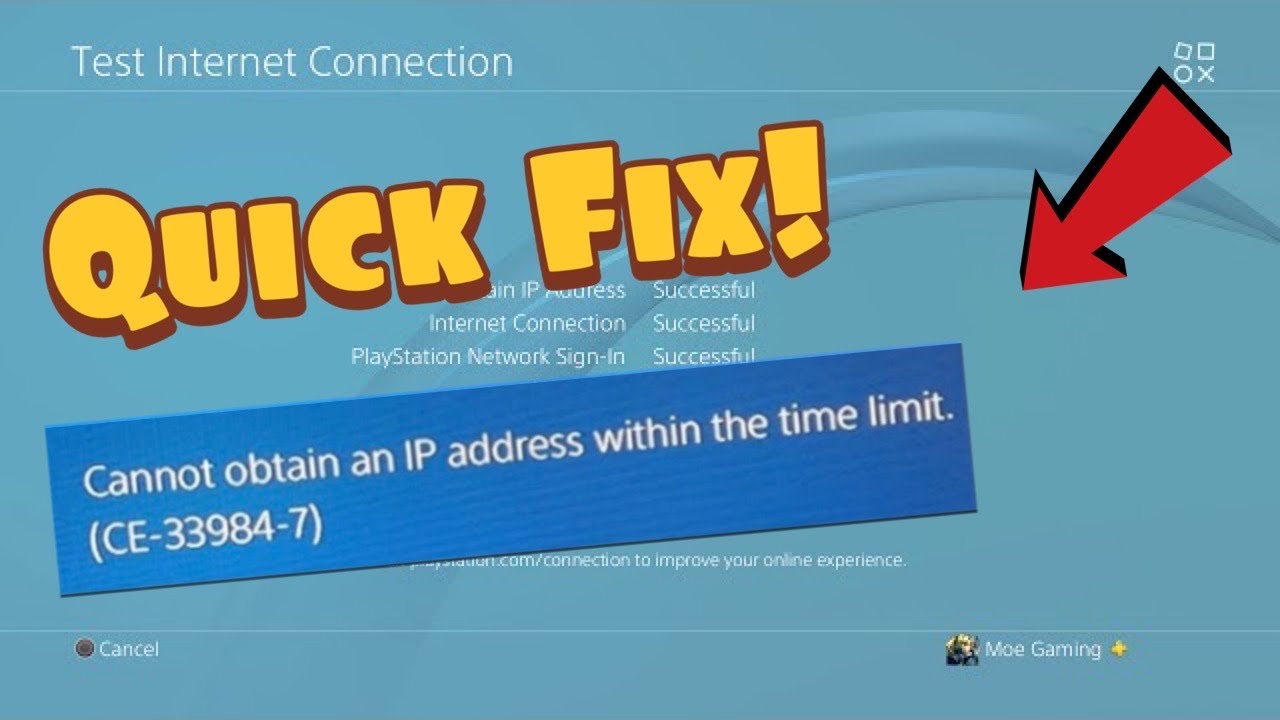
Quick answer: PS4 error CE-33984-7 means the connection test timed out while trying to obtain an IP address. Test the connection, restart the PS4 and router, move closer to the Wi-Fi access point, or use Ethernet. Recreate the connection with automatic IP settings before trying manual DNS or a static address.
Before you start
- Know the Wi-Fi password.
- Confirm other devices can connect to the same router.
- Use an Ethernet cable if available.
- Do not factory-reset the router unless your internet provider directs you to do so.
How to fix CE-33984-7
- Run the PS4 connection test. Open Settings > Network > Test Internet Connection. Note whether the failure occurs at Obtain IP Address or Internet Connection.
- Restart the PS4. Use Power > Restart PS4, not Rest Mode.
- Power-cycle the network. Turn off the modem and router, wait at least five minutes, then power them back on. Wait until the connection lights stabilize.
- Rebuild the connection. Go to Settings > Network > Set Up Internet Connection. Select Easy so DHCP supplies the IP address automatically.
- Improve the signal. Move the PS4 and router closer together and remove large obstructions. If possible, switch to Ethernet for a clean diagnostic test.
- Check router capacity. Pause large downloads and disconnect unused devices temporarily. Confirm DHCP is enabled and has addresses available.
- Try manual DNS only as an optional test. The source video demonstrates Custom settings with manual DNS. This can help name resolution, but it does not repair a failed DHCP lease. Record the current settings so you can return DNS to Automatic.
Why this works
The router normally assigns the PS4 an IP address through DHCP. CE-33984-7 appears when that exchange does not finish in time. Restarting both ends clears stale leases, while Ethernet and closer Wi-Fi reduce packet loss during negotiation.
Alternatives
- Test a phone hotspot briefly to distinguish the console from the home network. Mobile data charges may apply.
- Update router firmware using the manufacturer’s instructions.
- Ask the internet provider to check DHCP, address exhaustion, or router faults.
- See our PS4 weak Wi-Fi guide if signal strength is low.
Warnings
A manual static IP must be outside the router’s conflicting address range and within the correct subnet. An incorrect address can break connectivity. Start with automatic IP settings, and undo custom DNS or IP values by recreating the connection with Easy settings.
Frequently asked questions
Is CE-33984-7 a DNS error?
Not primarily. The official description says the console timed out while obtaining an IP address. DNS changes are optional and should come after DHCP and signal checks.
Why does Ethernet help?
It removes Wi-Fi signal loss and interference, making the DHCP exchange more reliable.
Will forgetting the network delete game data?
No. It removes saved connection details, so you will need to enter the Wi-Fi password again.