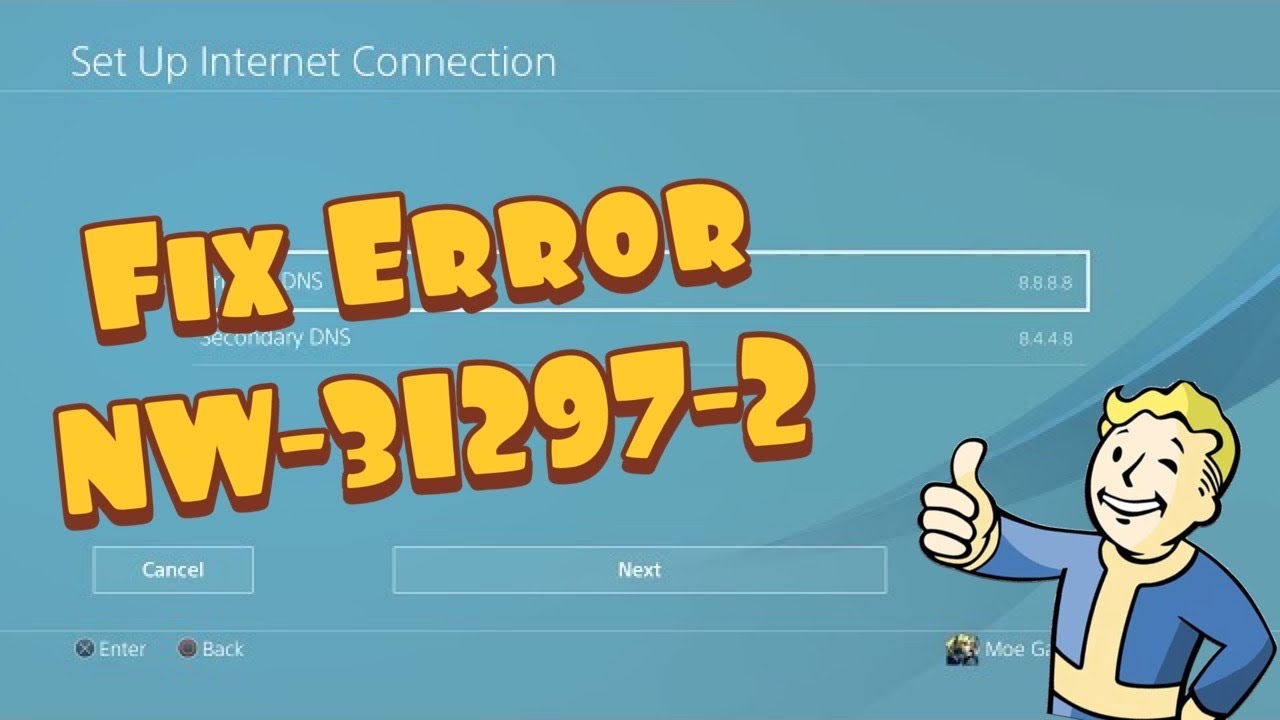
Quick answer: PS4 error NW-31297-2 means the console could not join the selected Wi-Fi network because the saved password is wrong or the wireless network is busy. Re-enter the Wi-Fi password first, then reduce wireless congestion and run the PS4 connection test.
Before you start
- Have the exact Wi-Fi name and password ready.
- Keep the PS4 close enough to the router for a stable signal.
- Do not factory-reset the router; this guide uses reversible network steps only.
How to fix PS4 error NW-31297-2
- Set up Wi-Fi again. Open Settings > Network > Set Up Internet Connection > Use Wi-Fi > Easy. Select your network and carefully enter its current password. Passwords are case-sensitive.
- Test the connection. Go to Settings > Network > Test Internet Connection. If IP Address and Internet Connection both succeed, the stored Wi-Fi details were the problem.
- Reduce wireless congestion. Pause large downloads and temporarily disconnect devices that are streaming or backing up data. Wait a few minutes and test again.
- Restart the connection safely. Fully shut down the PS4. Unplug the router’s power for about 30 seconds, reconnect it, wait until its internet light is stable, then start the PS4 and retry.
- Try the other Wi-Fi band. If your router exposes separate 2.4 GHz and 5 GHz names, try the other one. 2.4 GHz reaches farther; 5 GHz is usually faster at short range.
- Use Ethernet as a diagnostic. If available, connect the PS4 directly to the router and choose Use a LAN Cable. A working wired connection points to Wi-Fi password, range, or congestion rather than PSN.
Why these steps work
Sony identifies two common causes for NW-31297-2: an incorrectly stored Wi-Fi password and a busy wireless network. Recreating the connection replaces the saved credentials. Reducing traffic, changing bands, or testing Ethernet separates a Wi-Fi problem from a broader internet or PlayStation Network issue.
Alternatives if the error continues
- Check PlayStation Network status.
- Confirm another device can join the same Wi-Fi using the same password.
- Install current PS4 system software from Settings > System Software Update.
- Contact the internet provider if every device is dropping from Wi-Fi.
Warnings
Avoid changing advanced router security settings just to make the PS4 connect. Do not disable Wi-Fi encryption or expose the console through DMZ. If you temporarily change a band or network name for testing, restore the original setting afterward.
Frequently asked questions
Does NW-31297-2 mean PSN is down?
Not usually. The code specifically points to joining the local wireless network. Check PSN status only after the PS4 can obtain an IP address.
Will deleting the saved connection erase games?
No. Reconfiguring the network does not remove games, captures, or save data.
Should I use 2.4 GHz or 5 GHz?
Use 5 GHz near the router when the signal is strong. Use 2.4 GHz when walls or distance make 5 GHz unreliable.
Official references
Source video
Transcript note: YouTube captions were unavailable after repeated checks. The troubleshooting steps above follow current PlayStation guidance and use the source video only to identify the error scenario.
As an Amazon Associate I earn from qualifying purchases.