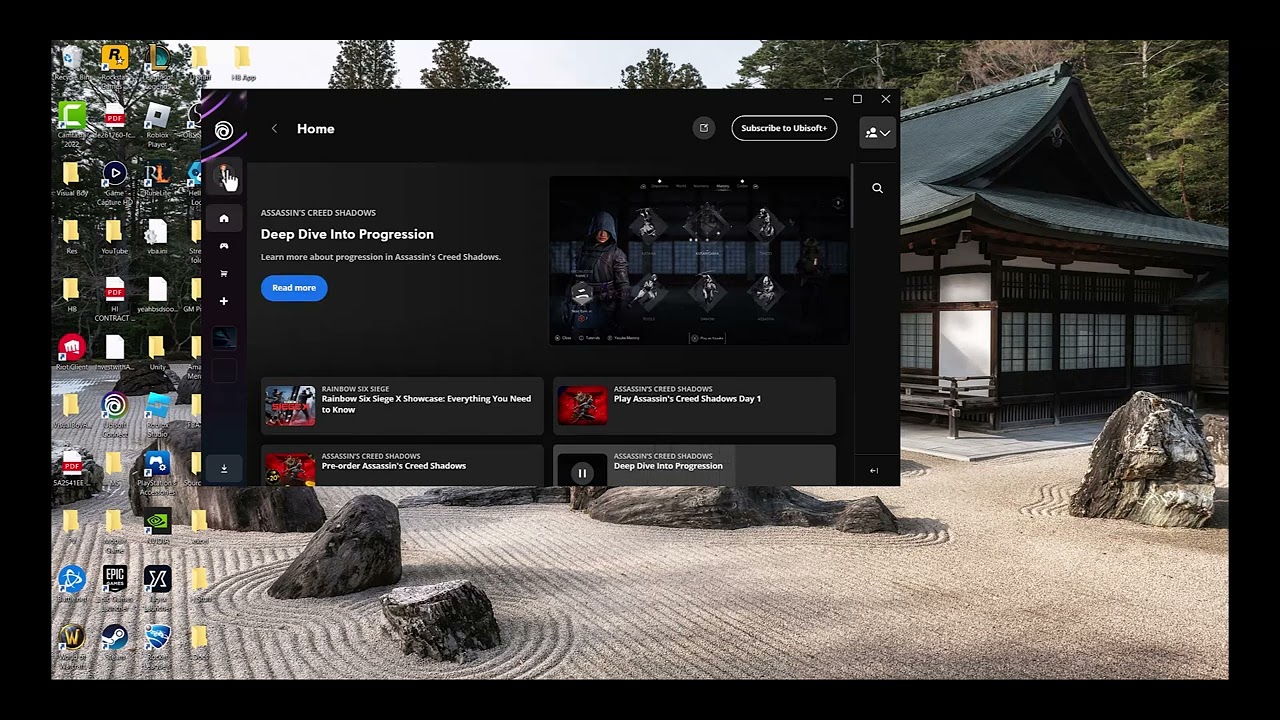
Quick answer: Open Ubisoft Connect PC, select your profile, open Settings → Interface, enable the in-game overlay/interface for supported games, then fully restart Ubisoft Connect and the game.
Before you start
- Install the current Ubisoft Connect PC client.
- Close the affected game before changing the overlay setting.
- Confirm the feature is supported by that game and platform.
Enable the Ubisoft Connect overlay
- Open Ubisoft Connect PC and sign in.
- Select the profile/menu control in the upper-left corner and open Settings.
- Open Interface.
- Enable the option for the in-game overlay/interface in supported games.
- Close Ubisoft Connect completely, including its system-tray process.
- Reopen Ubisoft Connect, launch the game through it, and test the overlay again.
Why this works
The overlay supplies Ubisoft Connect features inside supported games. If its interface toggle is off, the in-game button can appear unresponsive even while the launcher itself works. A full restart reloads the setting for the next game session.
Alternatives
- Update Ubisoft Connect and the game, then reboot Windows.
- Verify the game files through the launcher used to install the game.
- Temporarily close other overlays, such as Steam, Discord, or GPU overlays, to test for a conflict.
- Use Ubisoft Support if the overlay is enabled but fails in every supported title.
Warnings and reversibility
The video method is a simple, reversible setting change. Some games do not support every Ubisoft Connect overlay feature. To undo it, return to Settings → Interface and switch the overlay off.
FAQ
Why does it work in one game but not another?
Overlay support varies by title and platform.
Do I need to reinstall Ubisoft Connect?
Usually not. Enable the interface and restart first; reinstall only if Ubisoft Support recommends it.
Will disabling other overlays delete anything?
No. It is a temporary diagnostic step; turn them back on after testing.
Official references
- Ubisoft: Ubisoft Connect in-game services and overlay
- Ubisoft Help: Steam connectivity issue in Ubisoft Connect PC
Source video
As an Amazon Associate I earn from qualifying purchases.