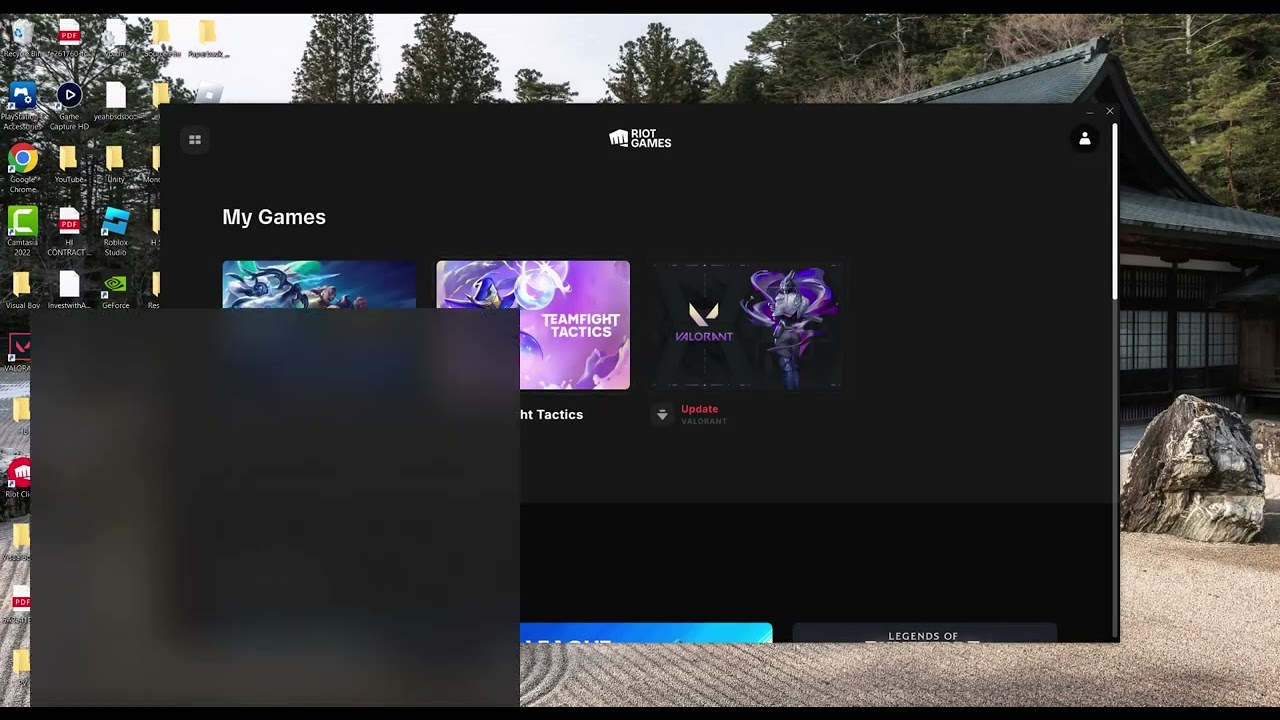
Quick answer: Check Riot’s service status first. If services are working, close Riot Client, flush the Windows DNS cache, try Riot’s public-DNS guidance, then restart the PC. Use Windows Network Reset only last because it removes and reinstalls network adapters.
Before you start
- Use a Windows administrator account.
- Save VPN, virtual-switch, and custom network settings.
- Know your Wi-Fi password and close Riot Client completely.
Fix the login-queue connection error
- Rule out an outage. Check Riot’s service-status page. A server-side login-queue incident cannot be repaired on your PC.
- Restart the client and network equipment. Exit Riot Client from the system tray, restart the PC, and power-cycle the router.
- Flush cached DNS records. Open Command Prompt as administrator, run
ipconfig /flushdns, then reopen Riot Client. - Try a public DNS server. Riot documents public DNS as a connection-quality option. In the active adapter’s IPv4 properties, enter a reputable provider’s preferred and alternate addresses. Record the original setting first so you can restore it.
- Use Windows Network Reset only if the earlier steps fail. In Windows 11, open Settings → Network & internet → Advanced network settings → Network reset, choose Reset now, and let the PC restart.
Why this works
The login queue depends on working routes and name resolution to Riot services. Flushing DNS removes stale lookups; changing DNS can bypass a problematic resolver. Network Reset restores adapters and their settings to defaults, which can clear broken stacks but is intentionally the last step.
Alternatives
- Disable a VPN or proxy temporarily and test again.
- Try Ethernet or a different trusted network to isolate the router or ISP.
- Use Riot’s connection troubleshooting and support ticket flow if only League remains affected.
Warnings and how to undo changes
A viewer reported losing internet access after Network Reset. Microsoft warns that VPN clients and virtual switches may need reinstallation. To undo a DNS change, return IPv4 DNS to Obtain DNS server address automatically. Reinstall or reconfigure VPN/virtual-network software if Network Reset removed it.
FAQ
Does this fix a Riot outage?
No. Wait for Riot to restore the service.
Is flushing DNS safe?
Yes; it clears cached name-resolution records and does not delete personal files.
Should Network Reset be the first step?
No. Microsoft treats it as a last resort because it removes adapters and resets network settings.
Official references
- Riot Games: Public DNS and connection quality
- Microsoft: Fix Ethernet connection problems and use Network Reset
- Microsoft Learn: ipconfig /flushdns
Source video
As an Amazon Associate I earn from qualifying purchases.