Windows exception 0xC0000005 means a program tried to read, write, or execute an invalid memory address. In games, the immediate cause can be damaged files, a bad mod, an overlay or security conflict, an unstable overclock, a driver problem, or a broader hardware fault. The code alone does not prove that RAM is defective.
Quick answer: Update the game and Windows, verify the game files, update the graphics driver from its manufacturer, remove mods and custom launch options, close overlays, and test CPU, GPU, and RAM at stock settings. Reinstall the game last. If unrelated apps also crash with 0xC0000005, investigate Windows or hardware rather than only the game.
Before you start
- Write down the game name, launcher, faulting module, and when the crash happens.
- Remove custom launch commands and disable mods before troubleshooting the base game.
- Restart Windows to finish any pending update.
- Back up local saves before a full uninstall if the game does not use cloud saves.
Fix 0xC0000005 in a game
- Update the game and launcher. Install the newest game patch and restart Steam, Epic Games, Battle.net, the Xbox app, or the publisher’s launcher.
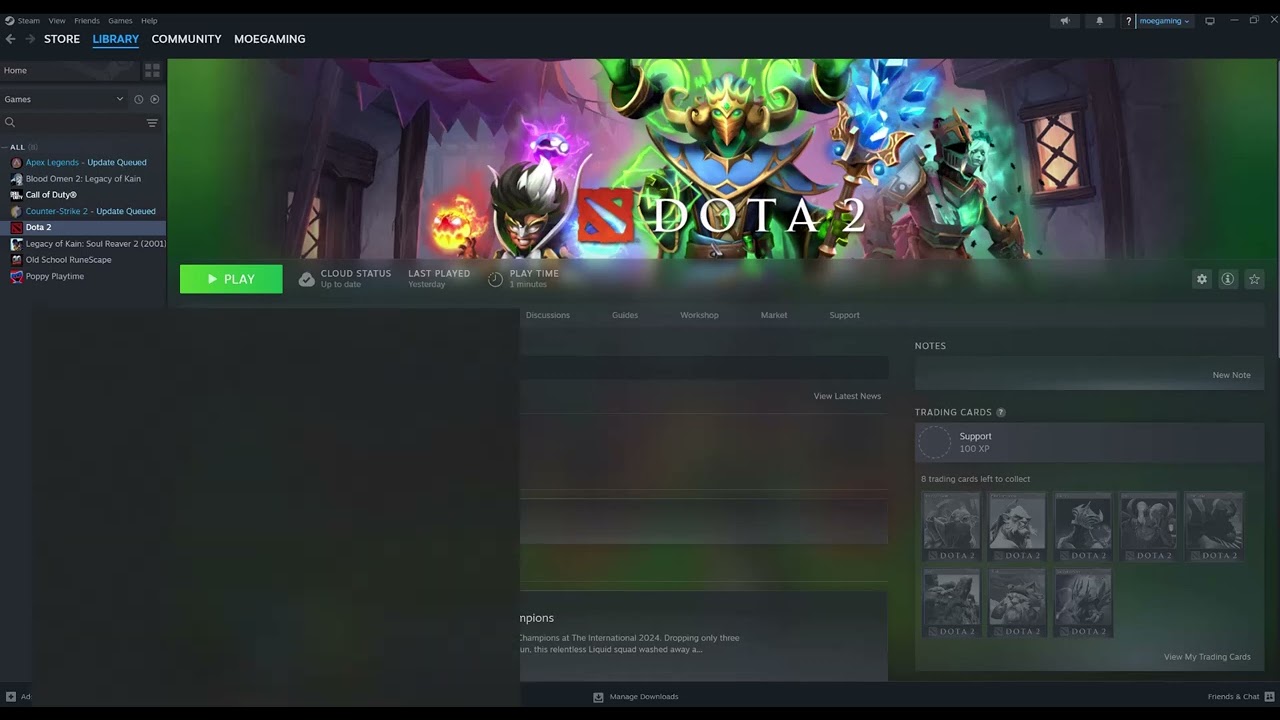
- Verify the game files. In Steam, right-click the game > Properties > Installed Files > Verify integrity of game files. Use the equivalent Repair or Verify option in another launcher. Let it reacquire damaged files before testing.
- Update Windows and the GPU driver. Install Windows updates, then download the correct driver through official NVIDIA, AMD, or Intel tools. Restart the PC after installation.
- Test without mods, overlays, and injectors. Temporarily remove game mods and close recording overlays, hardware monitors, RGB utilities, reshade tools, and other software that attaches to the game process.
- Return tuning to stock. Disable CPU or GPU overclocks, undervolts, and aggressive memory settings for the test. Access violations can appear when a workload exposes unstable memory or timing.
- Check free storage and security history. Make sure the game and Windows drives have working space. Review Windows Security protection history for a quarantined game file, but do not disable protection globally. Restore or allow a file only when the game publisher and digital signature confirm it is legitimate.
- Reinstall the game cleanly. Uninstall it through the launcher, restart Windows, and install a clean copy. Test before restoring mods or overlays.
If several programs crash with the same code
A game-only failure points first to that game, its files, or software around it. If browsers, productivity apps, and several games all log 0xC0000005, treat it as a system-wide stability issue. Install Windows and device updates, review Event Viewer for the faulting module, test at stock firmware settings, and use the PC or component manufacturer’s diagnostics. Persistent cross-application crashes may require professional hardware testing.
Why file verification helps
Game patches replace thousands of files. A failed download, antivirus quarantine, or disk interruption can leave one library or asset mismatched. Verification compares the local installation with the launcher’s known copy and downloads only what is missing or altered.
Warnings: avoid unsafe internet fixes
- Do not download individual DLL files from third-party sites.
- Do not disable Data Execution Prevention or antivirus protection globally.
- Do not apply random registry edits for a generic access-violation code.
- Do not assume replacing RAM is the first step when only one game crashes.
- For the matching Call of Duty crash, use our focused Black Ops 6 0x00001337 guide.
Frequently asked questions
Is 0xC0000005 a RAM error?
It can be related to unstable or faulty memory, but it also occurs when software accesses memory incorrectly. Test the game files and software environment first, then escalate if multiple applications fail.
Will reinstalling Windows fix it?
A clean Windows installation is a last resort, not the first fix. Isolate whether the crash is game-specific before taking that step.
Why does the error appear after an update?
The patch may have been interrupted, a mod may no longer match the game, or a driver/overlay conflict may surface with new code. Verify files and test the unmodified game.
Watch the source video
Official references
- Microsoft: Access Violation C0000005 explained
- Microsoft: Troubleshoot application crashing behavior
- Steam Support: Verify integrity of game files
- AMD official drivers and support
- NVIDIA official driver downloads
Affiliate disclosure: As an Amazon Associate I earn from qualifying purchases. No product was added here because the safe fixes do not require new hardware.