Quick answer: First separate network lag from low frame rate. If the network warning, rubber-banding, or disconnects affect Marvel Rivals, check official announcements and Xbox status, restart the game and console, test the Xbox connection, and try Ethernet. Clear an alternate MAC address or test manual DNS only after the basic checks.
Before you start
- An Xbox Series X or Series S with Marvel Rivals updated.
- Access to Settings and your current Wi-Fi password.
- An Ethernet cable if the console is close enough to the router.
- A note of any alternate MAC address your school, hotel, or managed network requires.
How to fix Marvel Rivals lag on Xbox
- Identify the symptom. Rubber-banding, teleporting players, network icons, and disconnects indicate connection trouble. Choppy animation without a network warning may be frame-rate or display performance and needs a different fix.
- Check for a service incident. Review Marvel Rivals official announcements and Xbox status. If many players are affected, local network changes will not repair the game service.
- Close and restart the game. Quit Marvel Rivals from the Guide so it does not resume from a suspended session, then restart the console.
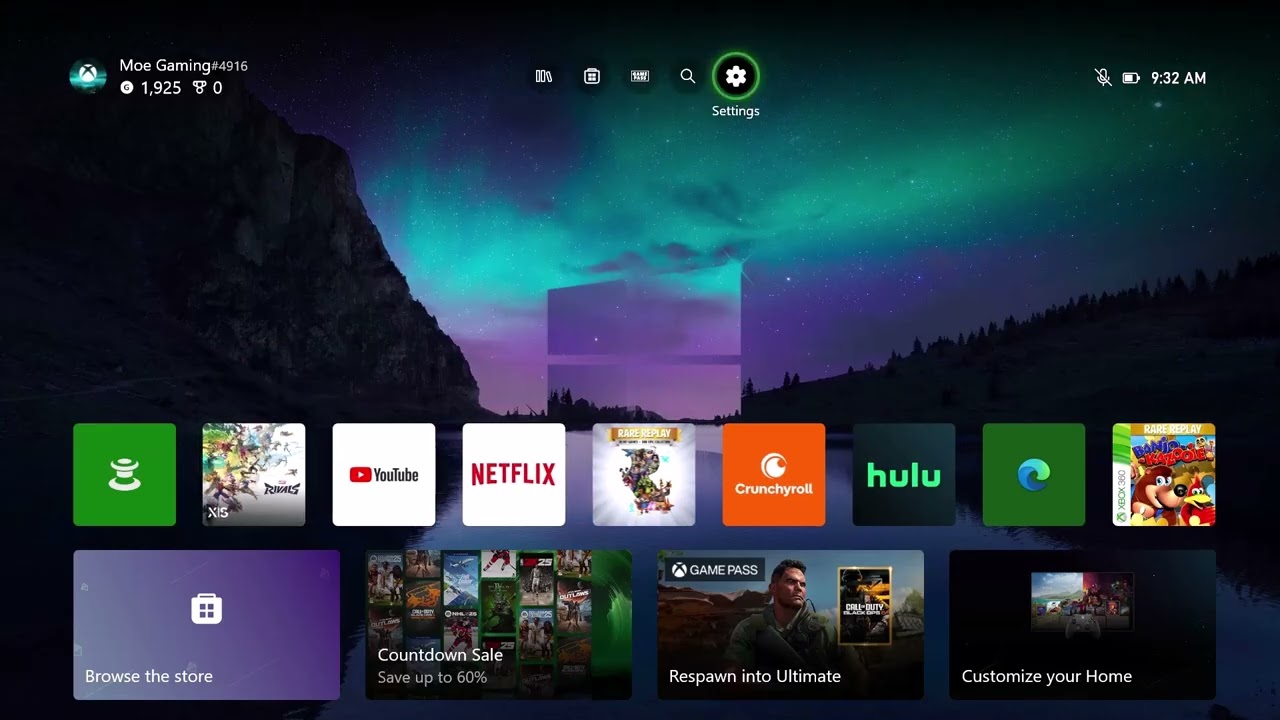
- Run Xbox network tests. Go to Settings > General > Network settings. Test the connection and review speed, latency, and packet loss. Packet loss is more important to real-time play than a large headline download speed.
- Power-cycle the network. Turn off the Xbox, unplug the modem and router for five minutes, reconnect them in order, and start the console when the network is fully online.
- Try Ethernet. A wired test removes Wi-Fi distance and interference. If Ethernet is smooth, improve router placement or use the less congested Wi-Fi band.
- Clear Alternate MAC address only if appropriate. In Advanced settings, open Alternate MAC address and select Clear, then let the console restart. If a managed network requires a custom value, record it first and re-enter it if connectivity is lost.
- Try DNS only as a comparison. Manual DNS can be tested with a reputable resolver. It will not fix overloaded match servers. Return DNS to Automatic if there is no measurable improvement.
Why these steps work
The sequence rules out a game outage, a stale console session, local packet loss, and Wi-Fi interference before changing advanced settings. Clearing Alternate MAC removes only an alternate override and restarts networking. DNS affects name lookup; it cannot remove physical signal problems or server congestion.
Other safe options
- Pause household cloud backups and large uploads during a match.
- Disable VPN or proxy routing on the home network for a clean comparison.
- Test another online Xbox game. If both lag, focus on the connection rather than reinstalling Marvel Rivals.
- If only one regional server is affected, wait and retry rather than repeatedly changing the console.
Warnings and how to undo changes
The source video promises that its settings will stop lag; no local setting can guarantee that. Clearing Alternate MAC can disrupt a network that intentionally uses a custom override, so record it first. To undo manual DNS, choose Automatic. Do not disable router security or expose the console through an unrestricted DMZ.
Source video
The alternate-MAC and DNS actions are unofficial, reversible diagnostics demonstrated by the video. The service and network checks follow current first-party guidance.
Frequently asked questions
Is every Marvel Rivals stutter caused by the network?
No. Network lag changes player positions or causes disconnects. Low frame rate affects animation and controller feel even when the network is stable.
Will Clear Alternate MAC delete games?
No. It clears the alternate network identifier and restarts the console. It does not uninstall games, but managed networks may require you to restore a custom value.
Why is my speed test fast while matches still lag?
Real-time games are sensitive to packet loss, latency variation, Wi-Fi interference, and server load. Raw download bandwidth is only one part of the path.
Official references
Checked October 1, 2026.
As an Amazon Associate I earn from qualifying purchases.