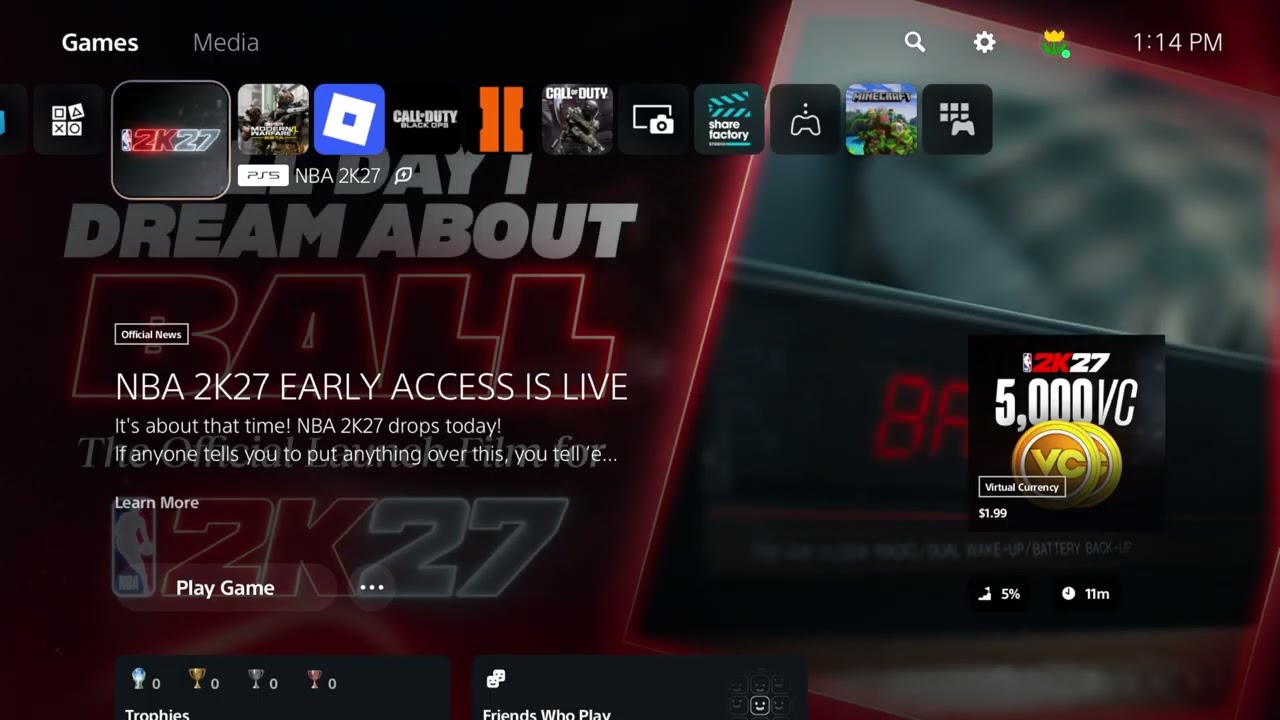
Quick answer: Check 2K server status first. If services are available, sign in to the 2K Account portal, complete every required profile field, verify the email address, and accept the current Terms of Service. On PS5, confirm PlayStation Network and multiplayer access, then restore licenses. Restart the game and network before trying manual DNS.
This guide combines the exact actions demonstrated in Moe Gaming’s source videos with current first-party support information. Menu names can move after updates, so use the current on-screen label when it differs slightly.
Before you start
- Write down the exact message and whether it appears at startup, while accepting terms, or only in MyCAREER.
- Confirm the game is connected to the intended 2K Account.
- Have access to the account email inbox and platform subscription details.
1. Check 2K and platform status
- Open 2K’s official server-status page.
- Check PlayStation Network or Xbox status.
- If there is an acknowledged incident, wait and retry later.
- Do not reinstall or overwrite saves during an outage.
Both messages can appear when the game cannot reach required online services, and a local fix cannot repair a service incident.
2. Verify the 2K Account and email
- Sign in to the official 2K Account portal.
- Complete every required profile field and verify the email address.
- Open any current Terms of Service prompt and accept it only on the official 2K site or in game.
- Return to NBA 2K27, sign out/in if offered, and retry.
2K’s current support guidance specifically connects account email verification with a server-unavailable error that occurs while accepting the Terms of Service.
3. Confirm online multiplayer access
- Make sure the console profile is permitted to use multiplayer and communications.
- Verify the required PlayStation Plus or Xbox subscription when the mode needs it.
- For a child account, review platform family controls and the linked 2K account permissions.
- Restart the console after changing permissions.
MyCAREER’s online features need both a valid 2K Account session and platform-level access.
4. Restore licenses on PS5
- Open Settings > Users and Accounts > Other > Restore Licenses.
- Choose Restore and wait for completion.
- Restart NBA 2K27 and retry the mode.
This corrects entitlement validation without deleting saved data, but it cannot fix a 2K outage or unverified account.
5. Test the local connection
- Restart the console and router.
- Use wired Ethernet if possible.
- Pause other downloads and reconnect NBA 2K27.
- Only if name resolution seems involved, test a reputable DNS service, then return to Automatic if it changes nothing.
Stable connectivity matters, but account verification and server status should be checked before changing network values.
Why these steps work
NBA 2K27 online access depends on several independent systems: 2K service availability, a complete and verified 2K Account, accepted legal terms, platform multiplayer permissions, entitlement, and the local connection. The order above targets the most authoritative cause first.
Warnings and common mistakes
- Do not share a 2K, PlayStation, Xbox, or email password with anyone offering to “fix” the account.
- Do not delete MyCAREER saved data for a server message.
- DNS changes do not verify an account or restore a down service.
Relevant gaming gear
As an Amazon Associate I earn from qualifying purchases.
- Cable Matters Cat 6 Ethernet cable — optional equipment; buy only if it fits the specific setup described above.
- PS5/PC-compatible wireless gaming headset — optional equipment; buy only if it fits the specific setup described above.
Watch the original Moe Gaming walkthroughs
Frequently asked questions
Why does the server-unavailable error appear while accepting terms?
2K’s current support article says an unverified account email can cause this flow to fail. Complete the 2K Account and verify its email.
Does MyCAREER require internet?
NBA 2K27 MyCAREER online features require a 2K Account and internet access, plus the platform’s required multiplayer access.
Will restoring licenses fix every server error?
No. It helps PlayStation entitlement problems but cannot repair 2K service incidents, account verification, or router instability.