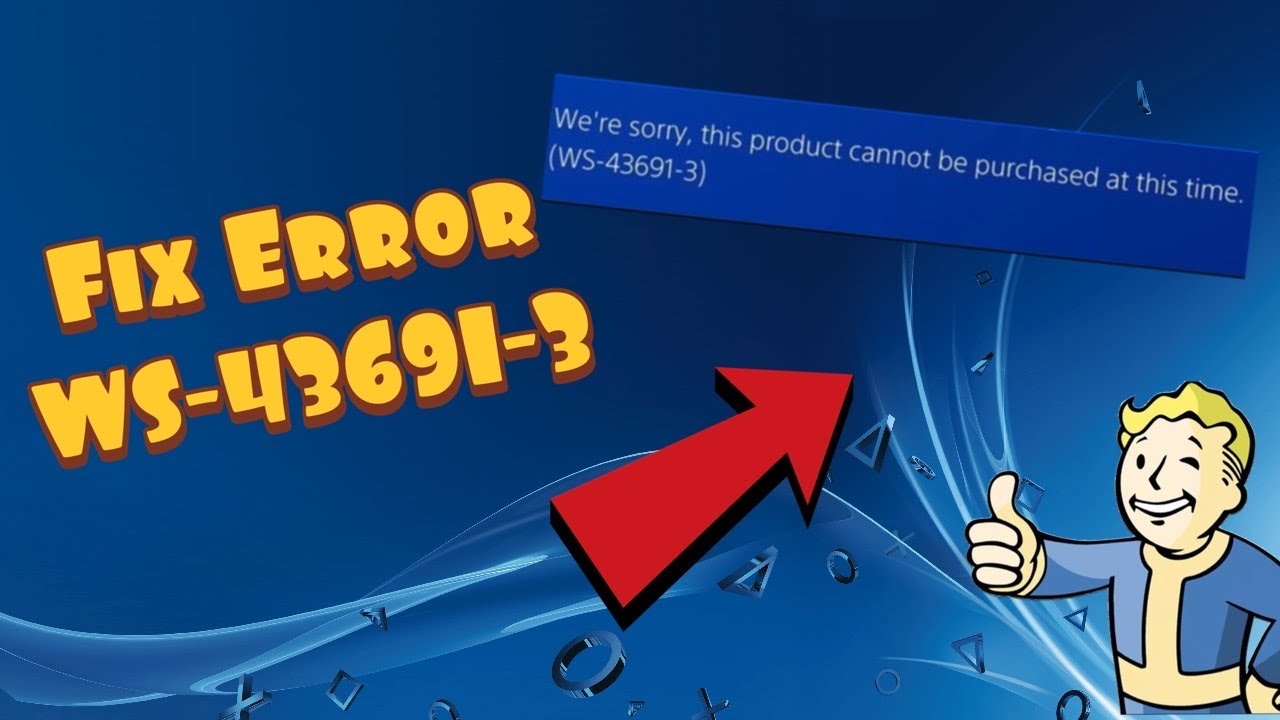
Quick answer: WS-43691-3 may appear in more than one PS4 Store situation, as the Moe Gaming source video describes. If a PlayStation Plus renewal fails, check your current membership and retry through the official PlayStation Store or app. If a game or add-on is locked or will not download, use Settings > Account Management > Restore Licenses on PS4, restart, and retry. A license restore does not extend a subscription or correct a payment failure.
Prerequisites
Use the PS4 account that owns the game or membership. Check PlayStation Network status and your existing subscription before attempting another purchase; avoid buying duplicate membership time simply to troubleshoot an error. The five-year-old video mentions historic pricing and third-party subscription codes—those details can change and are not necessary to follow this guide.
Follow the branch that matches your error
- Renewal branch: If the console says you already have an active membership, verify its renewal date in account subscriptions. Sign in to the official PlayStation Store in a browser or PlayStation app with the same account and check whether the renewal option is offered. Do not assume a promotional offer is available to existing members.
- If an official Store purchase also fails, check PlayStation status, payment method and wallet guidance through PlayStation Store support; pause instead of repeating charges. Contact PlayStation support for an account-specific billing error.
- Game/download branch: Confirm the product was purchased on this account and the membership (where applicable) is valid. On PS4 open Settings > Account Management > Restore Licenses > Restore; Sony says this does not affect saved data.
- Restart the console, sign back into the purchasing account if needed, then retry from the Library or Store. If the purchase or add-on is missing, check the product edition and your transaction history before buying anything again.
Why the steps differ
The video presents restoring licenses for download trouble and using another official PlayStation purchase surface for renewal trouble. Sony’s restore-license guide explicitly lists missing games/add-ons and locked games as uses; it does not say license restoration fixes all WS-43691-3 cases. Viewer feedback is mixed, with both successful restores and reports that the video workaround did not work.
Alternatives and warnings
For a persistent purchase issue, use PlayStation’s official billing support rather than unofficial resale-code workarounds. For a persistent download issue, verify the console is the primary PS4 for that owner if appropriate, then use PlayStation games support. Do not deactivate an account’s primary console simply because a comment suggests it; that can affect other users’ access.
FAQ
Will restoring licenses delete saves?
No, Sony says the restore does not affect your data.
Should I buy a PS Plus code to clear WS-43691-3?
Not as a troubleshooting prerequisite. Verify membership and account eligibility first.
Official references
Restore licenses · PlayStation Store support · PSN status.
Source video
Watch the original Moe Gaming demonstration below. The video is source material, while official references above govern current supported steps.
As an Amazon Associate I earn from qualifying purchases. This guide includes no product recommendations or affiliate purchase links.