Quick answer: Error WS-116331-5 means access to PlayStation has been temporarily suspended. Test sign-in on a PC or phone, check the email sent to your sign-in ID, and wait until the stated end time. An appeal is not available for every suspension, so use only the official PlayStation process shown for your case.
Before you start
- Use the email address registered as your PlayStation sign-in ID.
- Check spam and junk folders for a PlayStation Safety notice.
- Do not pay anyone who claims they can remove a suspension.
Resolve WS-116331-5
- Try signing in on another device. Use official PlayStation Account Management on a phone or PC. If that also fails, the issue is account-level rather than a PS5 network fault.
- Read the suspension email. Confirm the reason, duration, and any instructions. Temporary suspensions normally end automatically at the listed time.
- Secure the account if activity is unfamiliar. Change the password through PlayStation, review signed-in devices, and enable two-step verification after account access returns.
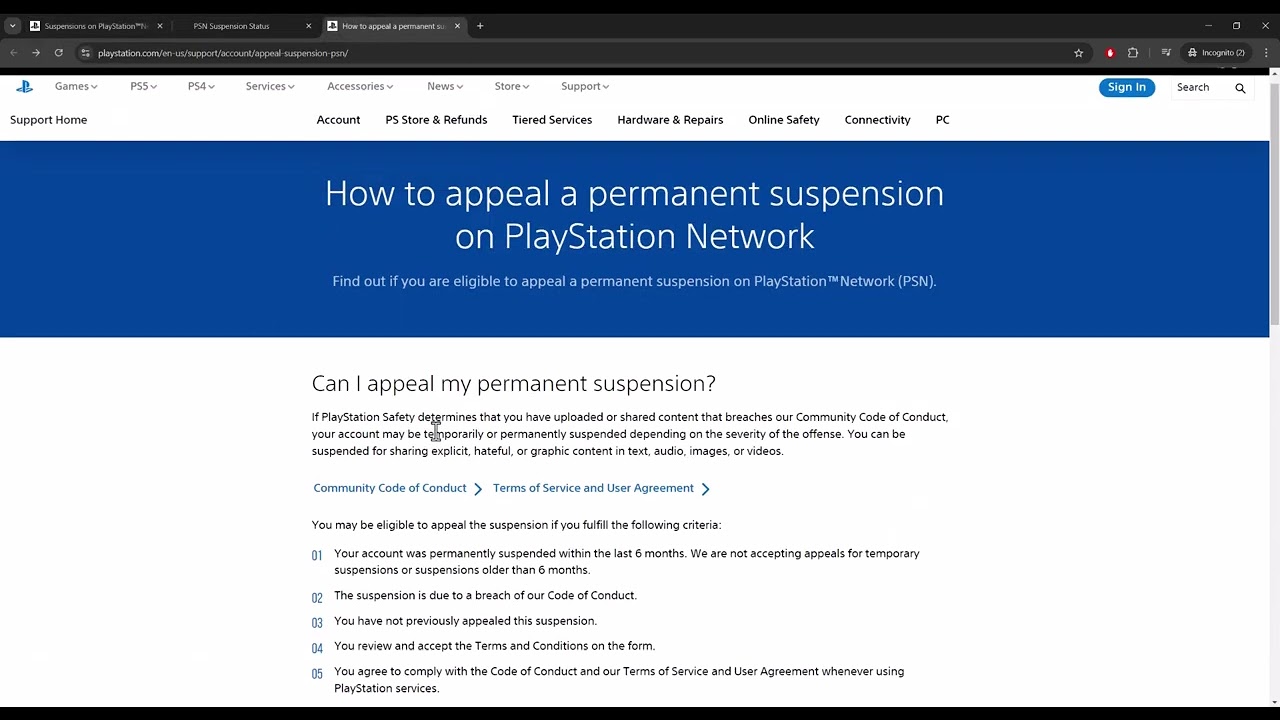
- Check appeal eligibility. Open PlayStation’s suspension page and follow only the option provided for your region and suspension type. Do not assume every temporary or permanent suspension can be appealed.
- Contact support for missing details. If no email arrived or the account status is unclear, contact PlayStation Support from the official site.
Why console troubleshooting does not fix it
This code identifies a PlayStation account restriction. Restarting the PS5, changing DNS, restoring licenses, or reinstalling games cannot remove a suspension. The account must reach its end date or be reviewed through an eligible official route.
Alternatives
- Check PlayStation service status only if sign-in works elsewhere; an outage can look similar but does not normally produce this suspension code.
- If a child account is affected, the family manager can review account details but cannot override PlayStation Safety.
Warnings and limitations
Do not create a replacement account to evade enforcement, share credentials with a third party, or submit repeated inaccurate appeals. The source video suggests appealing broadly; current PlayStation rules should control, because only eligible suspensions expose an appeal path.
FAQ
How long does WS-116331-5 last?
The duration is case-specific and should be stated in the email sent to the sign-in ID.
Can changing my internet connection remove it?
No. The restriction is tied to the account, not the local connection.
What if I was hacked?
Tell PlayStation Support that the activity was unauthorized and secure both the PSN account and its email account.
Official references
Source video
As an Amazon Associate I earn from qualifying purchases.