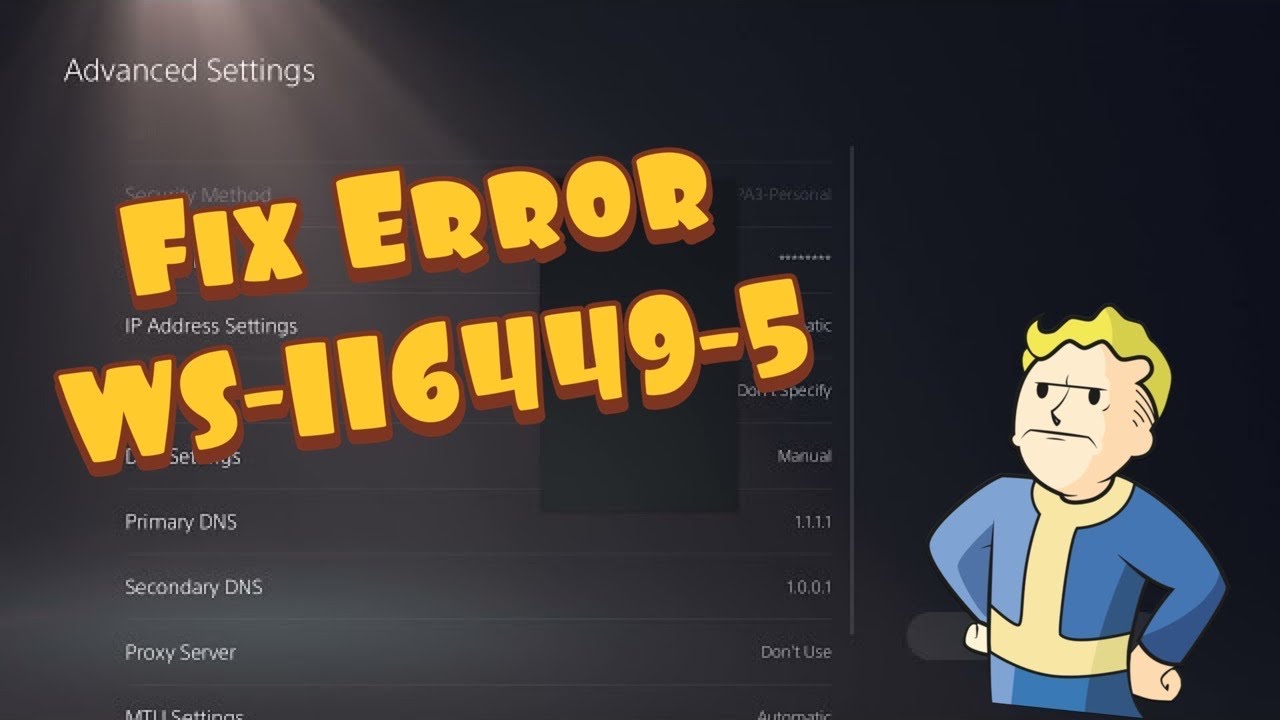
Quick answer: PlayStation currently defines WS-116449-5 as “This service is currently under maintenance.” Check the PlayStation status page before changing anything. If the service is healthy, reset the PS5 internet connection, test it, and power-cycle the modem and router for at least five minutes.
Before you start
- Keep your Wi-Fi password handy.
- Make sure another device can reach the internet.
- Do not press a router’s recessed factory-reset button. A normal power cycle is enough.
How to fix PS5 error WS-116449-5
- Check PlayStation Network status. Open PlayStation Network status. If the affected service is degraded or under maintenance, wait; local DNS changes cannot repair a PlayStation outage.
- Test the PS5 connection. Go to Settings > Network > Connection Status > Test Internet Connection. Note whether the failure is internet access or PlayStation Network sign-in.
- Restart the PS5. Close any game, choose Power > Restart PS5, and run the connection test again.
- Forget and recreate the connection. Open Settings > Network > Settings > Set Up Internet Connection, select the saved network, open its options, forget it, and reconnect with the correct password.
- Power-cycle the network equipment. Turn off the modem and router, unplug them for at least five minutes, restore power to the modem first, then the router, and wait until both are fully online.
- Try wired Ethernet if available. A cable bypasses Wi-Fi interference and is a useful diagnostic even if you later return to wireless.
- Try again later. When every local test passes but WS-116449-5 remains, temporary congestion or maintenance is the likely cause.
Why this works
The code is service-related, so the first step separates a PlayStation-side outage from a home-network problem. Recreating the connection clears a bad saved profile, while a power cycle renews the connection between the console, router, modem and provider.
Optional Wi-Fi and DNS checks
The source video demonstrates selecting 2.4 GHz or 5 GHz and entering a public DNS service. Treat those as optional diagnostics, not guaranteed fixes. Use 5 GHz near the router for speed and 2.4 GHz at longer range. Before changing DNS, write down the current value. To undo a manual DNS change, edit the connection and set DNS back to Automatic.
Warnings
- Do not factory-reset a router unless its owner has backed up the configuration.
- Do not repeatedly change account passwords when PSN status shows maintenance.
- A successful internet test does not prove every PlayStation service is available.
FAQ
Is WS-116449-5 an account ban?
No. PlayStation lists it as a service-maintenance code, not a suspension code.
Will changing DNS fix PSN maintenance?
No. DNS can help only when name resolution on the local network is the problem.
How long should I wait?
Use the status page rather than a fixed estimate. Try again after the affected service returns to normal.
Official references
Source video
As an Amazon Associate I earn from qualifying purchases.