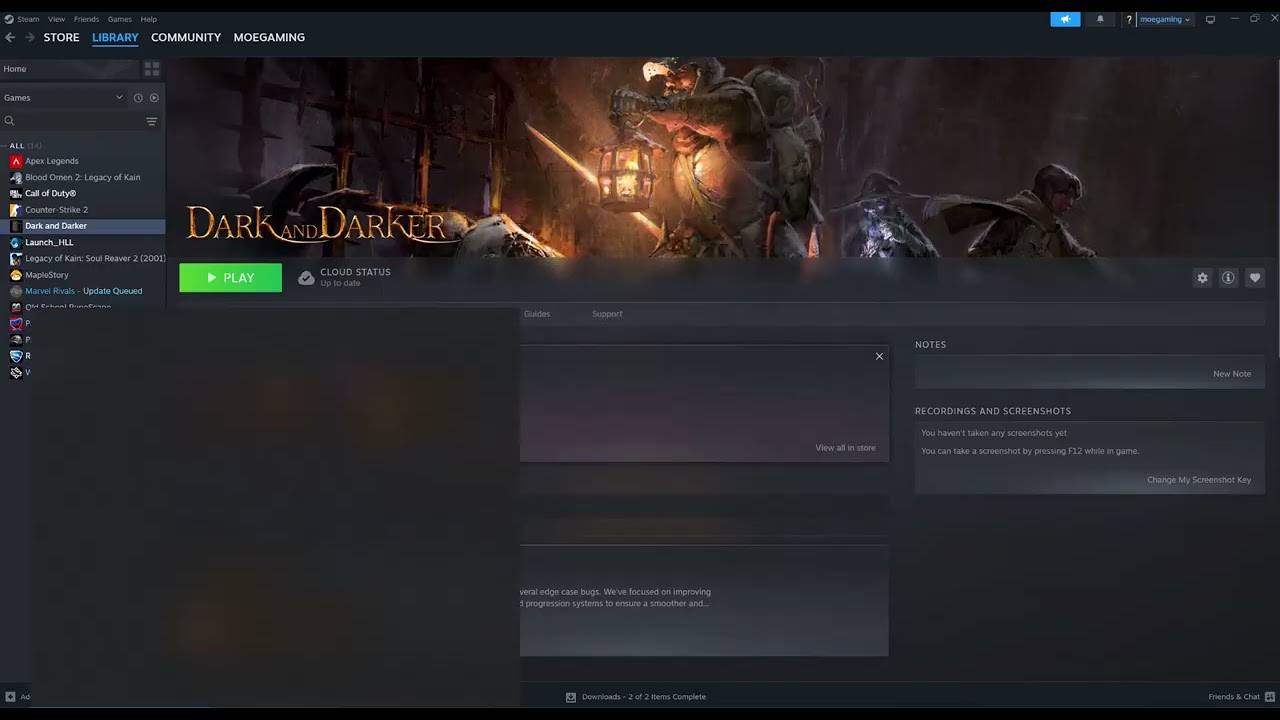
Quick answer: In Steam, verify Space Marine 2’s installed files, install the latest stable graphics driver, restart Windows, and test again with overlays and overclocks disabled. The Moe Gaming video demonstrates file verification and driver updates; both are safe first steps, but neither is a guaranteed cure for every crash.
Before you start
- Save other work and close the game.
- Install pending Space Marine 2 updates in Steam.
- Make sure Windows has free space on the system drive and the game drive.
- Note any crash message and when it occurs—startup, loading a save, or joining Operations.
Fix Space Marine 2 crashing on Steam
- Restart Steam and Windows. This clears a stuck update process and unloads overlay or driver components that may have failed.
- Verify the game files. Open Steam > Library, right-click Warhammer 40,000: Space Marine 2, choose Properties > Installed Files > Verify integrity of game files. Let Steam reacquire any missing or changed files, then restart Steam.
- Update the graphics driver. Download the current stable driver from NVIDIA, AMD, or Intel for the exact GPU. Use the vendor’s clean-install option if the crash began immediately after a failed driver update, then restart the PC.
- Disable overlays temporarily. Turn off the Steam Overlay for this game and close Discord, GeForce Experience/NVIDIA App, AMD overlay, MSI Afterburner, and RivaTuner for one test. Re-enable them one at a time afterward.
- Remove overclocks. Return the GPU, CPU, and RAM to their default supported settings. A workload can expose instability even when other games seem fine.
- Check Windows and game updates. Install pending Windows updates and confirm Steam is not paused in Offline Mode.
- Test a fresh launch. Start the game from Steam without third-party launch options. If it runs, add overlays or custom settings back one at a time to identify the conflict.
Why these steps work
A crash after an interrupted update can come from a mismatched executable, shader, or data file. Steam verification compares the local installation with the current depot and redownloads files that do not match. Graphics drivers translate game rendering calls for the GPU; replacing a faulty or outdated driver can fix startup and device-loss crashes. Removing overlays and overclocks reduces the number of programs hooking the game and returns the hardware to a known baseline.
Alternatives for persistent crashes
- Check the official Space Marine 2/Focus support channels for a current known issue before changing more settings.
- Confirm the PC meets the current minimum requirements and that the game is installed on suitable storage.
- Temporarily lower texture and resolution settings if the crash happens only after reaching gameplay.
- Run Windows Memory Diagnostic if multiple unrelated games crash.
- Collect the crash timestamp, hardware specs, driver version, and steps to reproduce before opening a support ticket.
Warnings
Avoid random DLL replacements, “performance packs,” pirated executables, and registry cleaners. Do not disable antivirus permanently. If security software is blocking the game, use a narrow, documented exception for the verified Steam installation and undo it after testing.
Frequently asked questions
Will verifying files delete my save?
Normally no. Steam verification repairs installation files. Cloud and local saves are stored separately, but backing up an important save before deep troubleshooting is still sensible.
Steam says files failed to validate. Is that bad?
Steam may reacquire one or more files that were missing or changed. Let it finish the download, restart Steam, and test again.
Should I always install the newest driver?
Start with the latest stable driver supported by the GPU. If crashing began immediately after that exact driver update, the vendor’s previous stable release may be a useful comparison.
What if only multiplayer crashes?
Check service status, network stability, and any current game announcement. A repeatable online-only crash may need publisher support even when local files are healthy.
Official references
- Steam Support: Verify integrity of game files
- Focus Entertainment Support
- NVIDIA official driver download and AMD official driver download
Source video
As an Amazon Associate I earn from qualifying purchases.
Leave a Reply