Quick answer: For Battlefield 6 unknown error 1:85008S on PS5, check EA and PlayStation service status, close the game completely, install pending updates, and restart the console and router. Test Ethernet before changing advanced network settings. If the error survives a stable connection, restore the PlayStation license and reinstall only the affected game content before considering a full download.
Accuracy note: EA’s Battlefield 6 error page, updated in August 2026, lists several similar 850xx and 840xx codes but does not currently document the full 1:85008S:20123264140 suffix shown in this video. Because the screen labels it an unknown error, this guide follows EA’s official unknown-error and connection troubleshooting instead of claiming the code has one proven cause.
Before you start
- Write down or photograph the complete code, including the suffix.
- Check Battlefield and PlayStation service status. If either service is down, wait before reinstalling.
- Make sure no Battlefield 6 download or content installation is paused.
How to fix Battlefield 6 error 1:85008S on PS5
- Close Battlefield 6 completely. Highlight the game on the PS5 home screen, press Options, and select Close Game. Do not leave it suspended.
- Check for an update. Highlight Battlefield 6, press Options, and select Check for Update. Also open Settings > System > System Software > System Software Update and Settings and install any PS5 update.
- Restart the PS5. Choose Power > Restart PS5. EA’s current guidance for unknown Battlefield 6 errors begins with restarting the game and device.
- Test the PlayStation connection. Go to Settings > Network > Connection Status > Test Internet Connection. If internet or PSN sign-in fails, resolve that first.
- Restart the router and run a wired test. Power-cycle the router, wait for service to return, and connect the PS5 by Ethernet if possible. EA recommends a wired connection for Battlefield network errors.
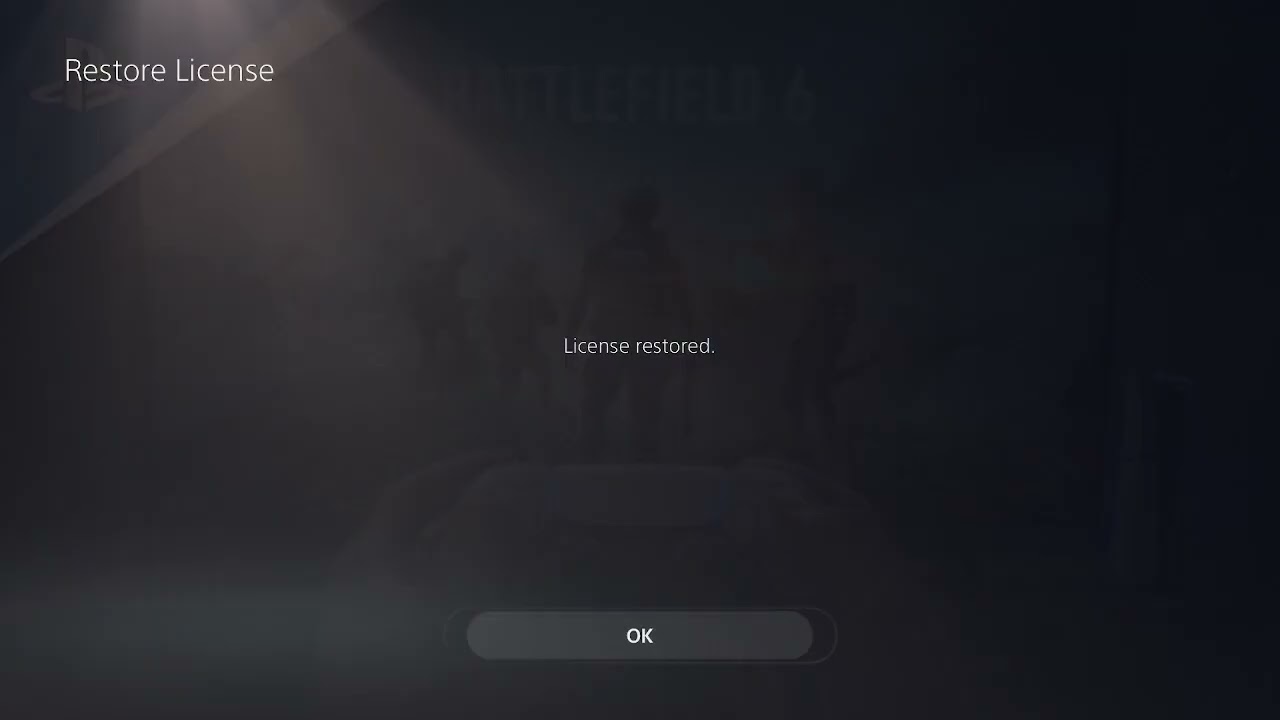
- Restore the Battlefield 6 license. Highlight the game, press Options, and choose Restore License, or use Settings > Users and Accounts > Other > Restore Licenses. PlayStation says this does not affect saved data.
- Check installed game content. From the Battlefield 6 game tile, open the Options menu and manage game content. If the error began after a failed content update, reinstall the named or affected component first.
- Try manual DNS only if connection tests point to name-resolution instability. In the active connection’s Advanced Settings, use a documented resolver such as Cloudflare Primary
1.1.1.1and Secondary1.0.0.1. DNS is optional; it does not repair EA servers or corrupted game files. - Reinstall the full game only as a last step. A complete reinstall is appropriate only after service, update, restart, network, license, and content checks fail.
Why these steps help
EA groups unknown Battlefield 6 errors separately from confirmed authentication, installation, DirectX, and matchmaking codes. A clean restart clears a stale game session, updates remove build mismatches, and a network test identifies connectivity failures. License and content checks address local ownership or installation problems without immediately deleting the entire game.
When to contact EA Support
Contact EA if the exact code returns while EA and PSN are online, the PS5 connection test passes, and the game is current. Include the full code, timestamp, PS5 system version, whether Ethernet changed the result, and the steps already completed. That information is more useful than reporting only “unknown error.”
Warnings
- Do not delete Battlefield save data for an online unknown error.
- Do not change DNS, MTU, proxy, and router security settings together.
- Do not reinstall during a known EA outage; it will not restore the service.
Optional network gear
The Cable Matters Cat 6 Ethernet cable can help you test whether Wi-Fi interference is contributing to the error. It is not a substitute for an EA or PlayStation service fix.
As an Amazon Associate I earn from qualifying purchases.
Frequently asked questions
Is 1:85008S definitely a DNS error?
No. EA does not currently publish that exact full code as a DNS-only error. Treat DNS as one optional connection test, not the diagnosis.
Should I delete and reinstall Battlefield 6 first?
No. Start with service status, updates, a full restart, and network tests. Reinstall affected content before the full game.
Will restoring licenses delete progress?
No. PlayStation states that restoring licenses does not affect saved data.