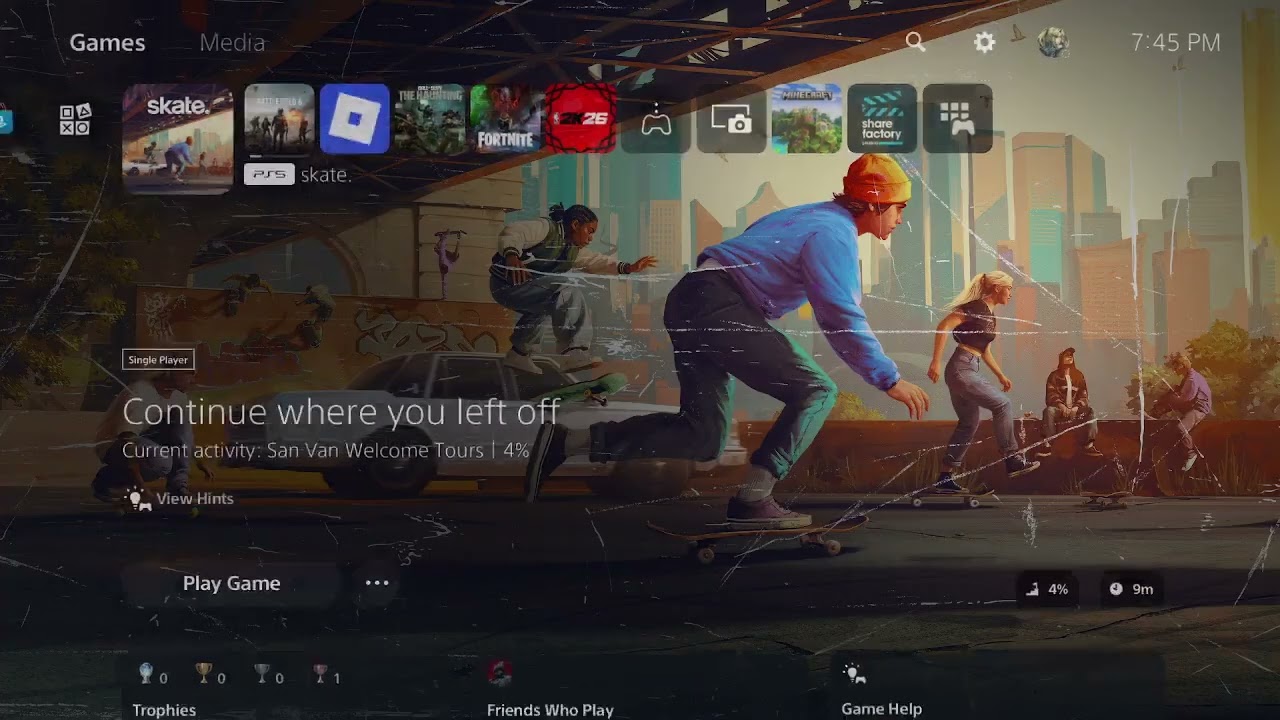
Skate error 1088922958 appears during a failed online session on PS5. EA does not currently document that number as a separate hardware fault, so treat it as a server, account-session, or local-network problem. Check service status before changing the console.
Quick answer: Check EA and PlayStation service status, fully close and update Skate, restart the PS5, refresh the PlayStation/EA sign-in session, and power-cycle the router. Use wired LAN or a stable Wi-Fi band. Try alternate DNS only after the basic connection checks.
Before you start
- Confirm the PS5 can sign in to PlayStation Network and open another online service.
- Check whether friends in the same region are also being disconnected.
- Make sure Skate and PS5 system software are updated.
- Do not unlink the EA Account as a first troubleshooting step; relinking can create account complications.
Fix connection lost error 1088922958
- Check EA and PlayStation status. Open the Skate support page and PlayStation service-status page. If either service reports an outage or maintenance, wait and retry later; local settings cannot repair a server outage.
- Close and update Skate. Highlight Skate, press Options, select Close Game, then Check for Update. Restart the PS5 after the update finishes.
- Refresh the account session. Confirm the correct PlayStation user is active. Sign out of PlayStation Network and sign back in, then launch Skate. If EA asks for account verification, complete it using the already-linked EA Account.
- Restart the router and console. Power off the PS5. Unplug the router and modem for about one minute, reconnect them, wait for service to return, and restart the console.
- Test the PS5 connection. Go to Settings > Network > Connection Status > Test Internet Connection. A successful speed test does not prove that EA is reachable, but a failed PSN sign-in or NAT result identifies a local issue.
- Use wired LAN or choose the best Wi-Fi band. Under Settings > Network > Settings > Set Up Internet Connection, use Set Up Wired LAN when possible. On Wi-Fi, press Options on the saved network and test 5 GHz near the router or 2.4 GHz at longer range.
- Try alternate DNS only as a secondary test. In Advanced Settings, set DNS to Manual and test Cloudflare
1.1.1.1and1.0.0.1, or another reputable resolver. Return to Automatic if it makes no difference. - Restore licenses only if the error includes locked or missing content. Go to Settings > Users and Accounts > Other > Restore Licenses. This is useful for entitlement symptoms, but it does not fix an EA outage.
Why these steps work
The game must complete separate handshakes with PlayStation Network, the linked account, and EA’s online services. Restarting refreshes those sessions. A wired connection and a deliberate Wi-Fi-band choice reduce local packet loss. DNS can help only when the current resolver is failing to locate services reliably.
If the code returns
- Pause downloads, streams, VPN traffic, or other heavy activity on the home network.
- Check that the router is not configured for IPv6-only service; PS5 supports IPv6 but not an IPv6-only network.
- Review the EA Account connections page while signed in, but do not unlink a platform account casually.
- Use Skate’s official support page to report the exact code, timestamp, platform, and region.
- If the game also crashes before connecting, use our Skate loading and crash guide only for the PC version; PS5 connection errors need the console flow above.
Warnings
- Do not open random ports or disable the router firewall.
- Do not reset the PS5 or delete saved data for a connection error.
- A DNS change is not a universal latency fix and should remain optional.
Frequently asked questions
Is 1088922958 an EA server error?
It can occur during a failed EA connection, but the number alone does not prove the server is down. Check both EA and PlayStation status, then test the local connection.
Should I unlink my EA Account?
No, not as a first step. EA account links can have restrictions, and unlinking the wrong account can affect access or progress.
Will restoring licenses delete Skate progress?
No. PlayStation states that restoring licenses does not affect data, but use it only when ownership or locked-content symptoms are present.
Watch the source video
Official references
- EA Help: Skate support
- EA Help: Troubleshoot connections to EA games
- PlayStation: Set up and troubleshoot internet
- PlayStation Network service status
- PlayStation: Restore licenses
Affiliate disclosure: As an Amazon Associate I earn from qualifying purchases. No product was added here because the safe fixes do not require new hardware.