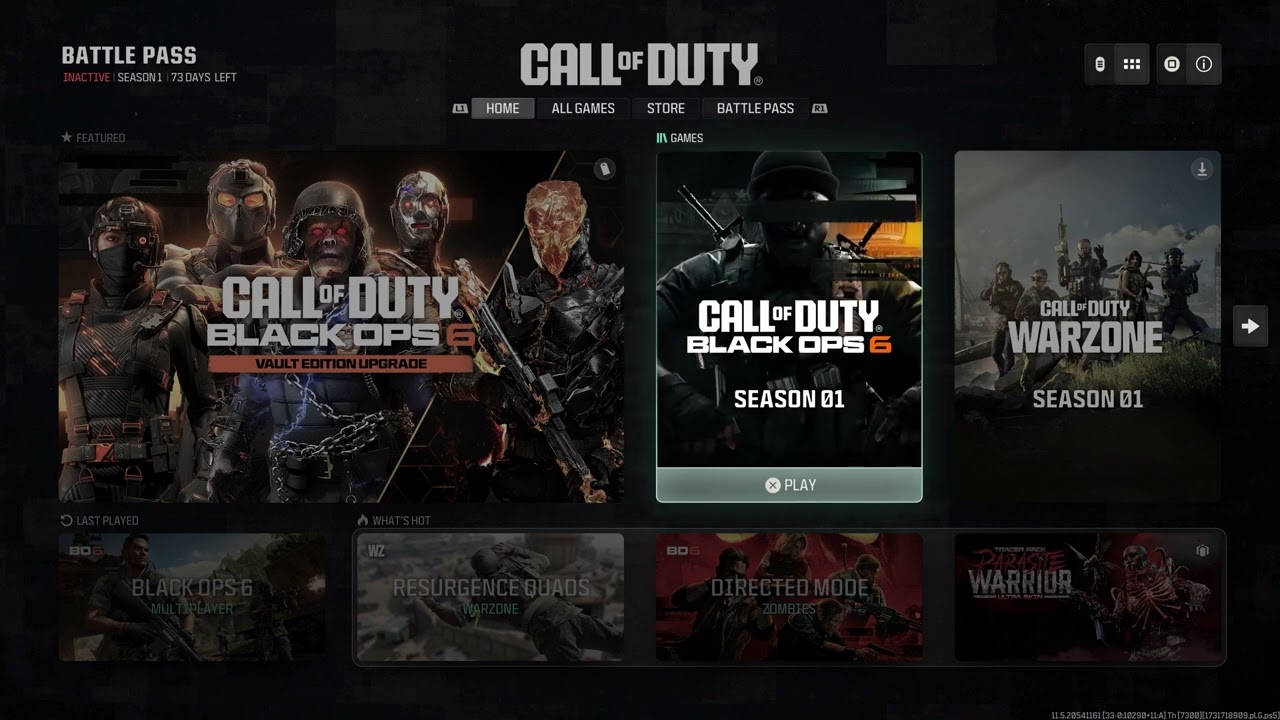
Quick answer: When Black Ops 6 hangs at Fetching Account Data From Platform, check Activision and platform status first. If services are online, fully close Call of Duty, restart the console or PC, install pending updates, and try a clean sign-in. Restarting the router and testing a wired connection can help when account data is delayed by an unstable route.
Before you start
- Keep the platform and Activision accounts linked exactly as they are.
- Have access to the platform sign-in, but never share passwords or verification codes.
- Pause downloads, cloud backups and 4K streaming during the test.
How to fix Fetching Account Data From Platform
- Check service status. Use Activision Online Services and the status page for Xbox, PlayStation, Steam or Battle.net. If the platform identity service is degraded, account data may not arrive until it recovers.
- Quit Call of Duty completely. Do not leave the game suspended. On Xbox, choose Quit and remove the game from Quick Resume for this test. On PlayStation, close the game from the switcher. On PC, close the game and launcher and end any remaining Call of Duty process.
- Restart the system. Use a full Restart, reopen the launcher and sign in. This discards the old authentication token and requests fresh account data.
- Update the game, launcher and system. Make sure Call of Duty HQ and Black Ops 6 content are current. Also install console system software or Windows and launcher updates.
- Power-cycle the network. Unplug the modem and router for about 60 seconds. Reconnect the modem, wait for it to come online, then reconnect the router and test again.
- Use a stable connection. Test Ethernet if available. Activision also recommends checking connection speed and limiting bandwidth-heavy applications.
- Refresh only the platform sign-in. Sign out of the console profile or PC launcher, restart, then sign back in. Avoid unlinking the Activision account; that is a different action and can affect access or progress.
Why this works
This screen appears while Call of Duty requests account, entitlement and profile data through the platform and Activision services. An outage, stale suspended session, outdated client or interrupted connection can leave that request waiting. The steps above force a new authenticated session without changing account ownership.
If it is still stuck
- Try another network briefly. A successful hotspot test points to the router or ISP route, not the account itself.
- On PC, verify or scan and repair the game files in Steam, Battle.net or the Xbox app.
- If other profiles work on the same system, contact Activision Support and report that detail; it helps separate an account problem from a device problem.
Warnings
Do not create a replacement Activision account, unlink accounts repeatedly or delete cloud saves. Do not disable the router firewall permanently. Those changes can make recovery harder and are not required for a normal data-fetch timeout.
FAQ
Will reinstalling Black Ops 6 fix it?
Only if damaged local files are involved. Check outages, fully restart and verify files before downloading the game again.
Does this mean my account is gone?
No. The message says the client is waiting for account data; it does not by itself indicate deletion or a ban.
Why does another profile work?
That suggests the device and installation can connect. Give Activision Support both account results without sharing private credentials.
Official references
Source video
As an Amazon Associate I earn from qualifying purchases.