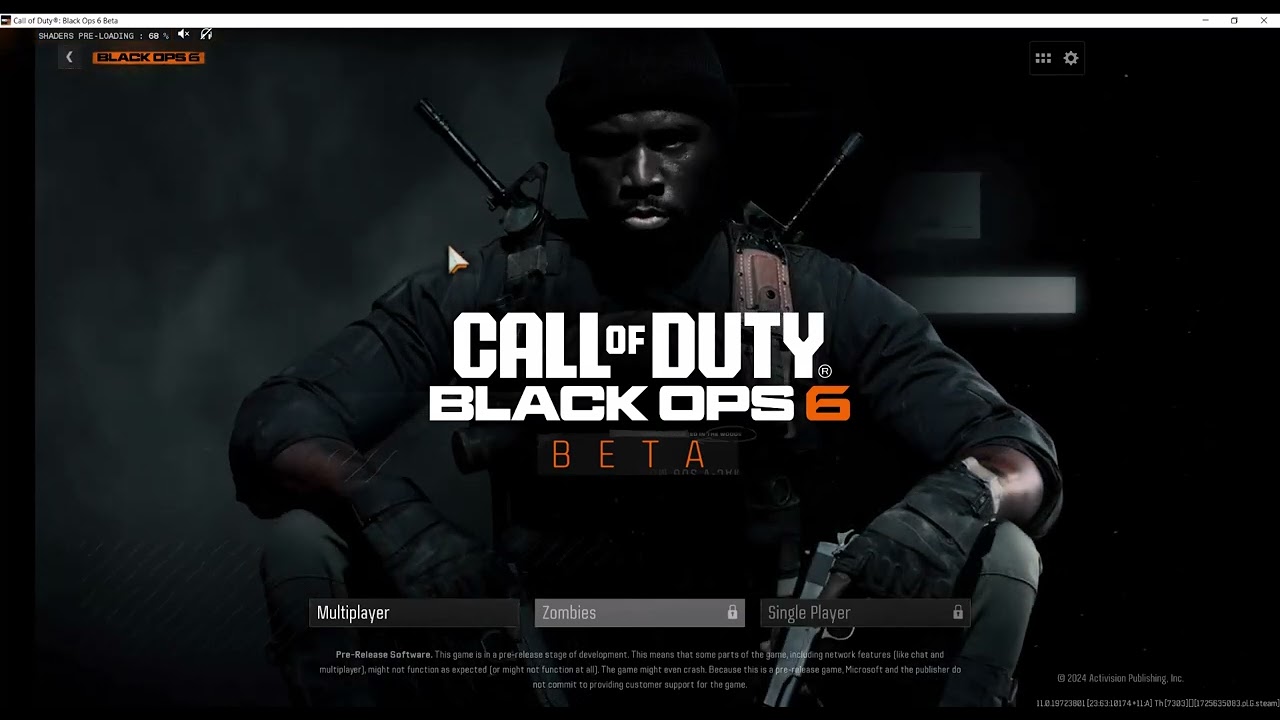
Quick answer: Cancel the failed load and retry once. If NIAMEY-MOINES returns, close Call of Duty, verify the game files, then rename the local players folder so the game creates a fresh copy. Renaming is safer than deleting because it gives you a simple undo path.
The video demonstrates deleting the local players folder. This guide uses a reversible rename instead. The workaround can reset local graphics, controls, and other preferences, but it should not erase Activision server-side rank, unlocks, or purchases.
Before you start
- Close Black Ops 6 and its launcher completely.
- Know whether you use Steam, Battle.net, or the Xbox app.
- Take a screenshot of important graphics, keybind, and controller settings.
- Check Activision Online Services before changing local files.
How to fix NIAMEY-MOINES
- Retry once. When the loaded playerstats message appears, press Esc or cancel, then select Retry. Do not spam Retry if the servers are degraded.
- Restart the launcher. Exit the game and close Steam, Battle.net, or the Xbox app from the system tray. Reopen the launcher and test again.
- Verify installed files. On Steam, open Library, right-click Call of Duty, choose Properties > Installed Files > Verify integrity of game files. On Battle.net, open the game’s gear menu and choose Scan and Repair.
- Back up local player settings. Press Windows + R, enter
%USERPROFILE%DocumentsCall of Duty, and press Enter. If the location does not exist, search your Documents folder forCall of Dutyplayers. - Rename, do not delete. With the game closed, rename
playerstoplayers-backup. Start Call of Duty. The game should create a freshplayersfolder. - Test the login. If the game loads, reapply preferences manually. Avoid copying the entire old folder back, because that can restore the broken local data.
Why the workaround can work
The players directory stores local configuration and cached player-related files. A damaged or incompatible local file can interrupt the handoff between the game client and Activision services. Creating a fresh folder removes that local variable while file verification repairs missing or altered installation data.
How to undo the folder reset
Close the game. Rename the newly created players folder to players-new, then rename players-backup back to players. If the error immediately returns, revert to the fresh folder and rebuild your settings.
Warnings and alternatives
- Do not remove random folders from the Call of Duty installation directory.
- Do not use registry cleaners or download replacement configuration files from strangers.
- If an outage is active, wait. A local reset cannot repair server-side playerstats services.
- If multiple Windows accounts are affected, verify files and review firewall or security software before repeating the folder reset.
Frequently asked questions
Will this reset my level or weapon unlocks?
Those are normally tied to your Activision account. The local reset can change device-specific settings, so keep the backup until you have confirmed everything you need.
What if the players folder is missing?
Launch the game once, close it, and check again. If it still does not exist, do not invent a different deletion path; use file verification and Activision support.
Should I delete the backup after the fix?
Wait until the game loads reliably and your preferences are restored. Then you can delete the backup manually.
Official references
Source video
As an Amazon Associate I earn from qualifying purchases.
Leave a Reply