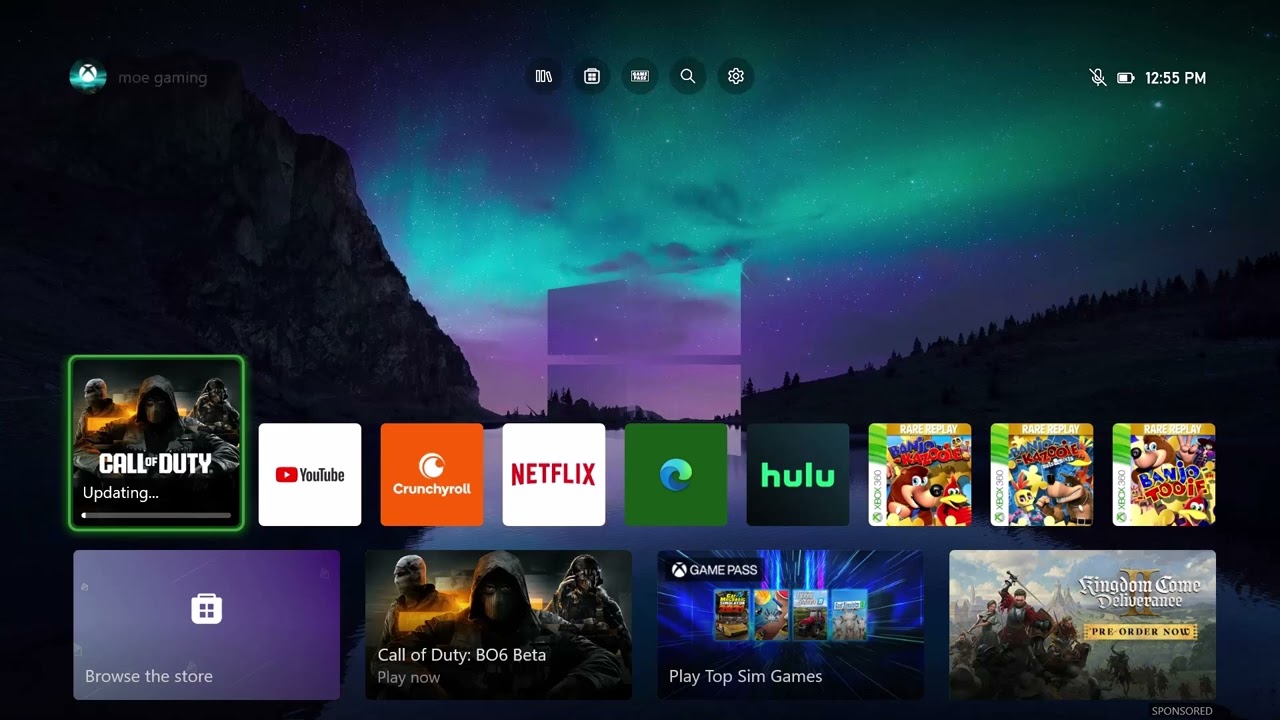
Quick answer: Check for an Activision or Xbox outage, update Black Ops 6, fully restart the console, then clear the Xbox Alternate MAC address. If the error remains, return Alternate MAC to its default state and try a different automatic alternate port. ROBERTS-OBISPO behaves like a connection/session error, so these steps refresh the local network state without touching your Activision account or saved progress.
Important: This is a troubleshooting sequence, not a guaranteed server-side fix. If an official status page reports an outage, wait for service recovery instead of repeatedly changing settings.
Before you start
- Confirm other devices can reach the internet.
- Keep the Xbox connected to power until the restart step.
- Note any custom Alternate MAC or port setting so you can restore it.
- Allow 10–15 minutes to test the game after each change.
How to fix ROBERTS-OBISPO on Xbox
- Check service status. Open the Activision Online Services page and Xbox Status. If Black Ops 6, account services, or multiplayer is degraded, do not reinstall the game yet.
- Install pending updates. Press the Xbox button, open My games & apps, choose Manage, then Updates. Install updates for Black Ops 6 and the console.
- Quit and restart cleanly. Highlight Black Ops 6, press the Menu button, and select Quit. Then go to Profile & system > Power > Restart console. If the console is frozen, shut it down fully before disconnecting power for about 30 seconds.
- Clear Alternate MAC. Go to Settings > General > Network settings > Advanced settings > Alternate MAC address. Select Clear, then allow the console to restart.
- Test multiplayer. Return to Network settings and run Test network connection and Test multiplayer connection. Note any NAT or packet-loss warning.
- Try another alternate port. In Advanced settings > Alternate port selection, choose Manual and select one available port. Relaunch the game. If it makes no difference, restore Automatic.
Why these steps can help
Updating prevents a client-version mismatch. A full restart closes a stale Quick Resume or multiplayer session. Clearing Alternate MAC removes an override that can leave the console using an invalid cached network identity, while changing the alternate port can refresh how the Xbox establishes an outbound multiplayer mapping through the router.
Safer alternatives if the error continues
- Use a wired Ethernet connection temporarily to rule out Wi-Fi interference.
- Restart the modem/router by unplugging its power for 30 seconds. Do not press a factory-reset pin unless you have the ISP credentials and intend to erase the router configuration.
- Forget and reconnect to Wi-Fi, then retest multiplayer.
- Contact the ISP if Xbox reports packet loss or a strict NAT across several games.
Warnings and reversibility
Clearing Alternate MAC is normally low risk, but it removes any value you entered manually. A manually selected port is reversible: return to Alternate port selection and choose Automatic. None of these steps should delete Black Ops 6 progress. Avoid router DMZ or factory-reset changes unless you understand the security and setup consequences.
Frequently asked questions
Does ROBERTS-OBISPO mean my account is banned?
The message alone is not evidence of an enforcement action. Start with service and network checks. Use Activision’s account support only if the game displays a separate suspension or enforcement notice.
Will clearing Alternate MAC delete games?
No. It resets a network override and restarts the console; it does not uninstall games or erase saved data.
Should I reinstall Black Ops 6?
Only after status, updates, restart, and network tests fail. A full reinstall is slow and does not fix a live service outage.
Official references
Source video
As an Amazon Associate I earn from qualifying purchases.
Leave a Reply