NBA 2K27’s Crew system lets you create a group with its own identity and preferences or join an existing community. This guide combines the create and join walkthroughs and separates the permanent choices from the live settings that 2K can change.
Before you create or join
- Load MyCAREER and enter the City.
- Make sure online play and crossplay settings match the people you want to play with.
- Decide whether you want a long-term community crew or a quick public option mainly for Crew HQ access.
- Read the current confirmation screen before leaving an existing crew; 2K’s official Crew guidance warns that changing crews can affect cooldowns, rewards, and XP.
Start a Crew in NBA 2K27
- Press Options while your MyPLAYER is in the City.
- Move to the Crews tab and select Start a Crew.
- Review the generated crew name. The NBA 2K27 walkthrough shows that the displayed name is randomized rather than freely typed.
- Set the abbreviation that appears in games, then write a short, appropriate bio.
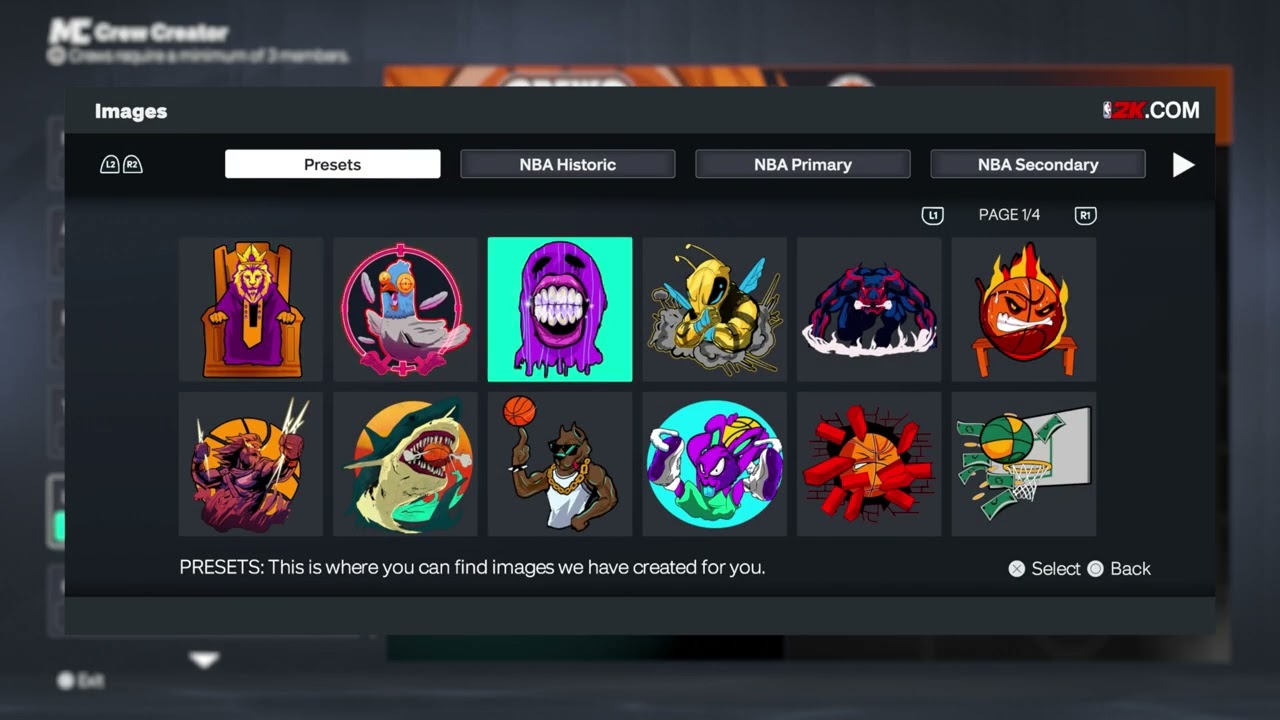
- Choose team colors, a logo, and one of the available background choices.
- Set privacy to Open, Invite Only, or Private according to the live options shown by the game.
- Choose the crew focus, active times, vibe, microphone preference, primary language, and region.
- Create the crew, then invite enough players to meet the current minimum. The video’s creation screen requires at least three members.
Choose the right privacy setting
- Open: players can join freely while space is available.
- Invite Only: players request access and the crew controls acceptance.
- Private: use direct invitations for a closed friend group when that option appears in your current NBA 2K27 menu.
The exact labels can change in an update. 2K’s official Crew documentation describes Open and Invite Only behavior, while the new NBA 2K27 screen in Moe Gaming’s video also shows a Private option.
Join an existing Crew
- Press Options in the City and open Crews.
- Choose Join a Crew to browse community-created groups.
- Review privacy, focus, active times, vibe, microphone preference, language, region, level, and available spaces.
- Apply or join using the live prompt.
- If you already received an invitation, open the invitations area rather than searching again.
- Return to Crew HQ after membership is confirmed.
Use Quick Join a 2K Crew
Quick Join a 2K Crew places you in a 2K-created public group when space is available. It is useful for accessing Crew activities quickly, but it is not the same as building a coordinated clan with friends. The source walkthrough shows a nearly full public crew; capacity and availability can differ in your session.
Manage your Crew
- Open the City main menu and return to the Crews tab.
- Use Crew Management to review editable identity and preference fields.
- Open the Members area to review participation and roles.
- Promote or remove members only when necessary, and communicate the reason before changing a long-running group.
- Check weekly goals and the current reward track before scheduling games.
2K’s official Crew article explains that the president controls crew settings and membership. It also notes that leaving can reduce crew XP and that some rewards have a cooldown. Treat the live NBA 2K27 menu as the final authority for current timing.
Why these steps work
The Crews tab is the control center for creation, discovery, invitations, management, and membership. Matching focus, schedule, language, region, and microphone preference before joining reduces the chance that a crew looks suitable by name but cannot regularly play together.
Alternatives and troubleshooting
- If no community crew fits, use the filters again or start a small crew with friends.
- If Crew HQ says membership is required, confirm that the join or creation process finished before returning to the entrance.
- If friends cannot see or join the same crew, verify crossplay and online privacy settings, then use the NBA 2K27 crossplay and friends guide.
- If the Crews tab is missing, finish the MyCAREER introduction, apply current game data, and reload the City.
Warnings
- Use an appropriate abbreviation and bio. 2K’s Player Code of Conduct still applies.
- Do not leave a crew casually if you are working toward cooldown-gated or one-time rewards.
- Turning off crossplay can remove a console player from an active crew under 2K’s documented Crew rules.
- Do not promise a prospective member a reward amount or unlock that the current game does not display.
Frequently asked questions
How many members does an NBA 2K27 crew need?
The current creation screen shown in the source video says a crew requires at least three members. Check the live screen before creating because 2K can update rules.
What is the difference between Join a Crew and Quick Join?
Join a Crew browses player-created groups. Quick Join places you in a 2K-created public crew when one has space, which is faster but less coordinated.
Can I type any crew name I want?
The NBA 2K27 walkthrough shows a randomized name choice, with a separately editable abbreviation and bio. Use the options displayed in your current build.
Why can’t I enter Crew HQ?
Membership must be active first. Open the Crews tab, complete a join or creation flow, then revisit Crew HQ using the City locations guide.
Watch the original Moe Gaming walkthroughs
Optional crew-session gear
- DualSense wireless controller — a direct replacement option for PS5 crew play
- DualSense charging station — keeps another controller charged for longer sessions
- PS5 and PC gaming headset — useful when a crew expects voice communication
As an Amazon Associate I earn from qualifying purchases.