Tutorial archive
Gaming fixes, walkthroughs, and troubleshooting guides
Browse practical tutorials for PC, console, and game-specific issues, with clear steps and video-backed help for solving problems fast.
Inside Tutorials
- PC gaming fixes
- Console troubleshooting
- Error code solutions
- Game-specific how-to guides
Featured post
-
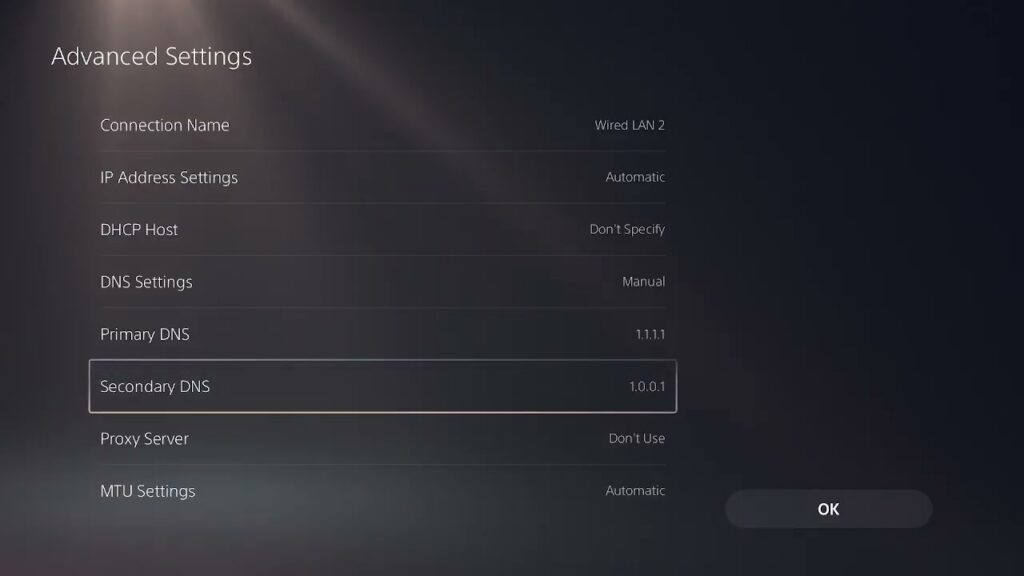
How to Fix 2XKO Error RGIOP-99005 on PS5
•
Fix 2XKO error RGIOP-99005 on PS5 with safe service, wired-network, Wi-Fi band, DNS, and connection-isolation checks. Read full guide →
-
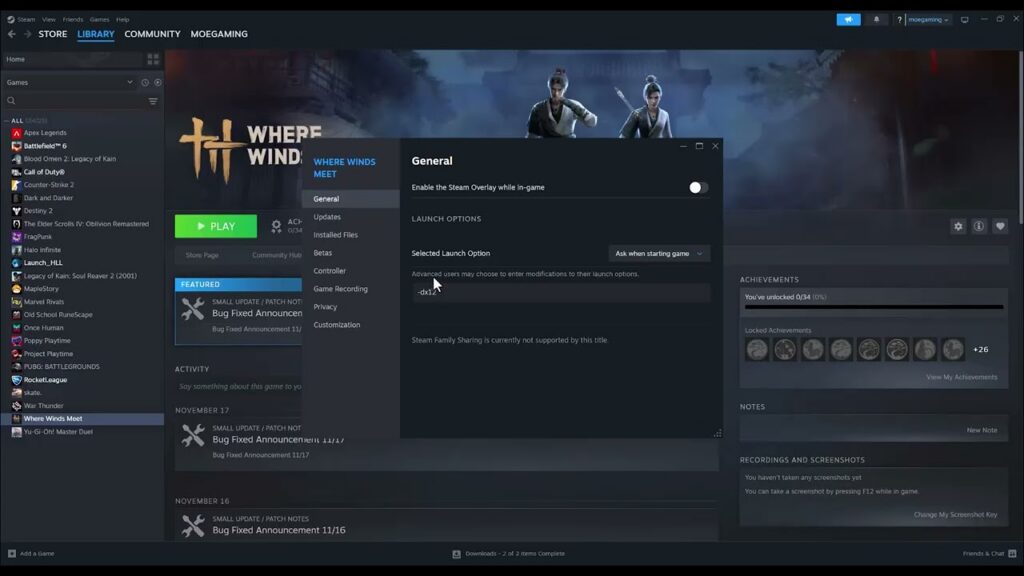
How to Fix Where Winds Meet Crashing or Not Launching on Steam
•
Where Winds Meet crashing or not launching on Steam? Verify files, test the overlay, check requirements, drivers, and the game executable safely. Read full guide →
-
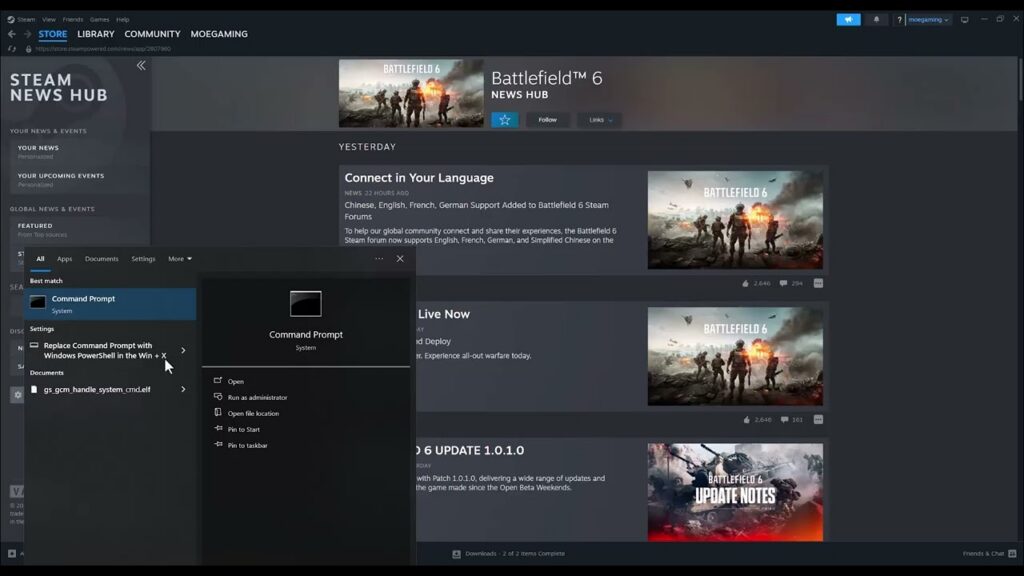
How to Fix Battlefield 6 Lag on PC
•
Fix Battlefield 6 lag on PC by identifying high ping versus low FPS, stabilizing the connection, adjusting verified in-game graphics and selecting the proper Windows GPU. Read full guide →
-
MW4 Beta on PS5: Download, Launch and Fix Crashes
•
Download the separate Modern Warfare 4 Beta on PS5, launch it during the Open Beta window, and safely fix crashes, locks and failed starts. Read full guide →
-
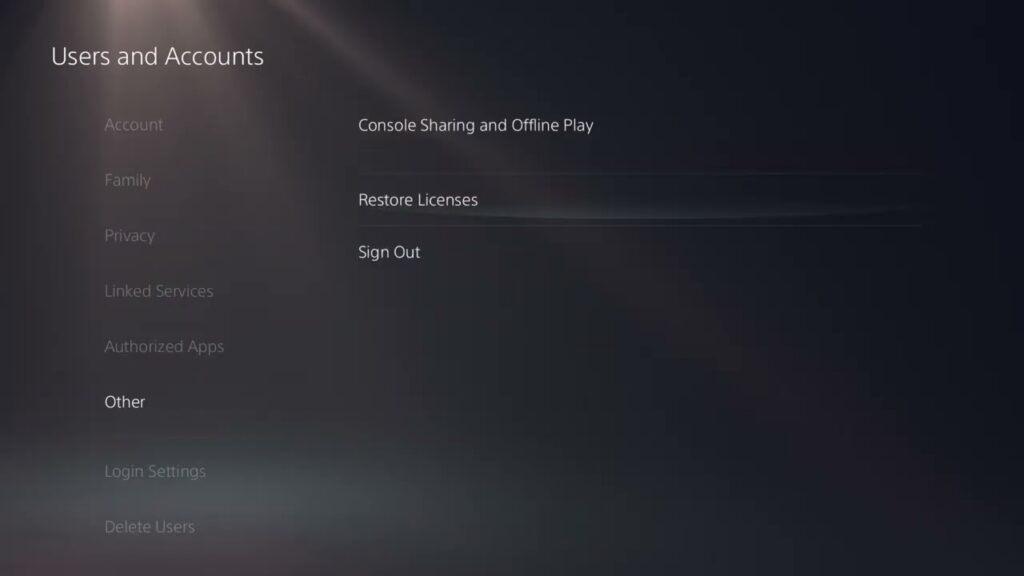
How to Fix NBA 2K27 “Problem Prevents Gameplay” on PS5
•
Fix NBA 2K27’s gameplay-continuing error on PS5 by checking services and updates, restarting, restoring licenses and testing the connection safely. Read full guide →
-
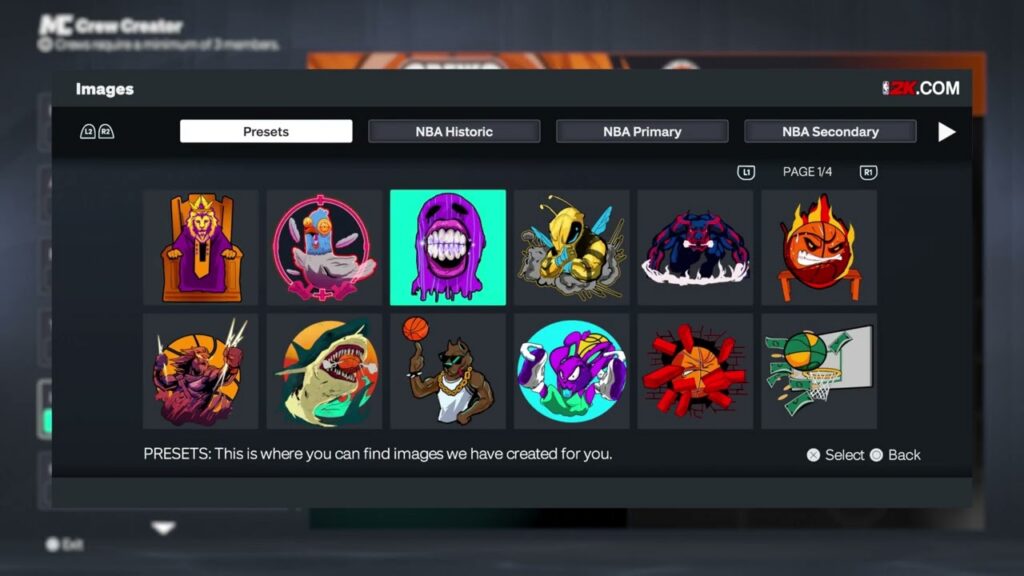
NBA 2K27 Crew Guide: Start, Join and Manage a Crew
•
Start or join an NBA 2K27 Crew, choose privacy and play preferences, manage members, access Crew HQ and avoid reward or cooldown mistakes. Read full guide →
-
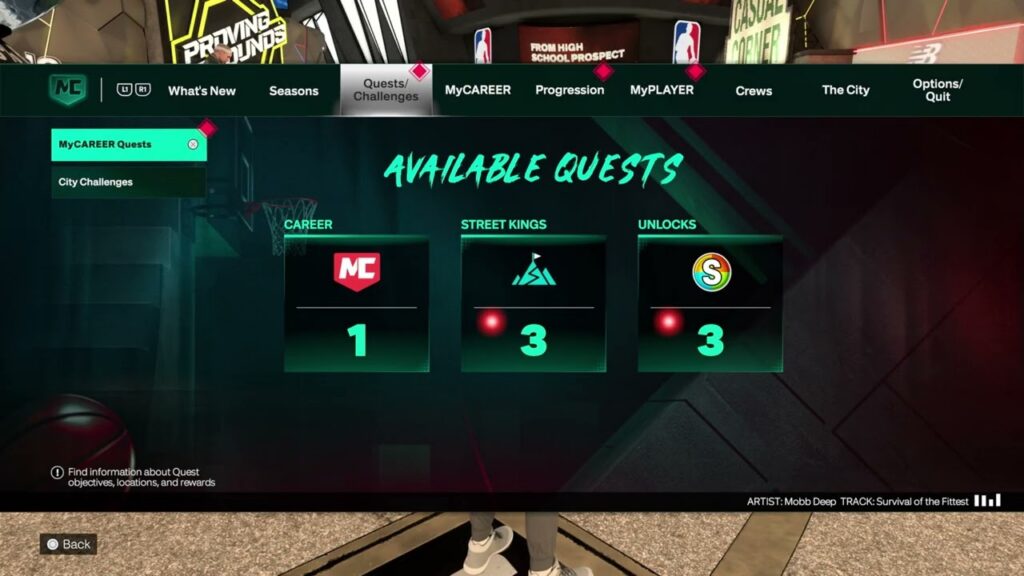
NBA 2K27 Free VC Guide: Quests, Rewards, Locker Codes and Drops
•
Find NBA 2K27 quests, challenges, Daily Rewards, 2KTV, Daily Pick ’Em, locker codes and Twitch Drops while avoiding expired or unofficial offers. Read full guide →
-
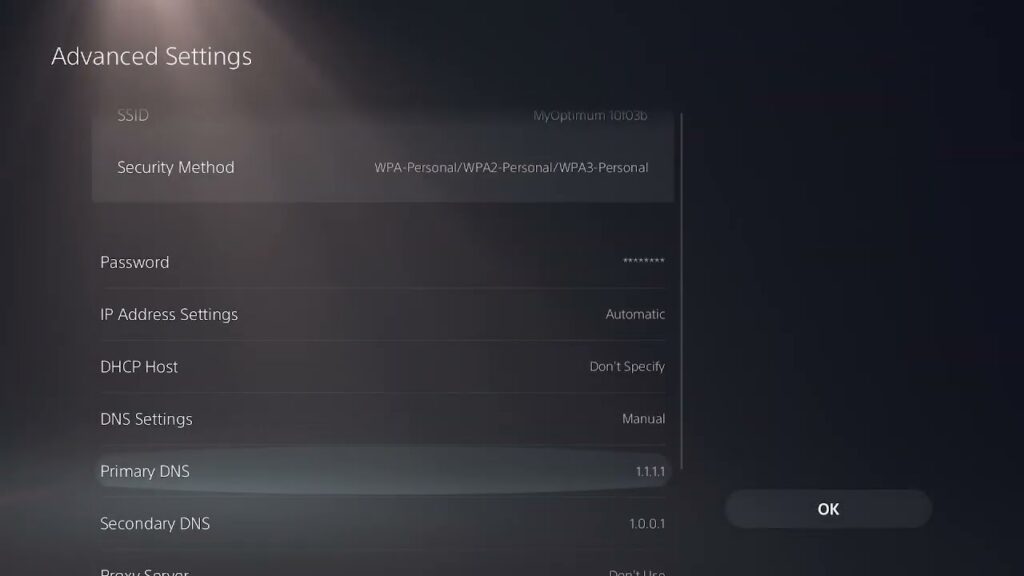
How to Fix PS5 Error Code CE-112987-8
•
Fix PS5 error CE-112987-8 during a purchase, download or installation by updating the console, retrying the download, signing back in and restoring licenses. Read full guide →
-
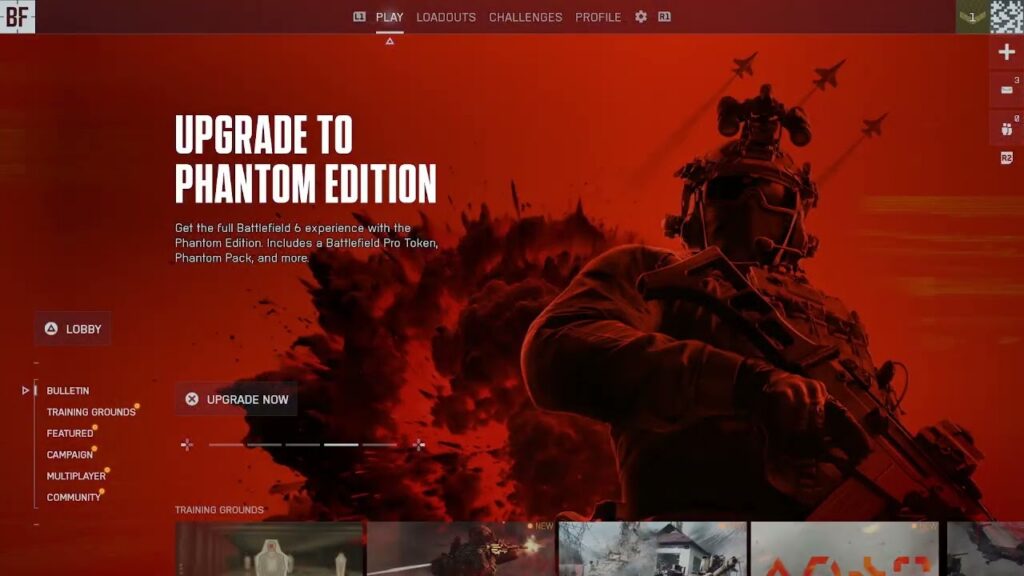
How to Fix Battlefield 6 “Content Not Installed”
•
Fix Battlefield 6 Content Not Installed or Purchase to Play by enabling the correct game component, checking console content and refreshing the license. Read full guide →
-
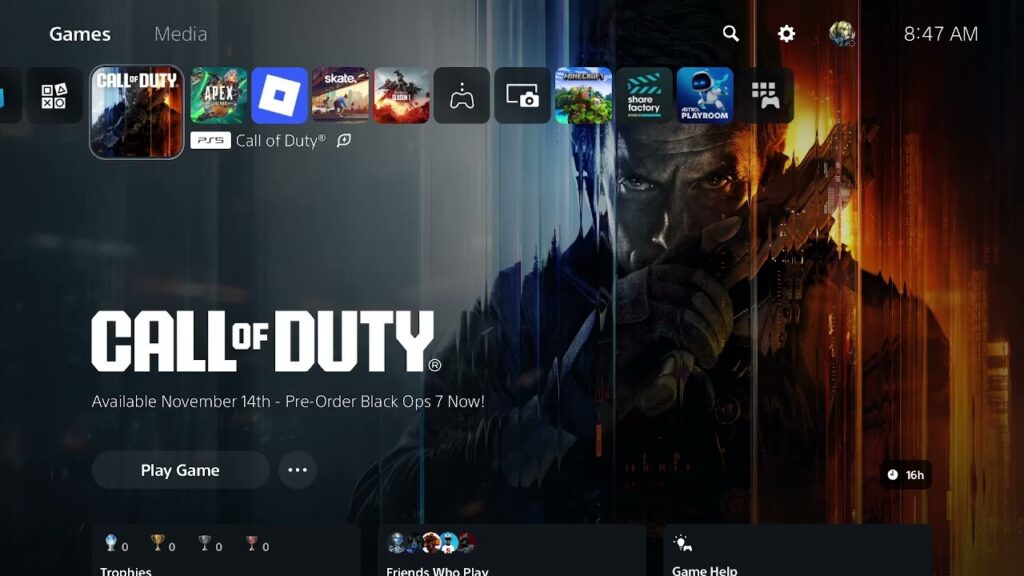
How to Fix Black Ops 7 “Content Not Found”
•
Fix Black Ops 7 Content Not Found by installing the correct mode files, checking the PS5 edition and restoring the game’s license without deleting save data. Read full guide →
Latest tutorials
Fresh fixes, walkthroughs, and gaming tech help.
-
How to Fix 2XKO Error RGIOP-99005 on PS5
Fix 2XKO error RGIOP-99005 on PS5 with safe service, wired-network, Wi-Fi band, DNS, and connection-isolation checks. Read more →
•
-
How to Fix Where Winds Meet Crashing or Not Launching on Steam
Where Winds Meet crashing or not launching on Steam? Verify files, test the overlay, check requirements, drivers, and the game… Read more →
•
-
How to Fix Battlefield 6 Lag on PC
Fix Battlefield 6 lag on PC by identifying high ping versus low FPS, stabilizing the connection, adjusting verified in-game graphics… Read more →
•
-
MW4 Beta on PS5: Download, Launch and Fix Crashes
Download the separate Modern Warfare 4 Beta on PS5, launch it during the Open Beta window, and safely fix crashes,… Read more →
•
-
How to Fix NBA 2K27 “Problem Prevents Gameplay” on PS5
Fix NBA 2K27’s gameplay-continuing error on PS5 by checking services and updates, restarting, restoring licenses and testing the connection safely. Read more →
•
-
NBA 2K27 Crew Guide: Start, Join and Manage a Crew
Start or join an NBA 2K27 Crew, choose privacy and play preferences, manage members, access Crew HQ and avoid reward… Read more →
•
-
NBA 2K27 Free VC Guide: Quests, Rewards, Locker Codes and Drops
Find NBA 2K27 quests, challenges, Daily Rewards, 2KTV, Daily Pick ’Em, locker codes and Twitch Drops while avoiding expired or… Read more →
•
-
How to Fix PS5 Error Code CE-112987-8
Fix PS5 error CE-112987-8 during a purchase, download or installation by updating the console, retrying the download, signing back in… Read more →
•
-
How to Fix Battlefield 6 “Content Not Installed”
Fix Battlefield 6 Content Not Installed or Purchase to Play by enabling the correct game component, checking console content and… Read more →
•
-
How to Fix Black Ops 7 “Content Not Found”
Fix Black Ops 7 Content Not Found by installing the correct mode files, checking the PS5 edition and restoring the… Read more →
•