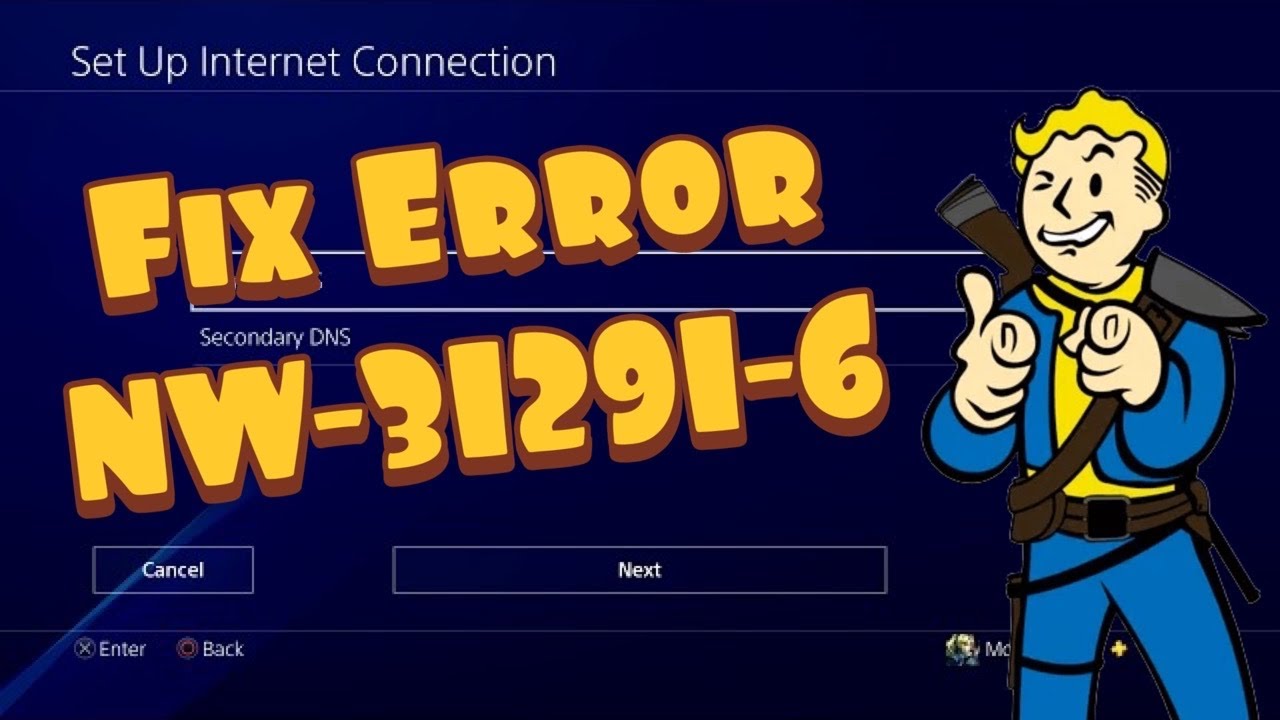
Quick answer: PS4 error NW-31291-6 means the console cannot connect to Wi-Fi and the signal may be too weak. Run the connection test, restart the router for five minutes, move the PS4 and router closer together, and remove obstructions. Ethernet is the best diagnostic alternative.
What you need
- Your Wi-Fi name and password.
- Access to the router or modem.
- An Ethernet cable if available.
- No changes to saved games or console storage.
How to fix NW-31291-6
- Test the connection. Open Settings > Network > Test Internet Connection. This confirms whether the failure is Wi-Fi, internet access, or PlayStation sign-in.
- Restart the PS4. Select Power > Restart PS4.
- Power-cycle the router. Turn it off, wait at least five minutes, then turn it back on and wait for the connection to stabilize.
- Improve placement. Move the PS4 closer to the router. Avoid placing either device behind metal furniture, inside a cabinet, or next to equipment that causes interference.
- Reconnect to Wi-Fi. Use Settings > Network > Set Up Internet Connection, select Wi-Fi, choose Easy, and enter the password again.
- Try Ethernet. If a wired connection succeeds, the console and PlayStation account are working; focus on Wi-Fi coverage or interference.
- Try the other Wi-Fi band if available. Depending on the PS4 model and router, 2.4 GHz reaches farther while 5 GHz can be faster at short range. Use the router’s normal settings rather than unsupported channel guesses.
Why this works
The official description ties NW-31291-6 to Wi-Fi connection failure and weak signal. Reducing distance and obstacles improves signal-to-noise ratio. Restarting the router clears temporary radio and address-assignment problems, while Ethernet bypasses Wi-Fi completely.
Alternatives
- Pause downloads and streaming on other devices during the test.
- Update router firmware using the manufacturer’s official process.
- Ask the internet provider about weak coverage or a failing router.
- Compare with our PS4 NW-31295-0 Wi-Fi guide if that related code also appears.
Warnings
The source video demonstrates manual DNS values, but DNS does not strengthen a weak Wi-Fi signal. Use automatic IP and DNS settings first. If you test custom DNS, record the original configuration and undo it by recreating the connection with Easy settings.
Frequently asked questions
Does NW-31291-6 mean PSN is down?
Not usually. The official page identifies a Wi-Fi connection problem, but checking PlayStation service status is still reasonable before changing settings.
Why can my phone connect while the PS4 cannot?
Devices have different antennas, locations, supported bands, and saved credentials. Test the PS4 near the router and reconnect it from scratch.
Will changing DNS improve Wi-Fi signal?
No. DNS only translates domain names. It does not increase radio strength or fix interference.