Tutorial archive
Gaming fixes, walkthroughs, and troubleshooting guides
Browse practical tutorials for PC, console, and game-specific issues, with clear steps and video-backed help for solving problems fast.
Inside Tutorials
- PC gaming fixes
- Console troubleshooting
- Error code solutions
- Game-specific how-to guides
Featured post
-
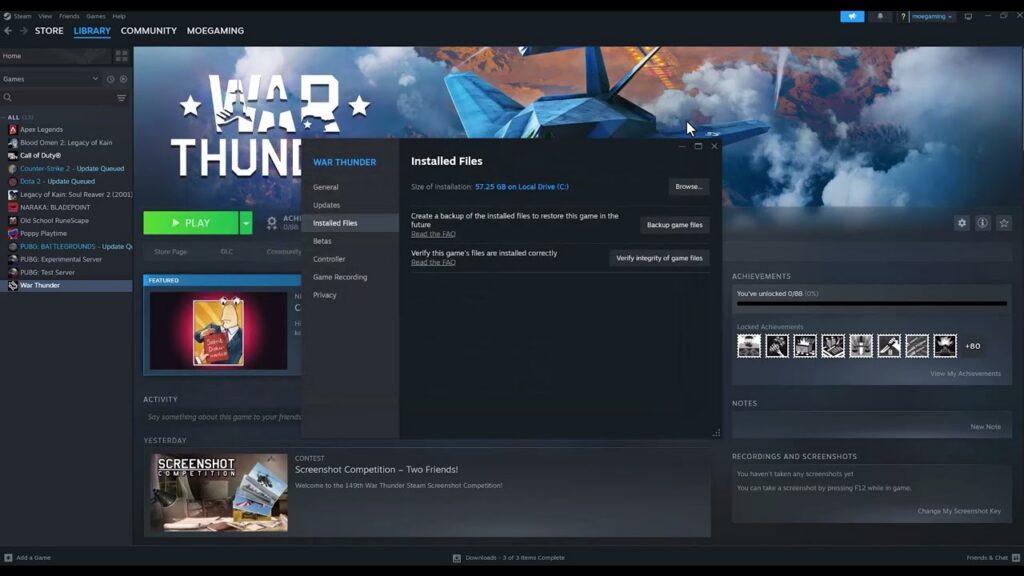
Fix War Thunder Easy Anti-Cheat aces.exe Errors
•
Repair War Thunder Easy Anti-Cheat aces.exe errors by verifying files, repairing the anti-cheat service, updating Windows and using a one-time administrator test. Read full guide →
-
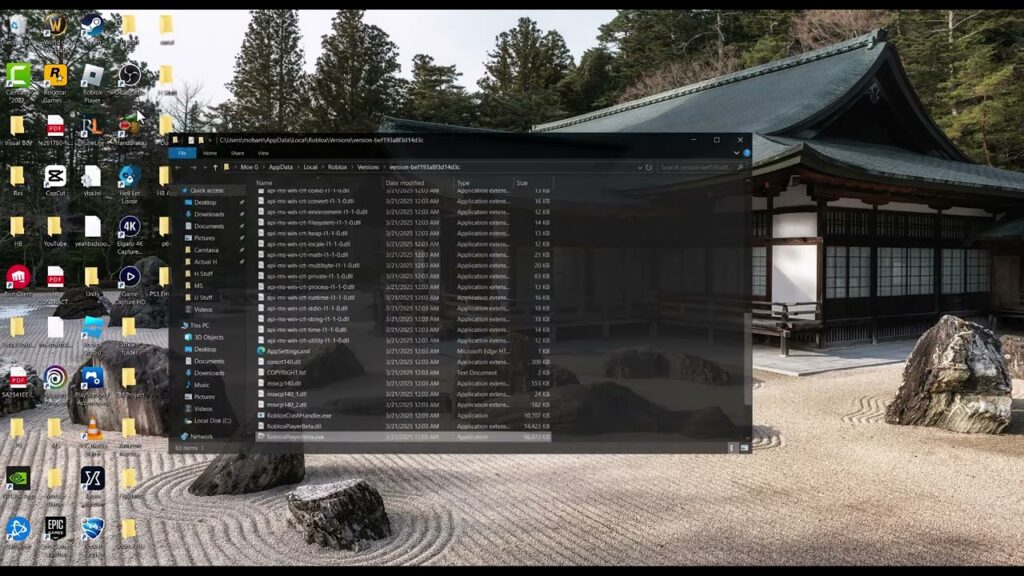
Fix Roblox Memory Dump Errors on Windows
•
Fix Roblox memory dump errors on Windows with a restart, clean reinstall, cache cleanup and driver checks. Avoid permanent administrator mode and preserve diagnostic logs. Read full guide →
-
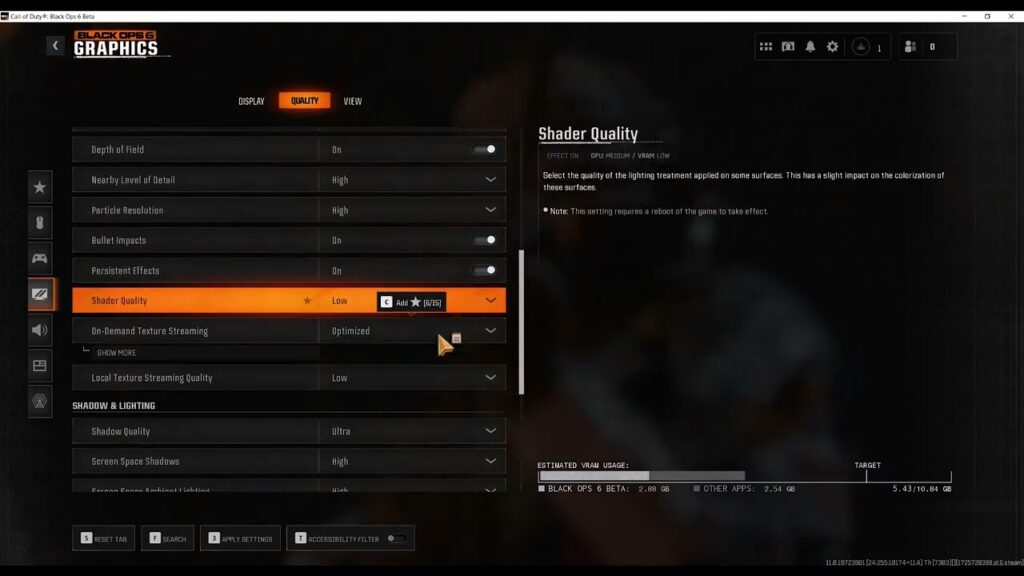
Fix Black Ops 6 Lag on PC: FPS vs Network Latency
•
Fix Black Ops 6 lag on PC by separating low FPS from network latency, completing shader preloading, tuning graphics, verifying files and testing a wired connection. Read full guide →
-
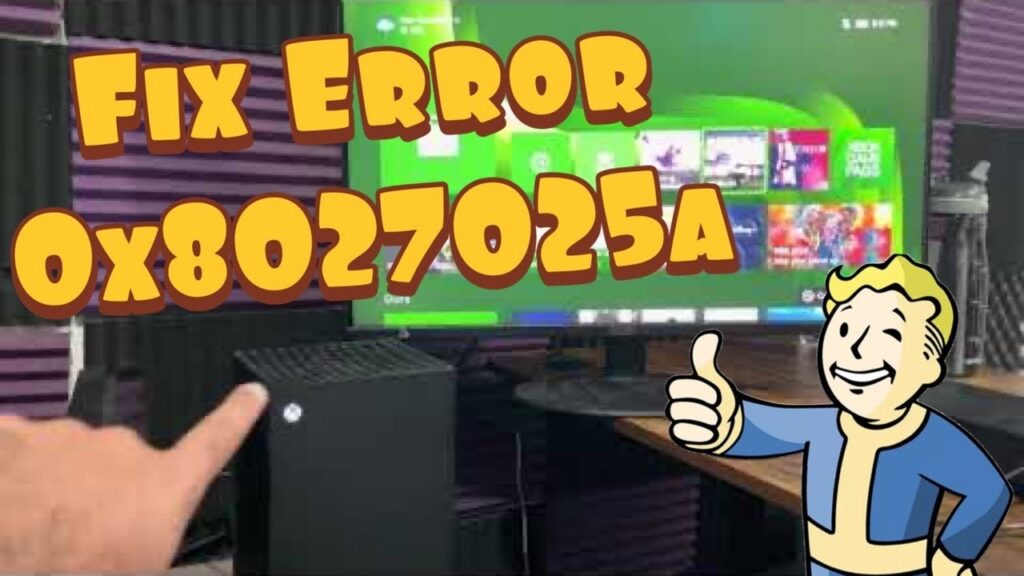
Fix Xbox Error 0x8027025a: App Took Too Long
•
Xbox error 0x8027025a means sign-in or an app took too long. Quit the app, restart the console, check service status and updates, then reinstall only as a last resort. Read full guide →
-
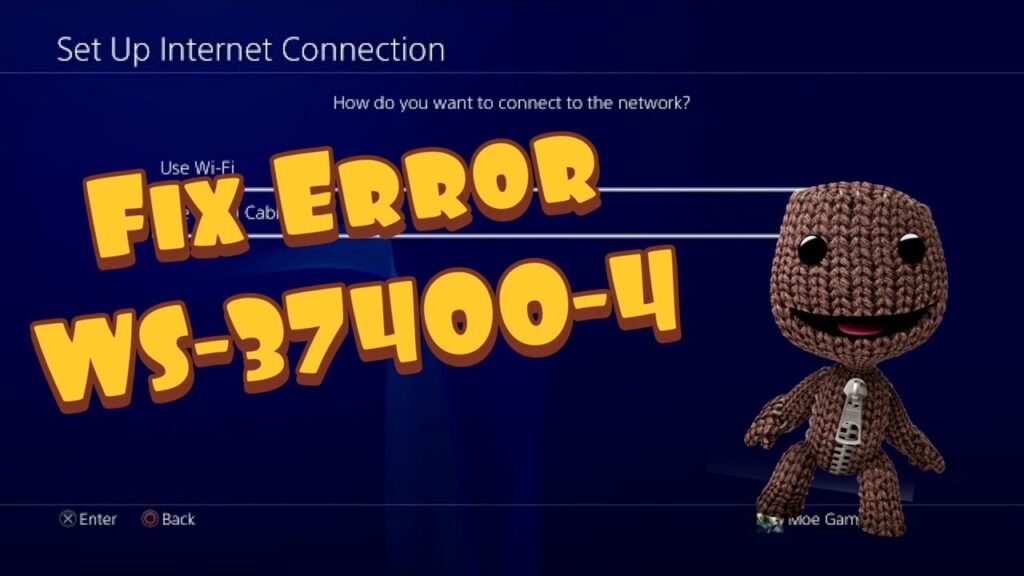
Fix PS4 Error WS-37400-4: PSN Sign-In and Network
•
PS4 error WS-37400-4 can interrupt PSN sign-in. Check PlayStation status, test the connection, rebuild the saved network, and use DNS or a hotspot only as reversible diagnostics. Read full guide →
-
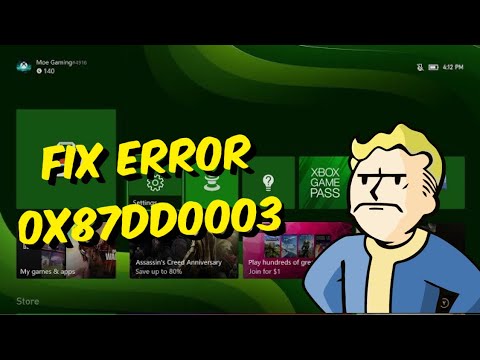
Fix Xbox Error 0x87DD0003: Sign-In Troubleshooting
•
Xbox error 0x87DD0003 blocks sign-in. Check Xbox service status, restart cleanly, test the network, and remove and re-add the profile only as a final account step. Read full guide →
-
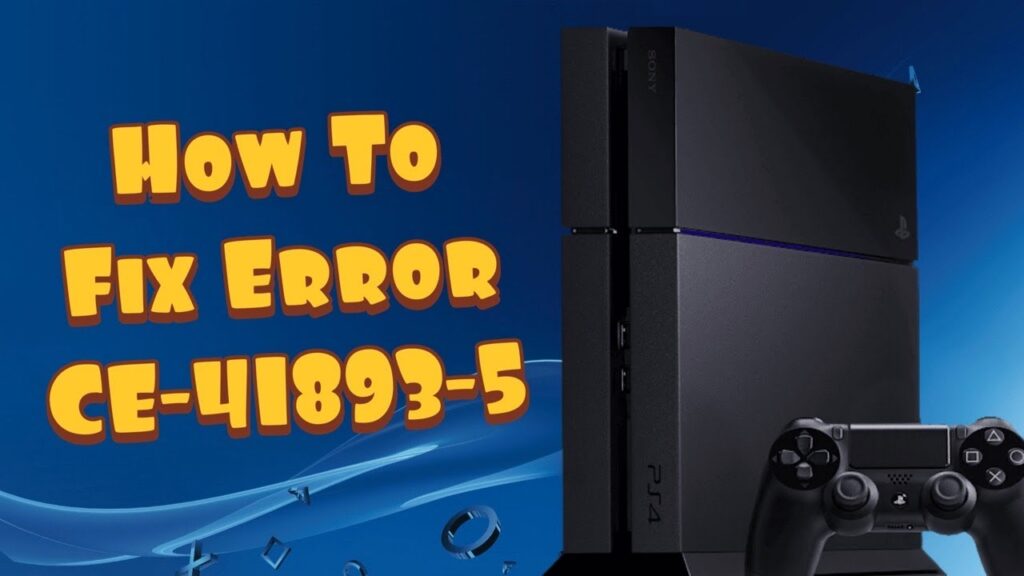
Fix PS4 Error CE-41893-5: USB Extended Storage
•
PS4 error CE-41893-5 appears when a drive configured as extended storage is used for ordinary USB files. Safely separate the two roles and avoid accidental data loss. Read full guide →
-
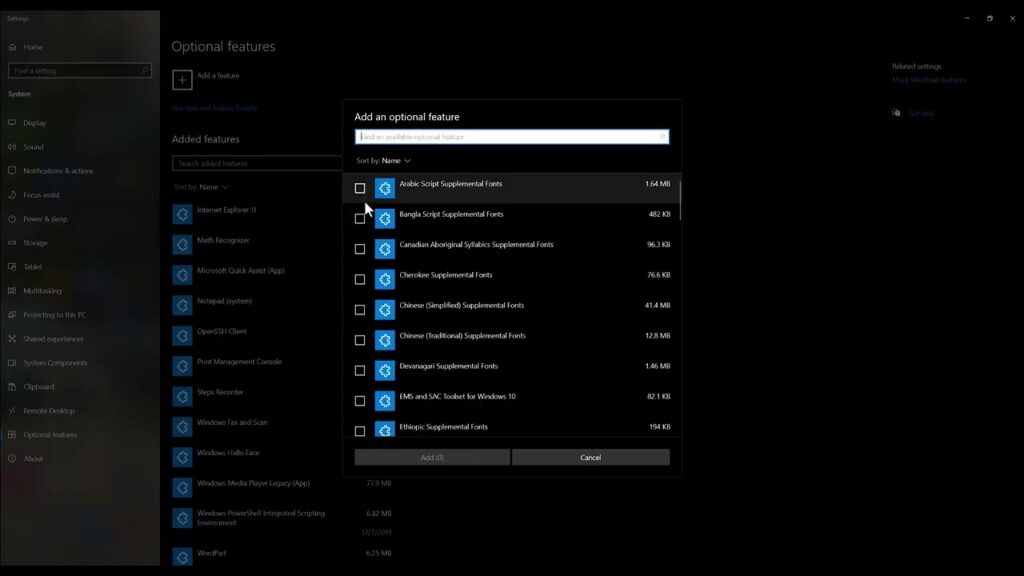
How to Fix Roblox ‘Failed to Load EVR.dll’ on Windows
•
Fix Roblox Failed to load EVR.dll by checking whether Windows is an N edition, installing Media Feature Pack through Optional Features, and reinstalling Roblox safely. Read full guide →
-
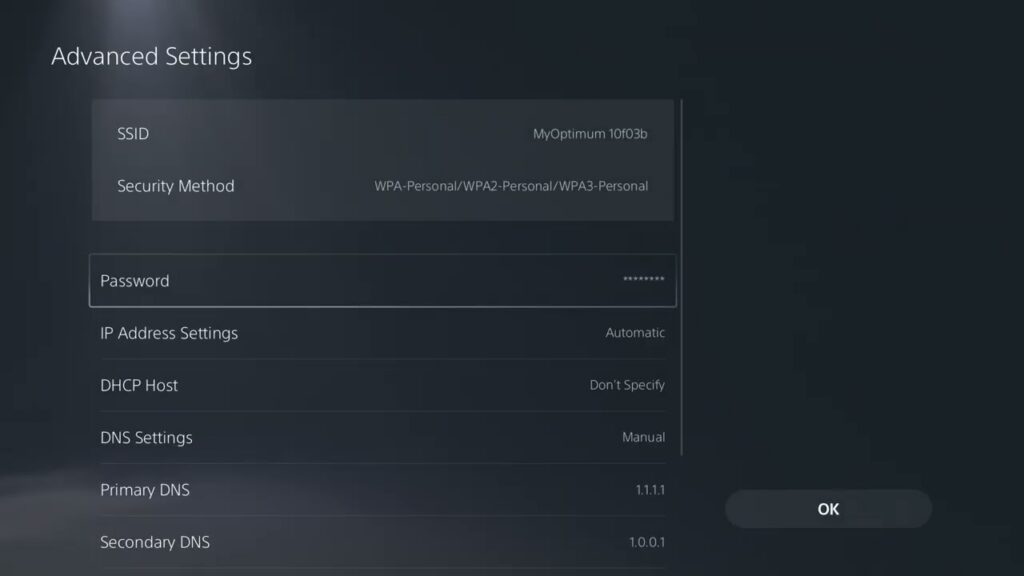
Fix PS5 Network Errors NW-102315-2 and NW-102379-2
•
Fix PS5 error NW-102315-2 by checking PSN, restarting network equipment, testing Ethernet, improving Wi-Fi, and trying a public DNS temporarily. Read full guide →
-
How to Fix PS5 Error CE-100008-9
•
Fix PS5 error CE-100008-9 by restarting, updating system software, checking the app update, restoring licenses, and reinstalling only the affected app. Read full guide →
Latest tutorials
Fresh fixes, walkthroughs, and gaming tech help.
-
Fix War Thunder Easy Anti-Cheat aces.exe Errors
Repair War Thunder Easy Anti-Cheat aces.exe errors by verifying files, repairing the anti-cheat service, updating Windows and using a one-time… Read more →
•
-
Fix Roblox Memory Dump Errors on Windows
Fix Roblox memory dump errors on Windows with a restart, clean reinstall, cache cleanup and driver checks. Avoid permanent administrator… Read more →
•
-
Fix Black Ops 6 Lag on PC: FPS vs Network Latency
Fix Black Ops 6 lag on PC by separating low FPS from network latency, completing shader preloading, tuning graphics, verifying… Read more →
•
-
Fix Xbox Error 0x8027025a: App Took Too Long
Xbox error 0x8027025a means sign-in or an app took too long. Quit the app, restart the console, check service status… Read more →
•
-
Fix PS4 Error WS-37400-4: PSN Sign-In and Network
PS4 error WS-37400-4 can interrupt PSN sign-in. Check PlayStation status, test the connection, rebuild the saved network, and use DNS… Read more →
•
-
Fix Xbox Error 0x87DD0003: Sign-In Troubleshooting
Xbox error 0x87DD0003 blocks sign-in. Check Xbox service status, restart cleanly, test the network, and remove and re-add the profile… Read more →
•
-
Fix PS4 Error CE-41893-5: USB Extended Storage
PS4 error CE-41893-5 appears when a drive configured as extended storage is used for ordinary USB files. Safely separate the… Read more →
•
-
How to Fix Roblox ‘Failed to Load EVR.dll’ on Windows
Fix Roblox Failed to load EVR.dll by checking whether Windows is an N edition, installing Media Feature Pack through Optional… Read more →
•
-
Fix PS5 Network Errors NW-102315-2 and NW-102379-2
Fix PS5 error NW-102315-2 by checking PSN, restarting network equipment, testing Ethernet, improving Wi-Fi, and trying a public DNS temporarily. Read more →
•
-
How to Fix PS5 Error CE-100008-9
Fix PS5 error CE-100008-9 by restarting, updating system software, checking the app update, restoring licenses, and reinstalling only the affected… Read more →
•