Tutorial archive
Gaming fixes, walkthroughs, and troubleshooting guides
Browse practical tutorials for PC, console, and game-specific issues, with clear steps and video-backed help for solving problems fast.
Inside Tutorials
- PC gaming fixes
- Console troubleshooting
- Error code solutions
- Game-specific how-to guides
Featured post
-
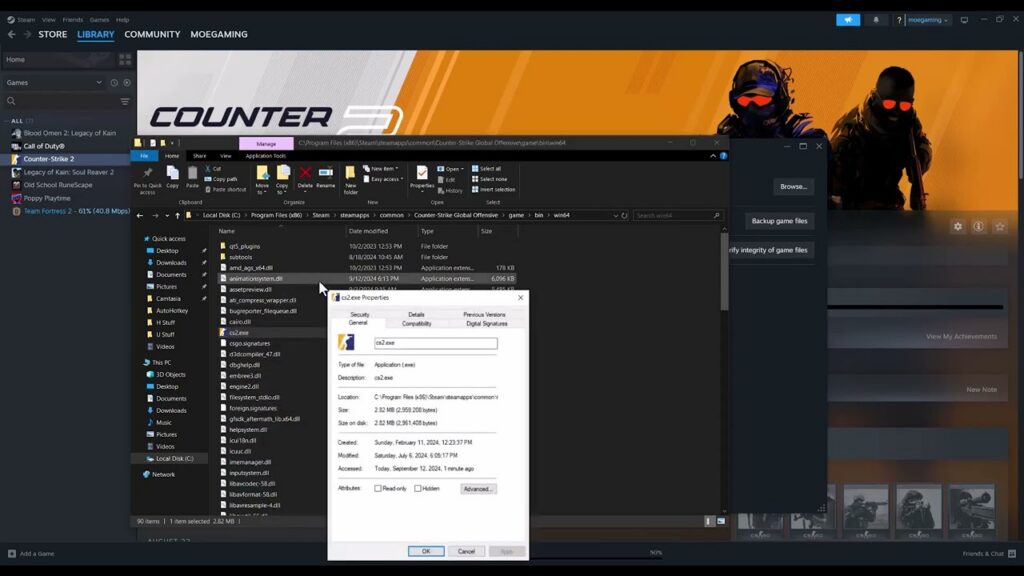
How to Fix CS2 “Error Reading From Loaded Packed Store”
•
Repair Counter-Strike 2 packed-store read errors by clearing Steam’s download cache and verifying installed files without risky compatibility changes. Read full guide →
-
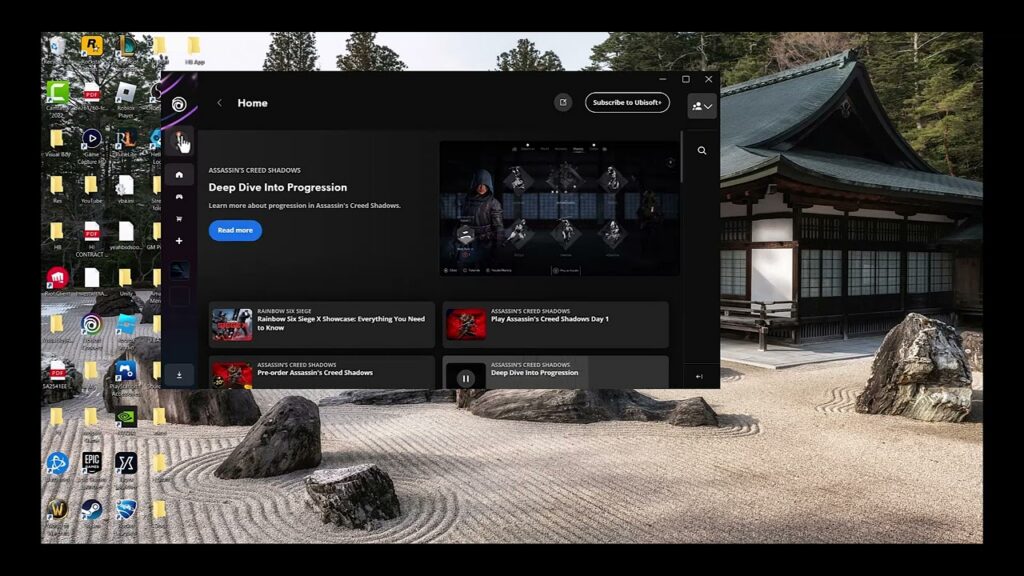
How to Fix Ubisoft Connect In-Game Overlay Not Opening
•
Restore the Ubisoft Connect in-game overlay by enabling it in Interface settings, restarting the launcher and game, and checking game support. Read full guide →
-
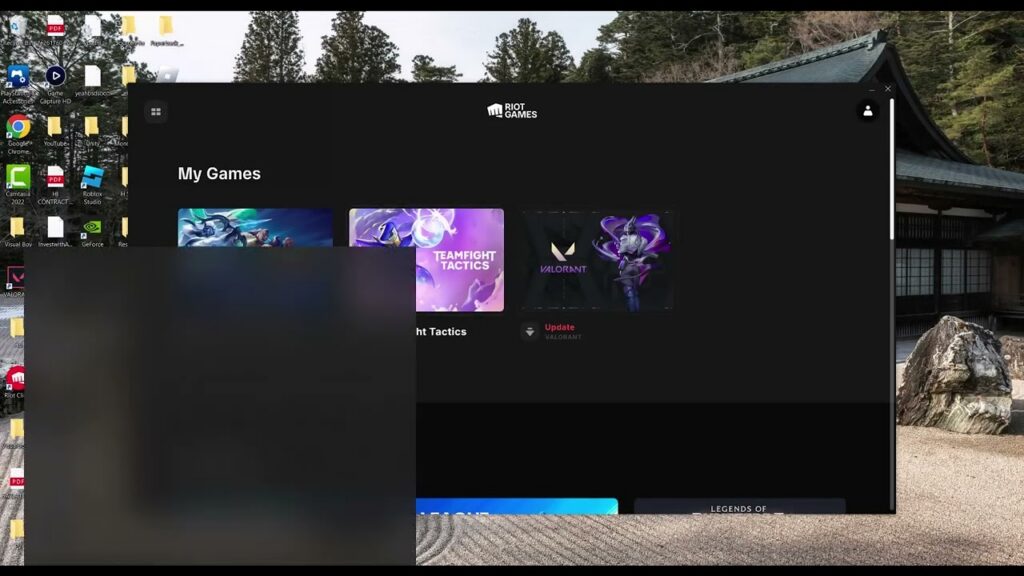
How to Fix League of Legends “Unable to Connect to the Login Queue”
•
Fix the League of Legends login-queue connection error with Riot-supported DNS checks, a DNS-cache refresh, and a carefully explained Windows network reset. Read full guide →
-
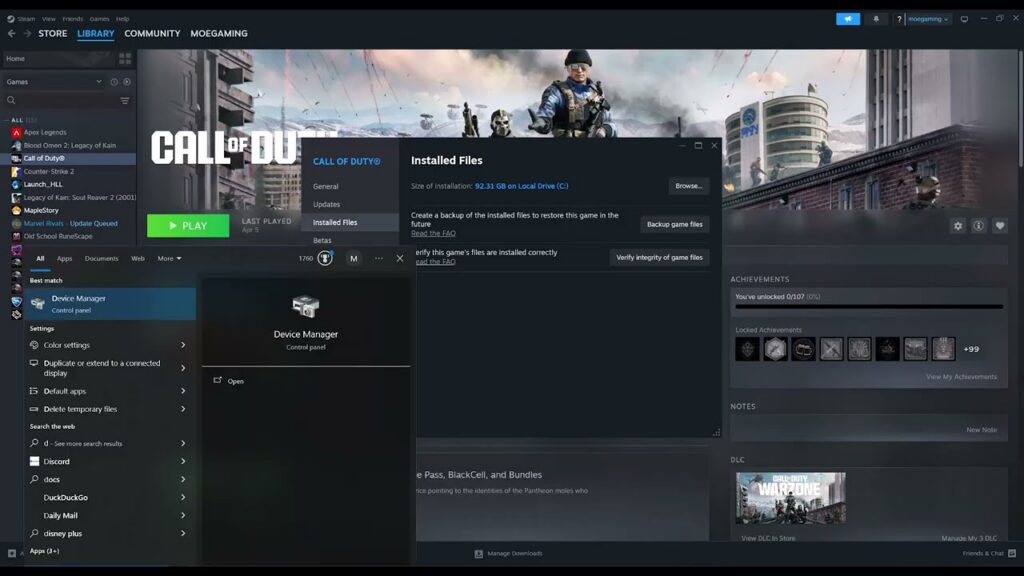
Elden Ring Crashing on Steam: Verify Files and Drivers
•
Elden Ring crashing at launch on Steam? Verify game files, update the graphics driver from its manufacturer, remove mods, and test safely. Read full guide →
-
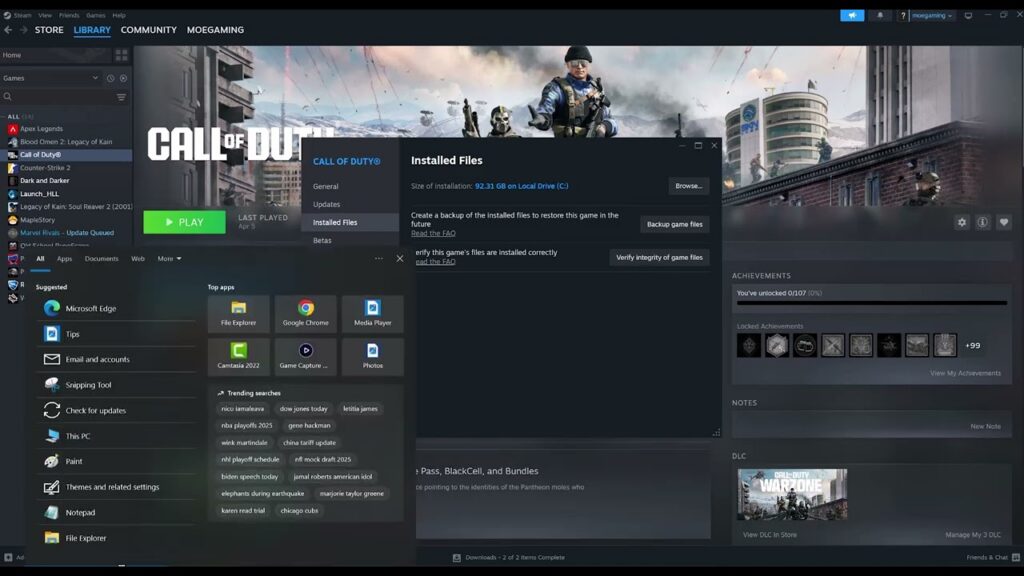
NBA 2K25 Crashing on Steam: Safe PC Fixes
•
NBA 2K25 crashing, freezing, or showing a black screen on Steam? Verify files, update the GPU driver, check requirements, and test cleanly. Read full guide →
-
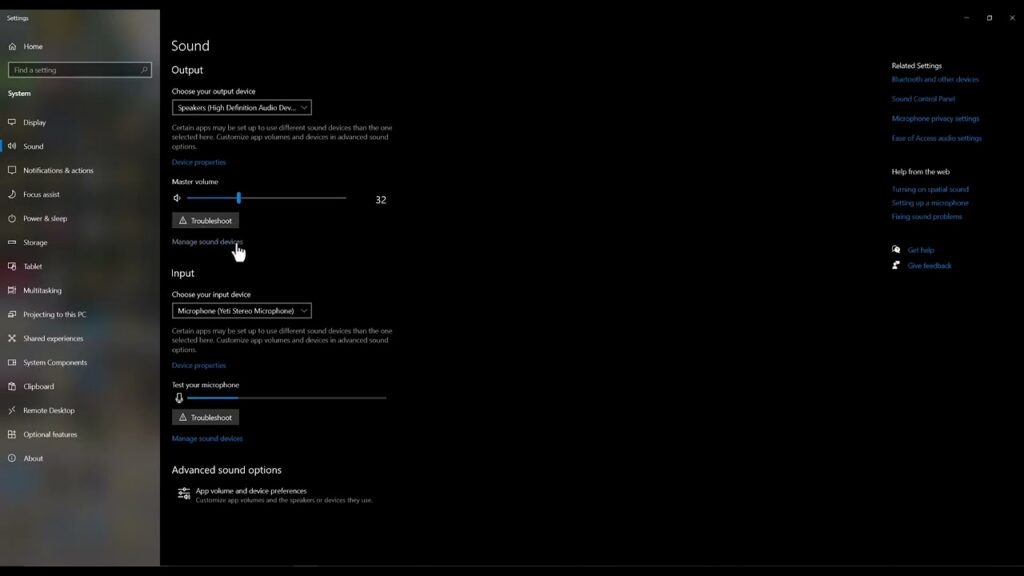
GTA V Enhanced Sound Problems: Windows Audio Fixes
•
Fix missing, distorted, or unbalanced GTA V Enhanced audio by checking the output device, troubleshooter, spatial sound, and enhancements. Read full guide →
-
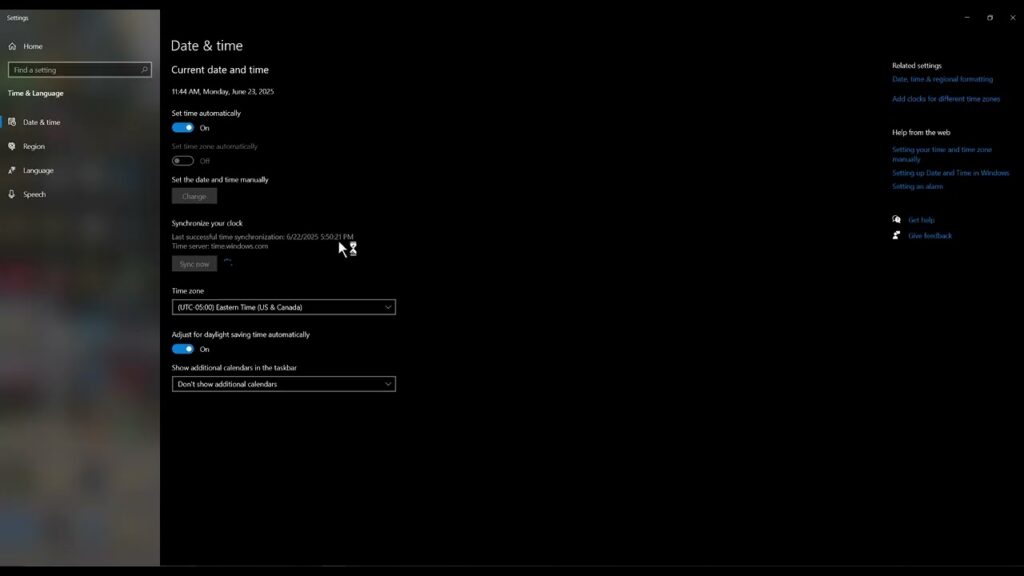
Rockstar Games Launcher Error 1.000.7: Fix Windows Time
•
Rockstar Games Launcher error 1.000.7 can be caused by an incorrect Windows clock. Set the right time zone, sync now, and retry safely. Read full guide →
-
Black Ops 6 “Could Not Fetch Playerstats” on PS5: Fixes
•
Fix Black Ops 6 “Could not fetch playerstats / connection interrupted by user” on PS5 with service, content-pack, license, and DNS checks. Read full guide →
-
League of Legends Stuck After Champion Select: Loading Screen Fix
•
League of Legends freezes after champion select? Set the game executable to the high-performance GPU, repair the client, and test overlays safely. Read full guide →
-
How to Fix CS2 “Failed to Reach Any Official Servers”
•
CS2 cannot reach official servers? Check Steam service status, switch to a trusted DNS resolver, flush DNS, and reset Winsock safely. Read full guide →
Latest tutorials
Fresh fixes, walkthroughs, and gaming tech help.
-
How to Fix CS2 “Error Reading From Loaded Packed Store”
Repair Counter-Strike 2 packed-store read errors by clearing Steam’s download cache and verifying installed files without risky compatibility changes. Read more →
•
-
How to Fix Ubisoft Connect In-Game Overlay Not Opening
Restore the Ubisoft Connect in-game overlay by enabling it in Interface settings, restarting the launcher and game, and checking game… Read more →
•
-
How to Fix League of Legends “Unable to Connect to the Login Queue”
Fix the League of Legends login-queue connection error with Riot-supported DNS checks, a DNS-cache refresh, and a carefully explained Windows… Read more →
•
-
Elden Ring Crashing on Steam: Verify Files and Drivers
Elden Ring crashing at launch on Steam? Verify game files, update the graphics driver from its manufacturer, remove mods, and… Read more →
•
-
NBA 2K25 Crashing on Steam: Safe PC Fixes
NBA 2K25 crashing, freezing, or showing a black screen on Steam? Verify files, update the GPU driver, check requirements, and… Read more →
•
-
GTA V Enhanced Sound Problems: Windows Audio Fixes
Fix missing, distorted, or unbalanced GTA V Enhanced audio by checking the output device, troubleshooter, spatial sound, and enhancements. Read more →
•
-
Rockstar Games Launcher Error 1.000.7: Fix Windows Time
Rockstar Games Launcher error 1.000.7 can be caused by an incorrect Windows clock. Set the right time zone, sync now,… Read more →
•
-
Black Ops 6 “Could Not Fetch Playerstats” on PS5: Fixes
Fix Black Ops 6 “Could not fetch playerstats / connection interrupted by user” on PS5 with service, content-pack, license, and… Read more →
•
-
League of Legends Stuck After Champion Select: Loading Screen Fix
League of Legends freezes after champion select? Set the game executable to the high-performance GPU, repair the client, and test… Read more →
•
-
How to Fix CS2 “Failed to Reach Any Official Servers”
CS2 cannot reach official servers? Check Steam service status, switch to a trusted DNS resolver, flush DNS, and reset Winsock… Read more →
•