Tutorial archive
Gaming fixes, walkthroughs, and troubleshooting guides
Browse practical tutorials for PC, console, and game-specific issues, with clear steps and video-backed help for solving problems fast.
Inside Tutorials
- PC gaming fixes
- Console troubleshooting
- Error code solutions
- Game-specific how-to guides
Featured post
-
How to Fix Microsoft Store Error 0x89235106
•
Fix Microsoft Store error 0x89235106 when games will not install by resetting the Store cache, updating Windows, and repairing Gaming Services. Read full guide →
-
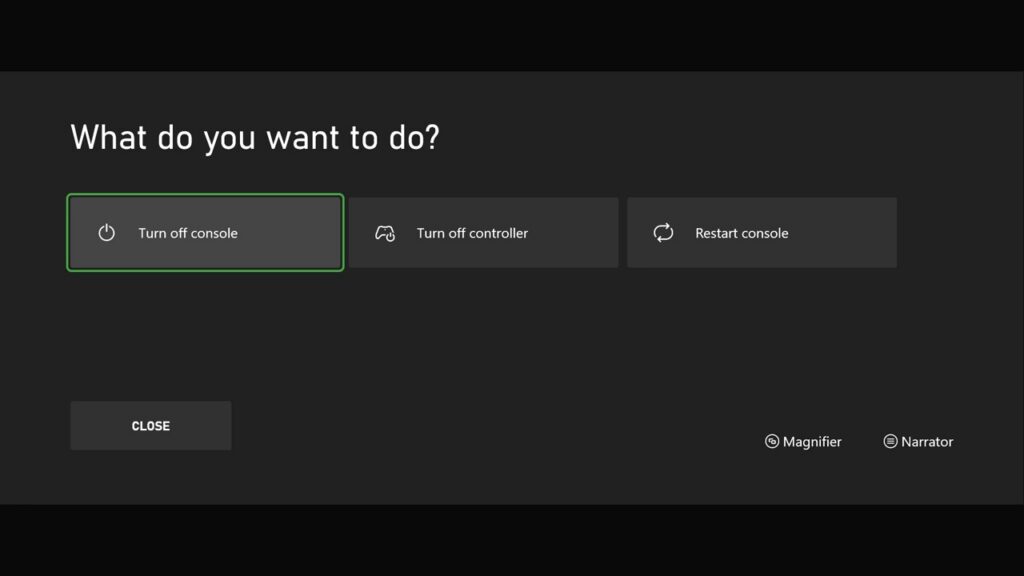
How to Fix Xbox Error 0x87DD0019
•
Xbox error 0x87DD0019 usually points to an Xbox service outage or connection problem. Check status, restart the network, and retest safely. Read full guide →
-
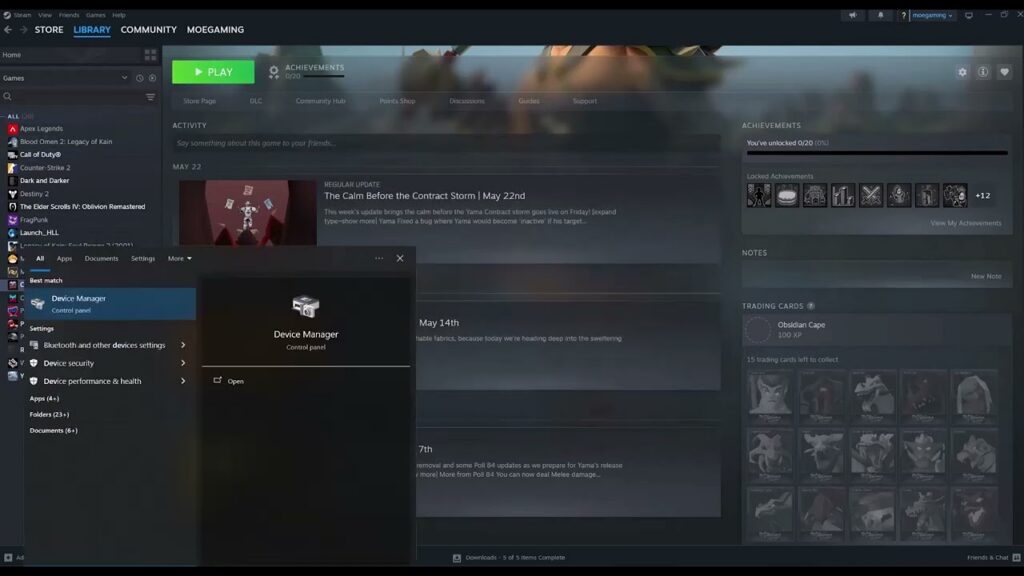
How to Fix Arma Reforger Crashing on Steam
•
Arma Reforger crashing on Steam? Verify its files, test without Workshop content, update the game, and send a useful crash report if it persists. Read full guide →
-
How to Fix Steam Download Speed Dropping to 0
•
Steam download speed keeps dropping to zero? Check disk activity, remove bandwidth limits, clear the cache, and change download region safely. Read full guide →
-
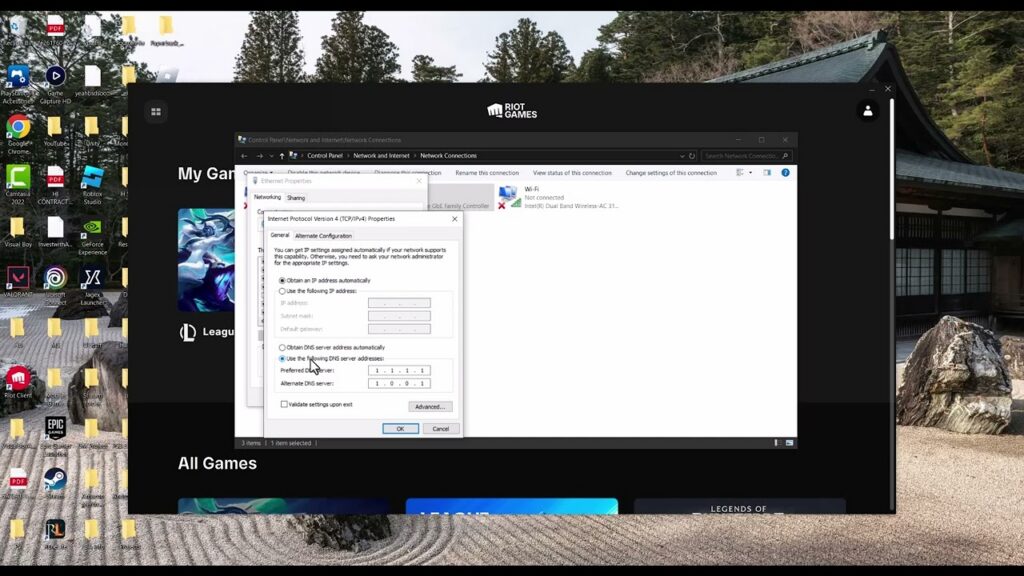
How to Fix High Ping in League of Legends
•
Reduce League of Legends ping spikes by checking Riot’s service, stopping background traffic, testing Ethernet, and collecting connection logs. Read full guide →
-
How to Fix Steam “Content File Locked” Errors
•
Steam says a content file is locked? Clear the download cache, repair the library folder, and verify the affected game with these safe steps. Read full guide →
-
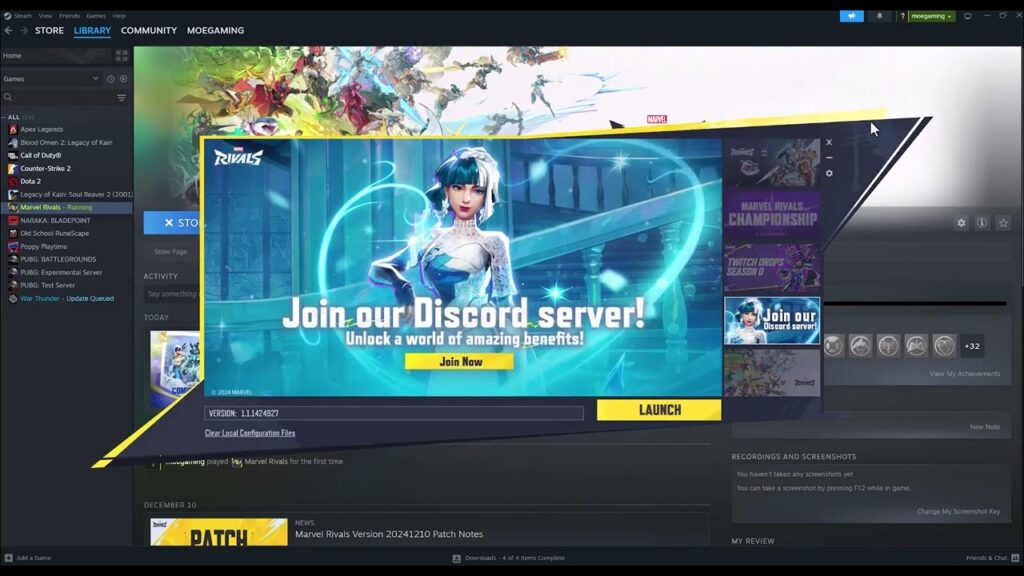
How to Fix Marvel Rivals Crashing During Shader Compilation
•
Fix Marvel Rivals crashes during shader compilation with GPU Debug Mode, Switch Shader Compilation Mode, file verification, and current drivers. Read full guide →
-
How to Fix Cyberpunk 2077 Crashing on Steam
•
Fix Cyberpunk 2077 crashes on Steam by verifying files, updating or rolling back GPU drivers, removing mods, and checking system requirements. Read full guide →
-
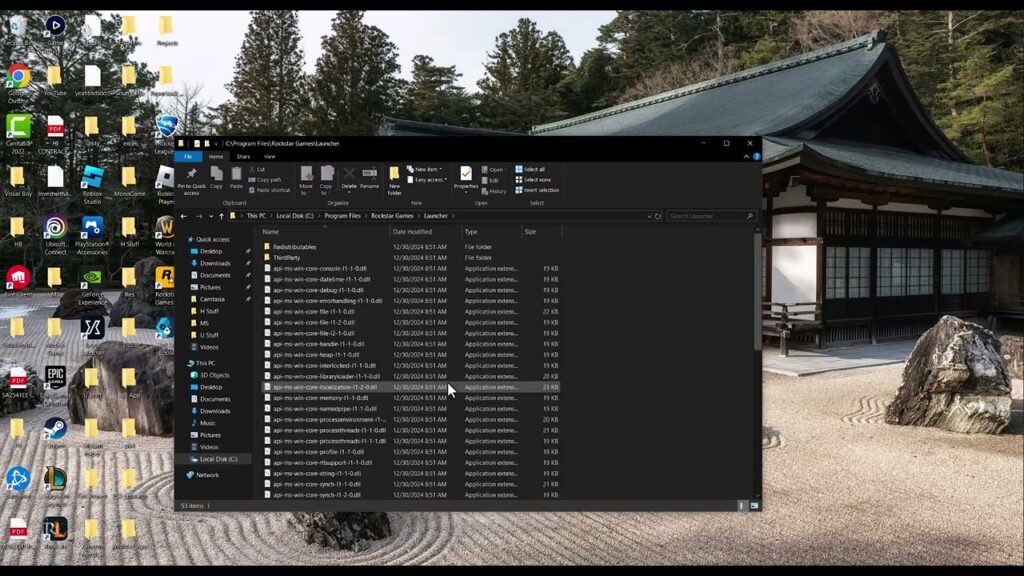
How to Fix Rockstar Games Error Code 16 (Incomplete Installation)
•
Fix Rockstar Games Error Code 16 by updating launchers and games, verifying files, then using Rockstar’s exact clean-reinstall procedure if needed. Read full guide →
-
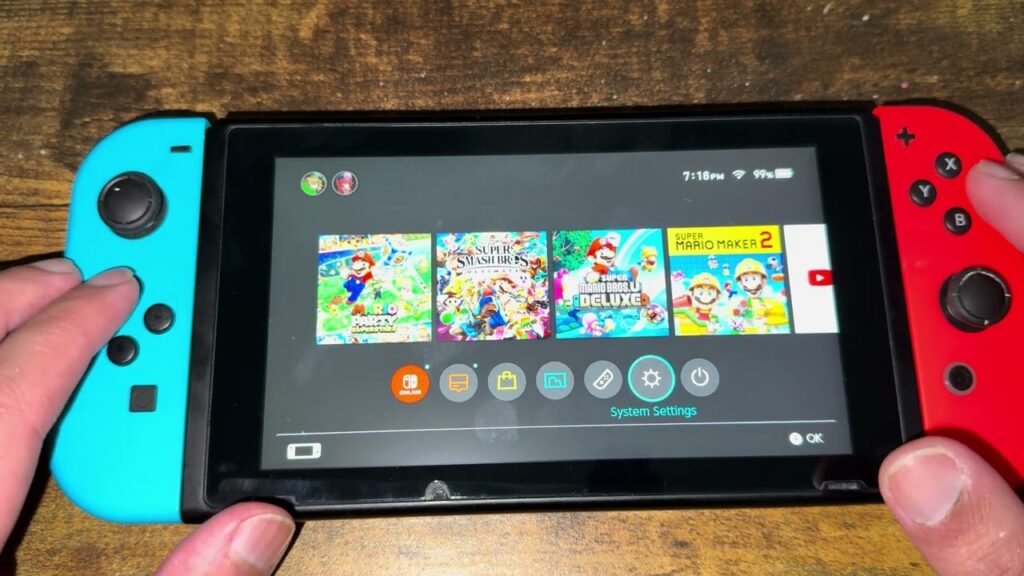
How to Fix “The Software Was Closed Because an Error Occurred” on Nintendo Switch
•
Fix Nintendo Switch software-closing errors by restarting fully, updating the console and game, checking corrupt data, and reinstalling safely. Read full guide →
Latest tutorials
Fresh fixes, walkthroughs, and gaming tech help.
-
How to Fix Microsoft Store Error 0x89235106
Fix Microsoft Store error 0x89235106 when games will not install by resetting the Store cache, updating Windows, and repairing Gaming… Read more →
•
-
How to Fix Xbox Error 0x87DD0019
Xbox error 0x87DD0019 usually points to an Xbox service outage or connection problem. Check status, restart the network, and retest… Read more →
•
-
How to Fix Arma Reforger Crashing on Steam
Arma Reforger crashing on Steam? Verify its files, test without Workshop content, update the game, and send a useful crash… Read more →
•
-
How to Fix Steam Download Speed Dropping to 0
Steam download speed keeps dropping to zero? Check disk activity, remove bandwidth limits, clear the cache, and change download region… Read more →
•
-
How to Fix High Ping in League of Legends
Reduce League of Legends ping spikes by checking Riot’s service, stopping background traffic, testing Ethernet, and collecting connection logs. Read more →
•
-
How to Fix Steam “Content File Locked” Errors
Steam says a content file is locked? Clear the download cache, repair the library folder, and verify the affected game… Read more →
•
-
How to Fix Marvel Rivals Crashing During Shader Compilation
Fix Marvel Rivals crashes during shader compilation with GPU Debug Mode, Switch Shader Compilation Mode, file verification, and current drivers. Read more →
•
-
How to Fix Cyberpunk 2077 Crashing on Steam
Fix Cyberpunk 2077 crashes on Steam by verifying files, updating or rolling back GPU drivers, removing mods, and checking system… Read more →
•
-
How to Fix Rockstar Games Error Code 16 (Incomplete Installation)
Fix Rockstar Games Error Code 16 by updating launchers and games, verifying files, then using Rockstar’s exact clean-reinstall procedure if… Read more →
•
-
How to Fix “The Software Was Closed Because an Error Occurred” on Nintendo Switch
Fix Nintendo Switch software-closing errors by restarting fully, updating the console and game, checking corrupt data, and reinstalling safely. Read more →
•