Tutorial archive
Gaming fixes, walkthroughs, and troubleshooting guides
Browse practical tutorials for PC, console, and game-specific issues, with clear steps and video-backed help for solving problems fast.
Inside Tutorials
- PC gaming fixes
- Console troubleshooting
- Error code solutions
- Game-specific how-to guides
Featured post
-
How to Fix PS4 Error CE-39984-3
•
Troubleshoot PS4 error CE-39984-3 with service checks, a safe router restart, Ethernet, connection testing, and reversible DNS settings. Read full guide →
-
How to Fix PS4 Error CE-30781-9
•
Fix PS4 error CE-30781-9 safely with Safe Mode, Rebuild Database, a system software update, and clear data-loss warnings for last-resort recovery. Read full guide →
-
How to Fix PS4 Error CE-32895-7
•
Troubleshoot PS4 error CE-32895-7 with service, date and time, software update, router restart, Ethernet, and safe DNS checks. Read full guide →
-
How to Fix Xbox Error 0x82D40003
•
Fix Xbox error 0x82D40003 by signing in with the owning account, checking license and service status, and configuring Home Xbox correctly. Read full guide →
-
How to Fix PS4 Error WS-37469-9
•
Fix PS4 error WS-37469-9 by checking PlayStation status, restarting network equipment for five minutes, and testing safe connection alternatives. Read full guide →
-
How to Fix PS5 Error SU-101312-8
•
Fix PS5 error SU-101312-8 with PlayStation’s official power, update-file, Safe Mode, backup, reset, and repair sequence. Read full guide →
-
How to Fix PS4 Error CE-34054-6
•
Fix PS4 error CE-34054-6 by updating system software and rebuilding the database from Safe Mode, with backup and storage warnings. Read full guide →
-
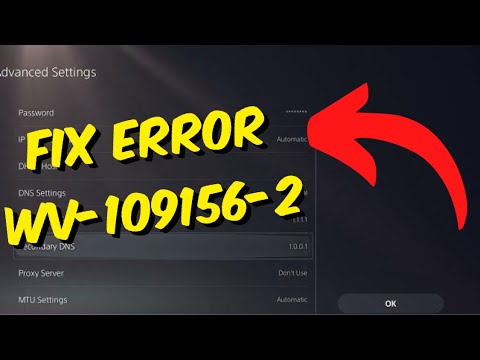
How to Fix PS5 Error WV-109156-2
•
Troubleshoot PS5 error WV-109156-2 with service checks, a connection test, a clean network restart, and safe Wi-Fi diagnostics. Read full guide →
-

How to Fix Xbox App Error 0x80073CF9 on Windows
•
Fix Xbox app error 0x80073CF9 on Windows by updating Microsoft Store, repairing the Xbox app, and using Reset only if safer steps fail. Read full guide →
-
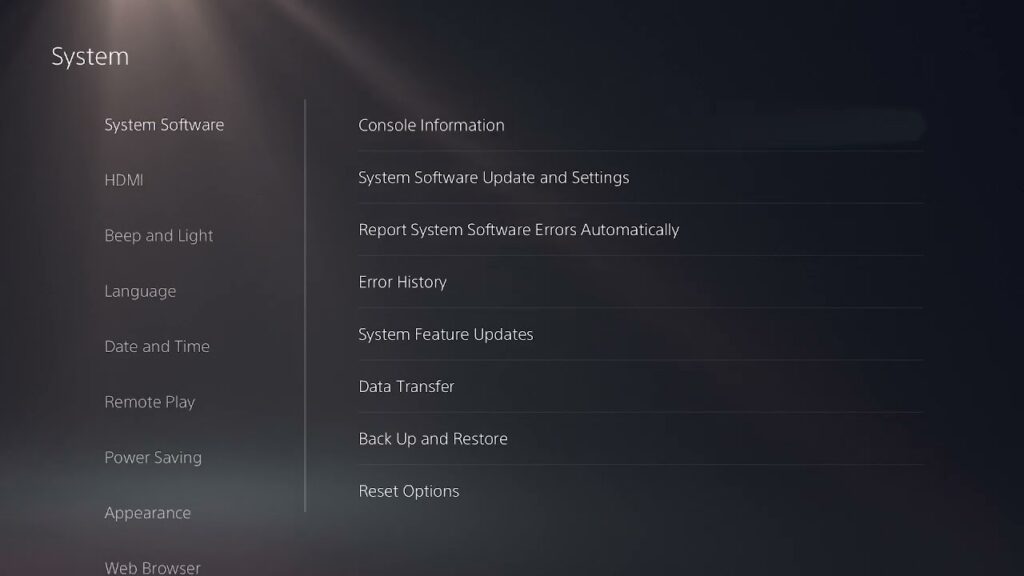
How to Fix PS5 Error CE-100006-7
•
PS5 error CE-100006-7 means the external drive is not recognized. Reconnect it directly, update the PS5, and format only when necessary. Read full guide →
Latest tutorials
Fresh fixes, walkthroughs, and gaming tech help.
-
How to Fix PS4 Error CE-39984-3
Troubleshoot PS4 error CE-39984-3 with service checks, a safe router restart, Ethernet, connection testing, and reversible DNS settings. Read more →
•
-
How to Fix PS4 Error CE-30781-9
Fix PS4 error CE-30781-9 safely with Safe Mode, Rebuild Database, a system software update, and clear data-loss warnings for last-resort… Read more →
•
-
How to Fix PS4 Error CE-32895-7
Troubleshoot PS4 error CE-32895-7 with service, date and time, software update, router restart, Ethernet, and safe DNS checks. Read more →
•
-
How to Fix Xbox Error 0x82D40003
Fix Xbox error 0x82D40003 by signing in with the owning account, checking license and service status, and configuring Home Xbox… Read more →
•
-
How to Fix PS4 Error WS-37469-9
Fix PS4 error WS-37469-9 by checking PlayStation status, restarting network equipment for five minutes, and testing safe connection alternatives. Read more →
•
-
How to Fix PS5 Error SU-101312-8
Fix PS5 error SU-101312-8 with PlayStation’s official power, update-file, Safe Mode, backup, reset, and repair sequence. Read more →
•
-
How to Fix PS4 Error CE-34054-6
Fix PS4 error CE-34054-6 by updating system software and rebuilding the database from Safe Mode, with backup and storage warnings. Read more →
•
-
How to Fix PS5 Error WV-109156-2
Troubleshoot PS5 error WV-109156-2 with service checks, a connection test, a clean network restart, and safe Wi-Fi diagnostics. Read more →
•
-
How to Fix Xbox App Error 0x80073CF9 on Windows
Fix Xbox app error 0x80073CF9 on Windows by updating Microsoft Store, repairing the Xbox app, and using Reset only if… Read more →
•
-
How to Fix PS5 Error CE-100006-7
PS5 error CE-100006-7 means the external drive is not recognized. Reconnect it directly, update the PS5, and format only when… Read more →
•