Tutorial archive
Gaming fixes, walkthroughs, and troubleshooting guides
Browse practical tutorials for PC, console, and game-specific issues, with clear steps and video-backed help for solving problems fast.
Inside Tutorials
- PC gaming fixes
- Console troubleshooting
- Error code solutions
- Game-specific how-to guides
Featured post
-
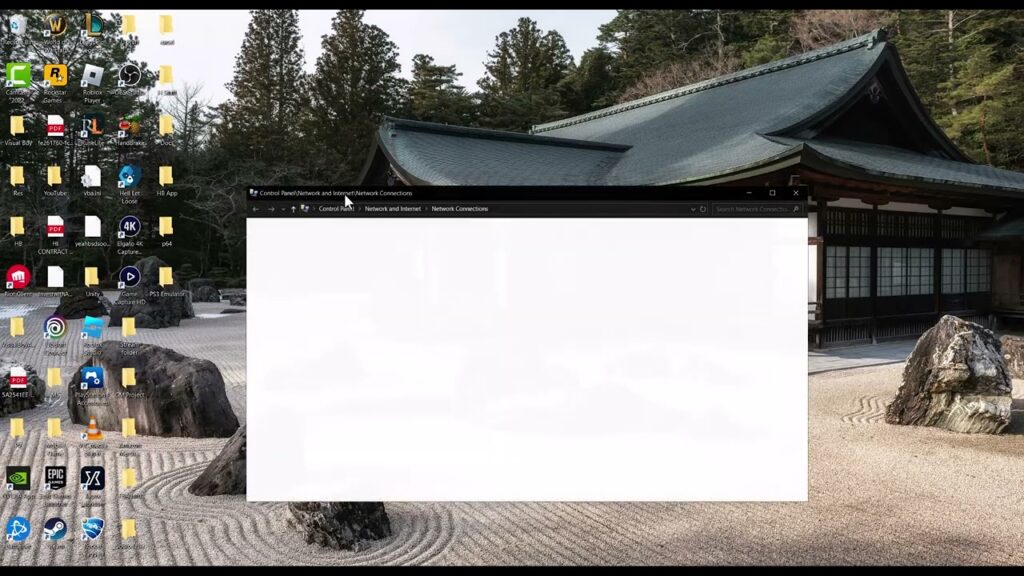
Fix Rockstar Games Services Authentication Error
•
Fix the Rockstar Games services authentication error by checking service status, disabling proxy or VPN routing, restarting the launcher, and refreshing DNS safely. Read full guide →
-
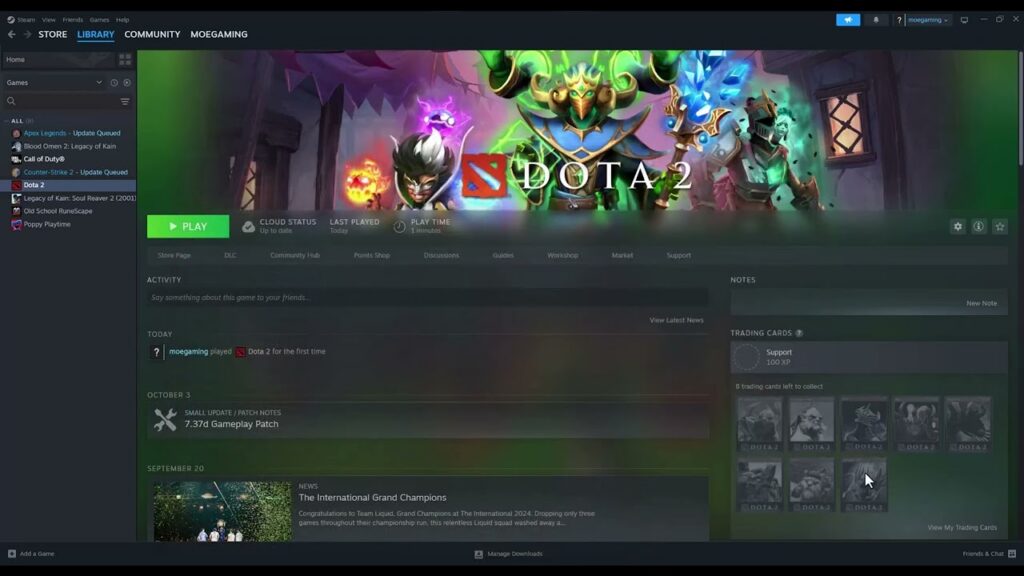
Fix Dota 2 Not Launching or Starting on Steam
•
Fix Dota 2 not launching by restarting Steam, verifying the game files, clearing conflicting launch options, updating Windows and graphics drivers, and testing overlays. Read full guide →
-
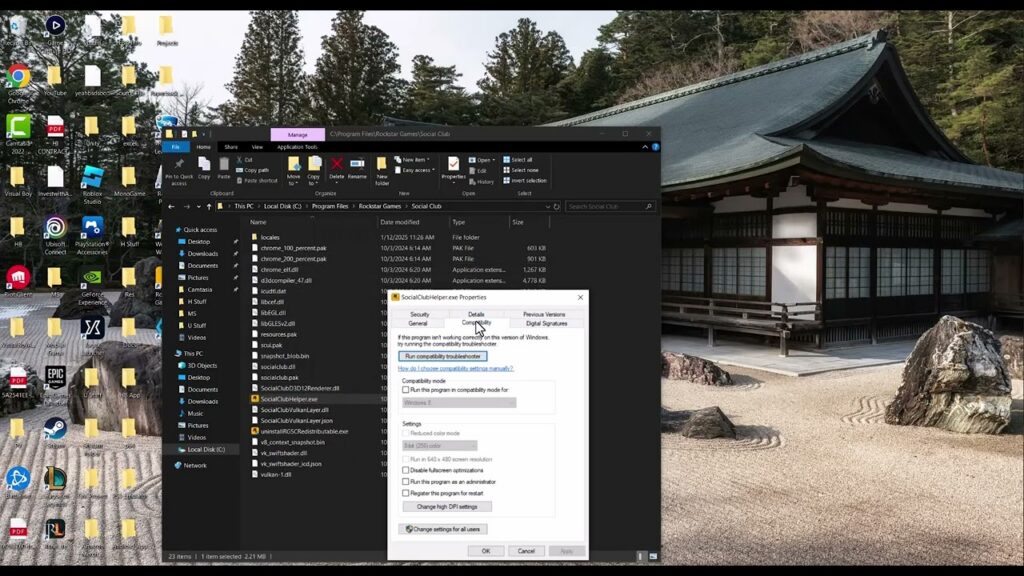
Fix GTA V Windows 7 or 8 No Longer Supported Message
•
Rockstar ended Windows 7 and 8 support in 2024. Upgrade those systems, or disable accidental compatibility mode if the warning appears on Windows 10 or 11. Read full guide →
-
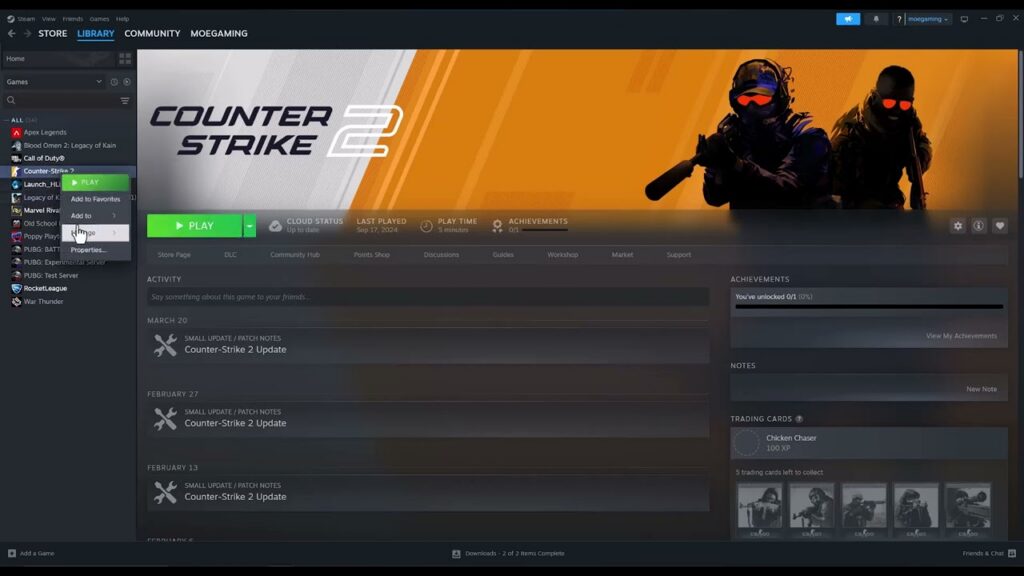
Fix CS2 Failed to Connect With Local Steam Client Process
•
Fix the Counter-Strike 2 local Steam client process error by restarting and updating Steam, launching CS2 from the Library, and verifying the game’s files. Read full guide →
-
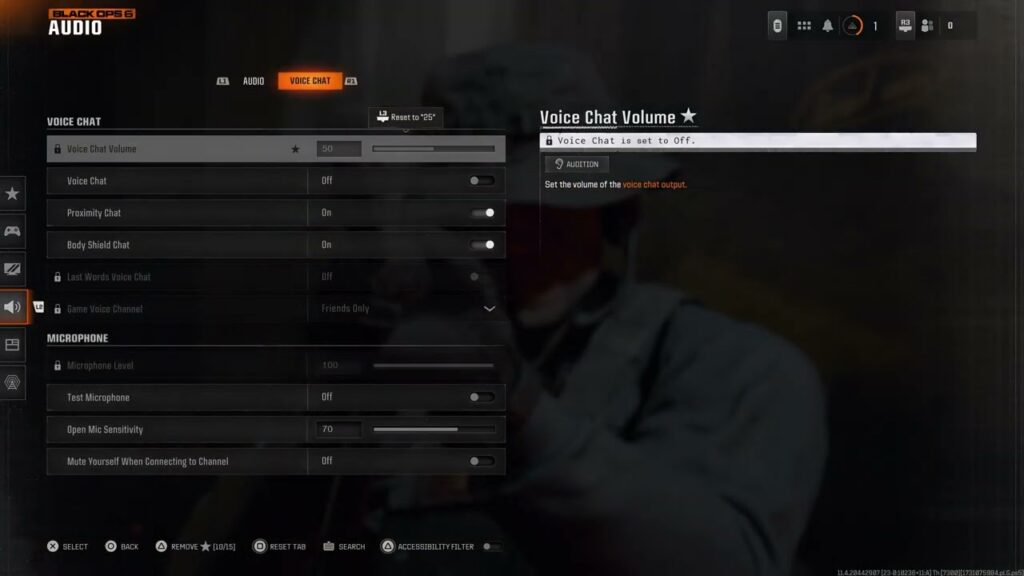
Fix Black Ops 6 Game Chat and Voice Chat Not Working
•
Fix Black Ops 6 game chat by enabling Voice Chat, choosing the right Game Chat Voice audience, checking channel and platform permissions, and testing the microphone. Read full guide →
-
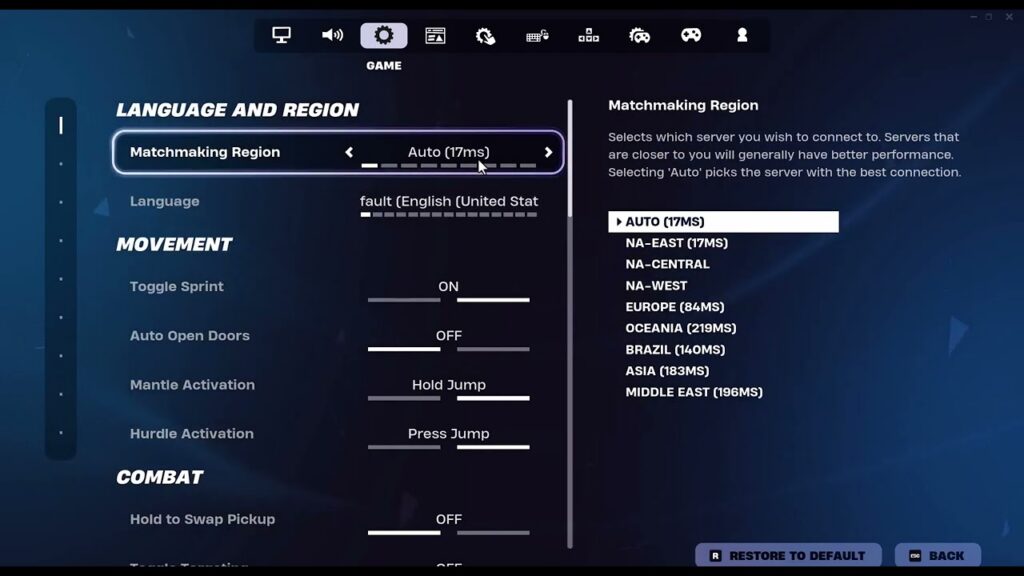
How to Fix Fortnite Matchmaking Error #3
•
Fix Fortnite matchmaking error #3 by checking Epic status, retrying after full matches clear, restarting, and testing a nearby matchmaking region. Read full guide →
-
How to Fix Rockstar Games Launcher Error 7002.1
•
Fix Rockstar Games Launcher audio error 7002.1 by updating sound drivers, closing audio enhancers, checking the output device, and verifying files. Read full guide →
-
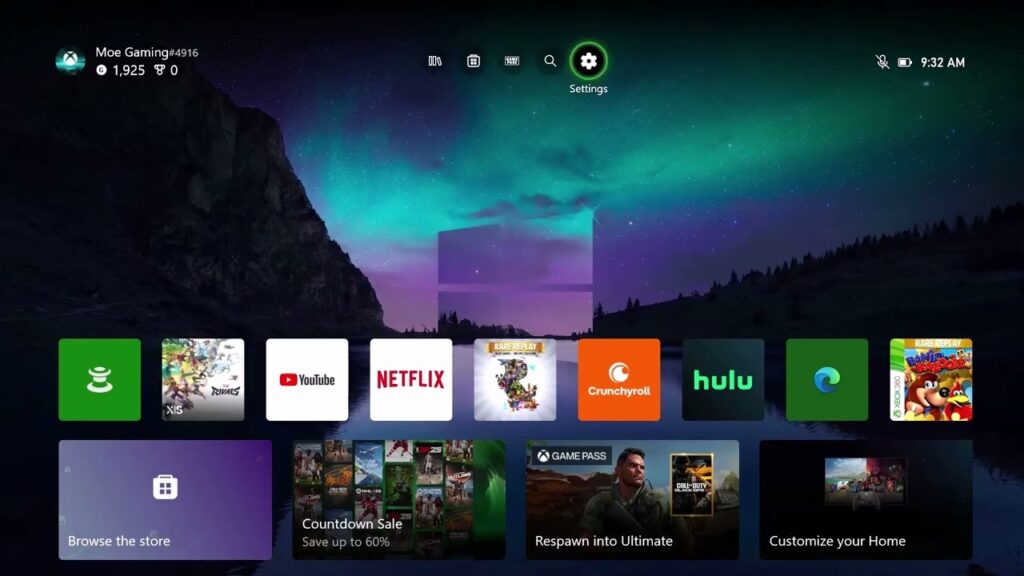
How to Fix Marvel Rivals Lag and Connection Errors on Xbox
•
Troubleshoot Marvel Rivals network lag on Xbox Series X|S with status checks, connection tests, Ethernet, and reversible MAC or DNS diagnostics. Read full guide →
-
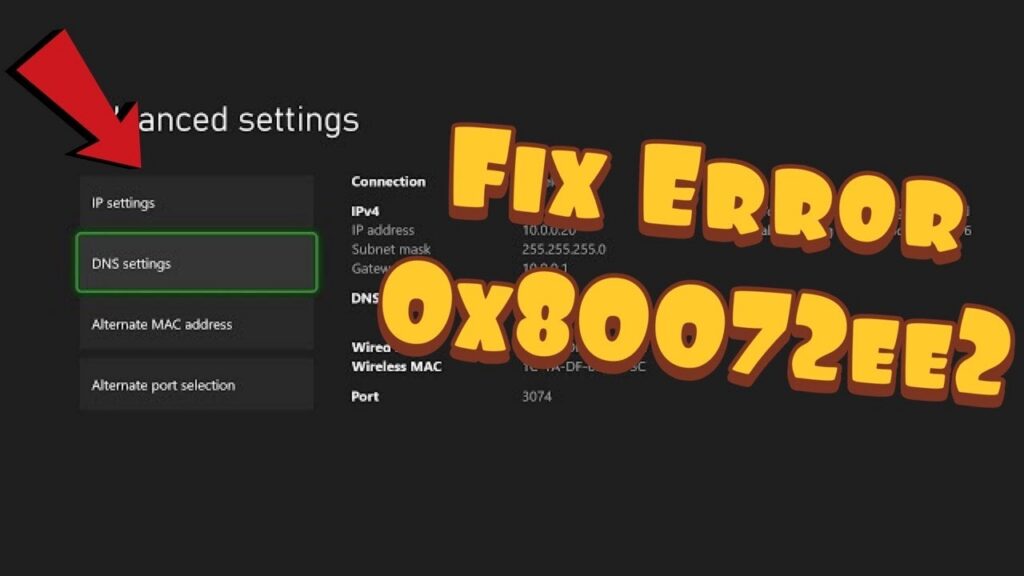
How to Fix Xbox Error 0x80072EE2
•
Resolve Xbox error 0x80072EE2 during Store or Game Pass downloads with service checks, a network restart, Ethernet, and reversible DNS testing. Read full guide →
-
How to Fix PS4 Error CE-43461-8
•
Clear PS4 error CE-43461-8 by deleting the failed update download, restarting, downloading a fresh system update, and using Safe Mode if needed. Read full guide →
Latest tutorials
Fresh fixes, walkthroughs, and gaming tech help.
-
Fix Rockstar Games Services Authentication Error
Fix the Rockstar Games services authentication error by checking service status, disabling proxy or VPN routing, restarting the launcher, and… Read more →
•
-
Fix Dota 2 Not Launching or Starting on Steam
Fix Dota 2 not launching by restarting Steam, verifying the game files, clearing conflicting launch options, updating Windows and graphics… Read more →
•
-
Fix GTA V Windows 7 or 8 No Longer Supported Message
Rockstar ended Windows 7 and 8 support in 2024. Upgrade those systems, or disable accidental compatibility mode if the warning… Read more →
•
-
Fix CS2 Failed to Connect With Local Steam Client Process
Fix the Counter-Strike 2 local Steam client process error by restarting and updating Steam, launching CS2 from the Library, and… Read more →
•
-
Fix Black Ops 6 Game Chat and Voice Chat Not Working
Fix Black Ops 6 game chat by enabling Voice Chat, choosing the right Game Chat Voice audience, checking channel and… Read more →
•
-
How to Fix Fortnite Matchmaking Error #3
Fix Fortnite matchmaking error #3 by checking Epic status, retrying after full matches clear, restarting, and testing a nearby matchmaking… Read more →
•
-
How to Fix Rockstar Games Launcher Error 7002.1
Fix Rockstar Games Launcher audio error 7002.1 by updating sound drivers, closing audio enhancers, checking the output device, and verifying… Read more →
•
-
How to Fix Marvel Rivals Lag and Connection Errors on Xbox
Troubleshoot Marvel Rivals network lag on Xbox Series X|S with status checks, connection tests, Ethernet, and reversible MAC or DNS… Read more →
•
-
How to Fix Xbox Error 0x80072EE2
Resolve Xbox error 0x80072EE2 during Store or Game Pass downloads with service checks, a network restart, Ethernet, and reversible DNS… Read more →
•
-
How to Fix PS4 Error CE-43461-8
Clear PS4 error CE-43461-8 by deleting the failed update download, restarting, downloading a fresh system update, and using Safe Mode… Read more →
•