Tutorial archive
Gaming fixes, walkthroughs, and troubleshooting guides
Browse practical tutorials for PC, console, and game-specific issues, with clear steps and video-backed help for solving problems fast.
Inside Tutorials
- PC gaming fixes
- Console troubleshooting
- Error code solutions
- Game-specific how-to guides
Featured post
-
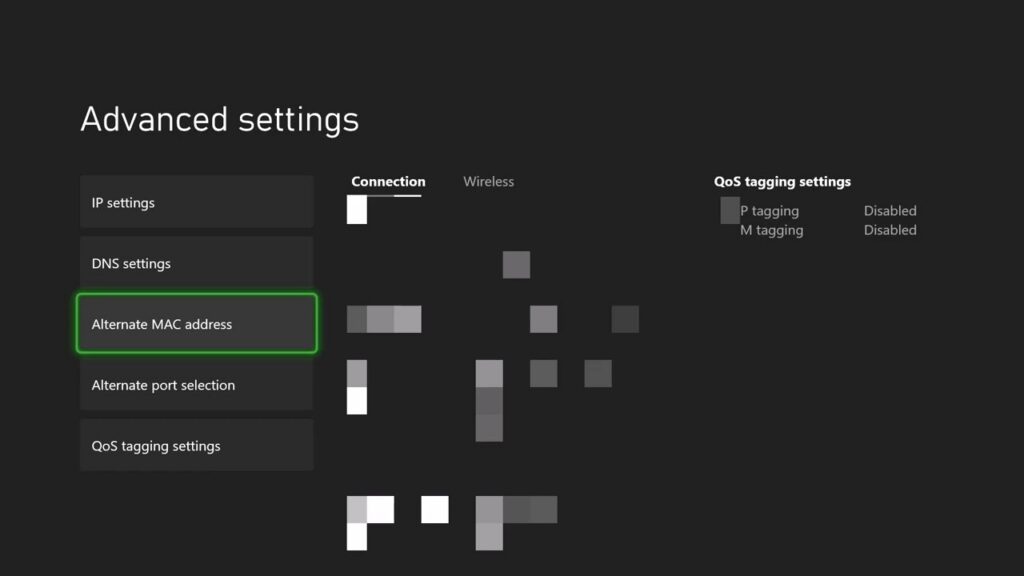
How to Fix the Xbox DHCP Server Error
•
Fix an Xbox DHCP server error by restarting the network, clearing the Alternate MAC address, and retesting automatic IP settings. Read full guide →
-
How to Download the Minecraft PS5 Version for Free
•
Eligible Minecraft PS4 owners can find and download the native PS5 Standard Edition by selecting the correct version in PlayStation Store. Read full guide →
-
How to Fix PS5 Error CE-107880-4
•
Resolve PS5 error CE-107880-4 by updating the game, checking its add-ons, restoring licenses, and reinstalling only if needed. Read full guide →
-
How to Fix PS4 Error NP-32470-6
•
Fix PS4 error NP-32470-6 by checking PSN, rebuilding the connection, and safely testing a reversible manual DNS workaround. Read full guide →
-
Fix Xbox Error 0x800704CF (Network Location)
•
Troubleshoot Xbox error 0x800704CF with service checks, a network test, a restart, and reversible alternate-MAC or DNS fallbacks. Read full guide →
-
Fix PS4 Error SU-41336-7 During an Update
•
Retry PS4 system software safely over a stable connection, then use Safe Mode Update System Software if error SU-41336-7 persists. Read full guide →
-

Fix PS5 Error CE-106667-6 (Download Failed)
•
Restart a failed PS5 download safely, then check service status, storage, connection, and system software before using deeper fixes. Read full guide →
-
Fix PS4 Error WS-43699-1 After Buying a Game
•
Restore PS4 licenses, verify the purchasing account, and check Primary PS4 activation when a bought game is missing or cannot be downloaded. Read full guide →
-
Fix Xbox App Error 0x80070424 on Windows
•
Update, repair, or reset the Xbox app to clear error 0x80070424 on Windows without jumping straight to a game reinstall. Read full guide →
-
Fix Marvel Rivals FPS Drops and Packet Loss on PC
•
Separate Marvel Rivals frame-rate drops from packet loss, then apply safe Windows, driver, game, and network fixes for the symptom you actually have. Read full guide →
Latest tutorials
Fresh fixes, walkthroughs, and gaming tech help.
-
How to Fix the Xbox DHCP Server Error
Fix an Xbox DHCP server error by restarting the network, clearing the Alternate MAC address, and retesting automatic IP settings. Read more →
•
-
How to Download the Minecraft PS5 Version for Free
Eligible Minecraft PS4 owners can find and download the native PS5 Standard Edition by selecting the correct version in PlayStation… Read more →
•
-
How to Fix PS5 Error CE-107880-4
Resolve PS5 error CE-107880-4 by updating the game, checking its add-ons, restoring licenses, and reinstalling only if needed. Read more →
•
-
How to Fix PS4 Error NP-32470-6
Fix PS4 error NP-32470-6 by checking PSN, rebuilding the connection, and safely testing a reversible manual DNS workaround. Read more →
•
-
Fix Xbox Error 0x800704CF (Network Location)
Troubleshoot Xbox error 0x800704CF with service checks, a network test, a restart, and reversible alternate-MAC or DNS fallbacks. Read more →
•
-
Fix PS4 Error SU-41336-7 During an Update
Retry PS4 system software safely over a stable connection, then use Safe Mode Update System Software if error SU-41336-7 persists. Read more →
•
-
Fix PS5 Error CE-106667-6 (Download Failed)
Restart a failed PS5 download safely, then check service status, storage, connection, and system software before using deeper fixes. Read more →
•
-
Fix PS4 Error WS-43699-1 After Buying a Game
Restore PS4 licenses, verify the purchasing account, and check Primary PS4 activation when a bought game is missing or cannot… Read more →
•
-
Fix Xbox App Error 0x80070424 on Windows
Update, repair, or reset the Xbox app to clear error 0x80070424 on Windows without jumping straight to a game reinstall. Read more →
•
-
Fix Marvel Rivals FPS Drops and Packet Loss on PC
Separate Marvel Rivals frame-rate drops from packet loss, then apply safe Windows, driver, game, and network fixes for the symptom… Read more →
•