Tutorial archive
Gaming fixes, walkthroughs, and troubleshooting guides
Browse practical tutorials for PC, console, and game-specific issues, with clear steps and video-backed help for solving problems fast.
Inside Tutorials
- PC gaming fixes
- Console troubleshooting
- Error code solutions
- Game-specific how-to guides
Featured post
-
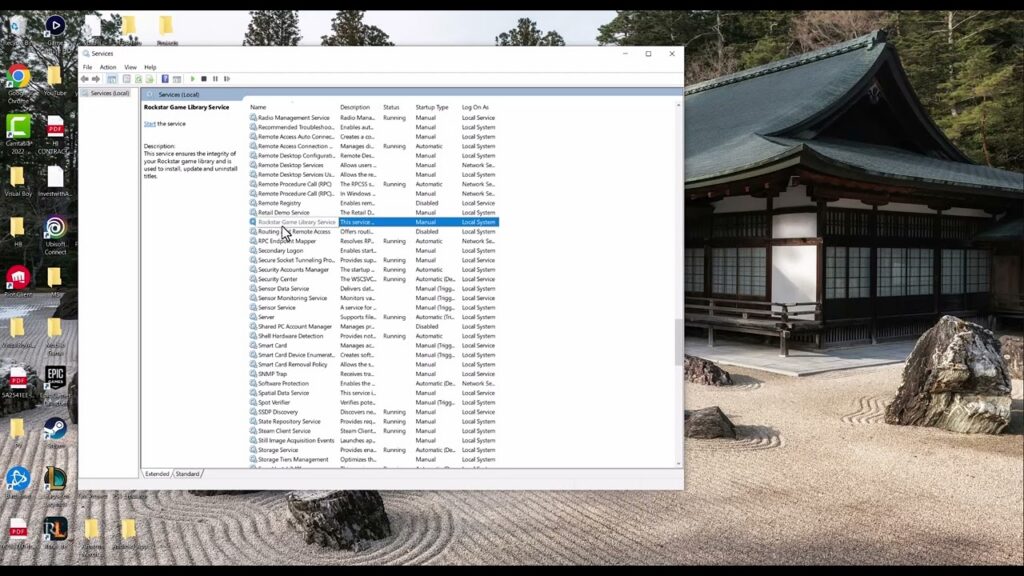
Fix Rockstar Games Launcher ‘Failed to Connect to the Games Library Service’
•
Start the Rockstar Games Library Service, repair the launcher components, and check Windows and security settings without disabling protection permanently. Read full guide →
-
Fix ‘You’ll Need a New App to Open This ms-xbl-multiplayer Link’ on PC
•
Repair the Xbox app and Gaming Services when Windows cannot open an ms-xbl-multiplayer link, without risky registry edits or deleting installed games. Read full guide →
-
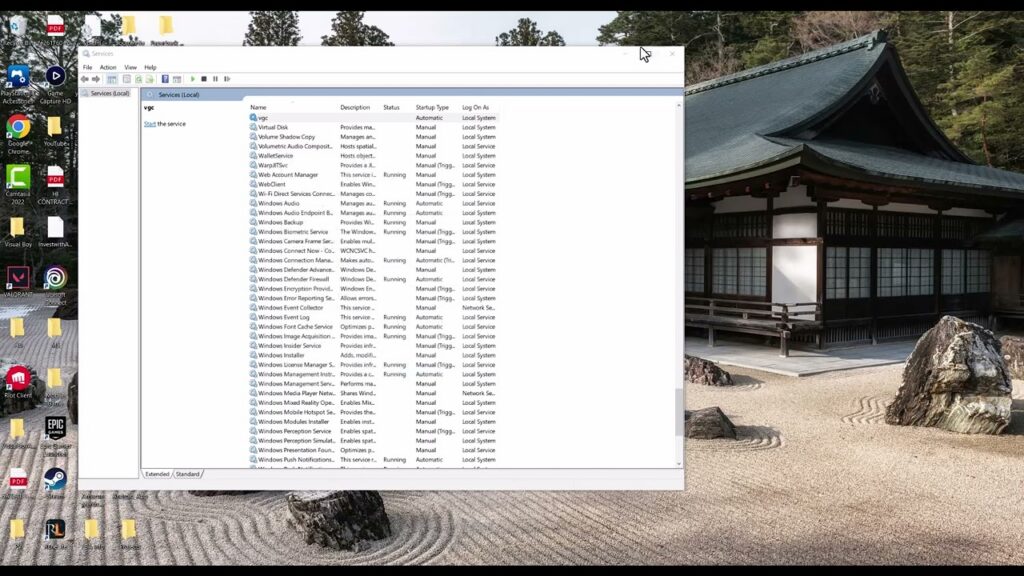
Fix League of Legends VAN 128 Vanguard Error
•
Fix League of Legends VAN 128 by following Riot’s current trust-check sequence: restore Windows security, update Windows, repair vgc, then reinstall Vanguard. Read full guide →
-
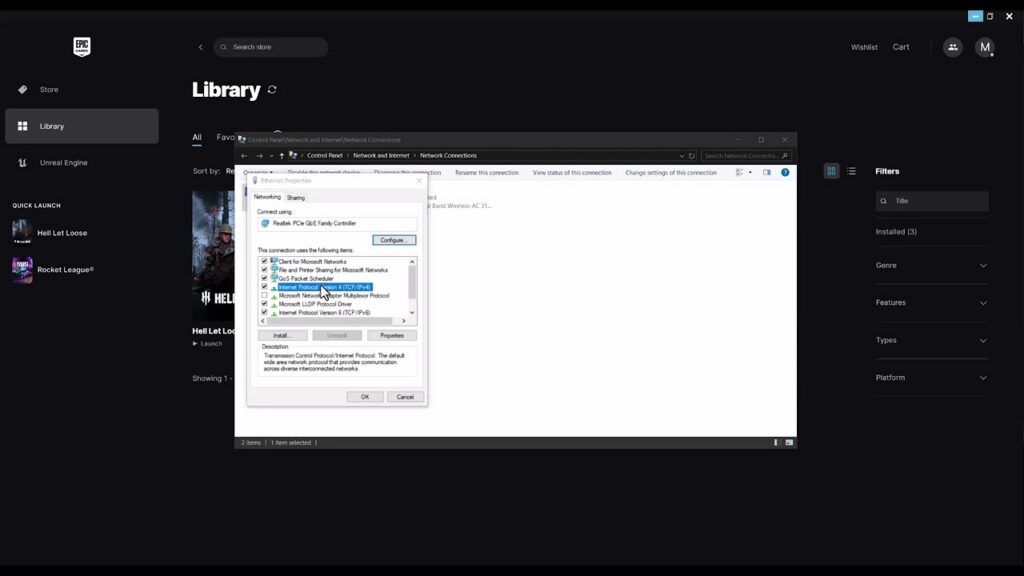
Fix Hell Let Loose “A Network Error Has Occurred” on PC
•
Fix Hell Let Loose’s network error on PC with Team17’s launcher-file repair, file verification, DNS flushing, and an optional reversible DNS change. Read full guide →
-
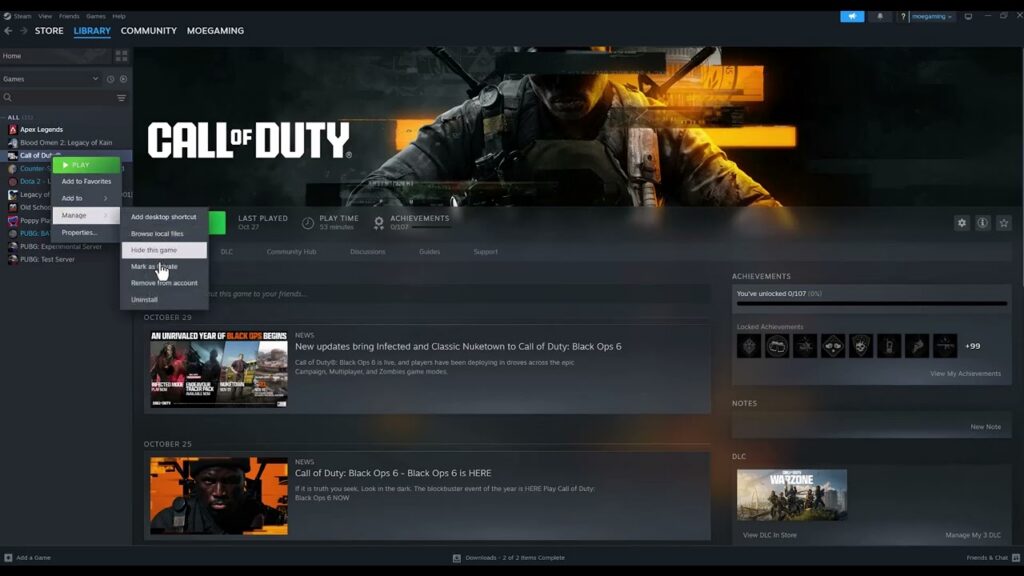
Fix Black Ops 6 “Update Required” Loop on Steam
•
Break the Black Ops 6 Update Required loop on Steam by completing downloads, verifying files, removing unsupported launch options, and updating Windows. Read full guide →
-
Fix Dota 2 “Failed to Create DX11 Render Device”
•
Repair Dota 2’s DX11 render-device error by checking DirectX 11 support, updating the GPU driver, verifying files, and selecting the correct GPU. Read full guide →
-
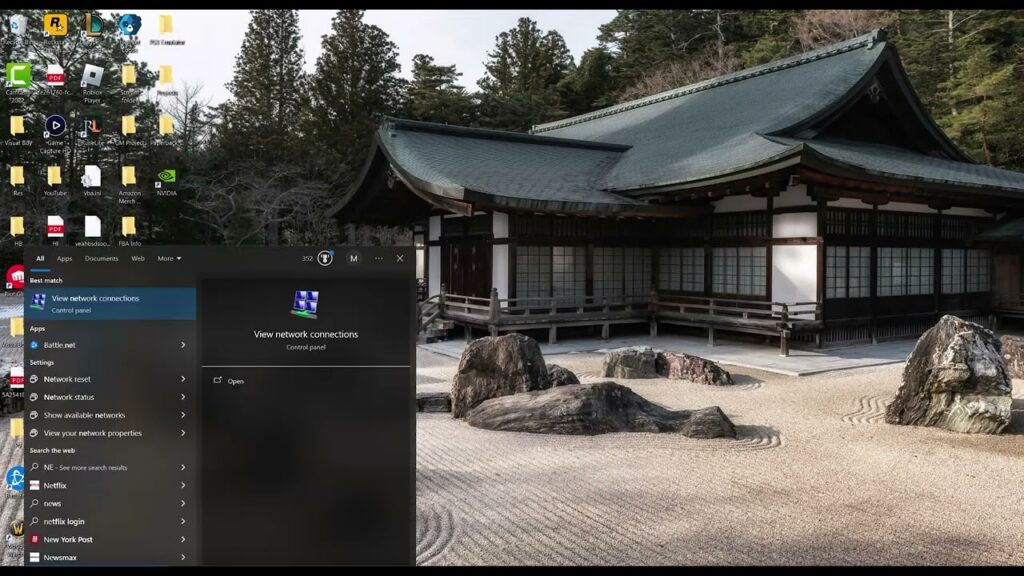
Fix “Unable to Log In to Your Epic Games Account at This Time”
•
Fix Epic Games account login errors by checking service status, testing web sign-in, clearing the launcher cache, and resetting Windows networking last. Read full guide →
-
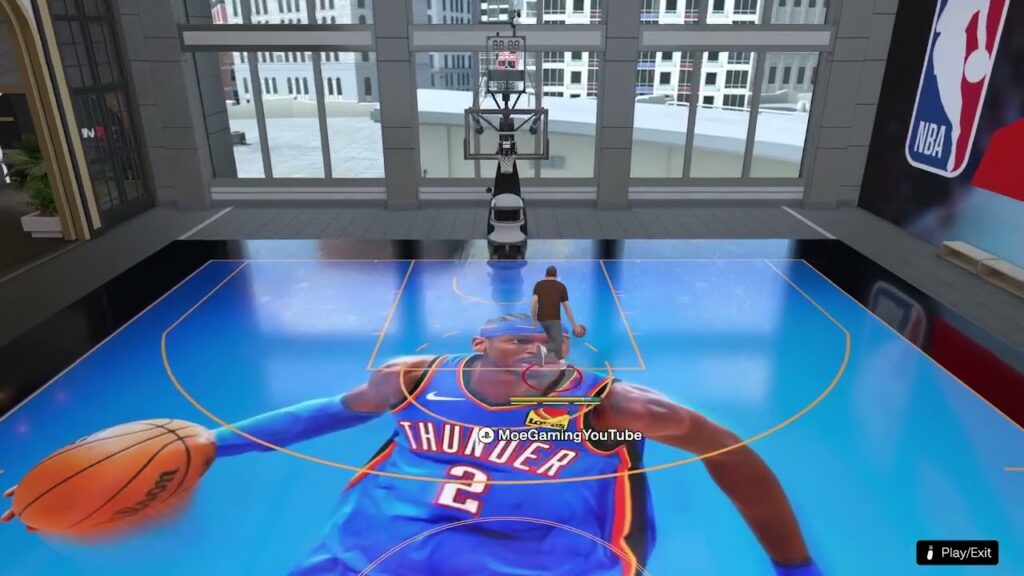
How to Change the Camera Angle in NBA 2K26 Park
•
Press right on the D-pad during an NBA 2K26 Park game to open the camera selector, choose an angle, and fine-tune its options. Read full guide →
-
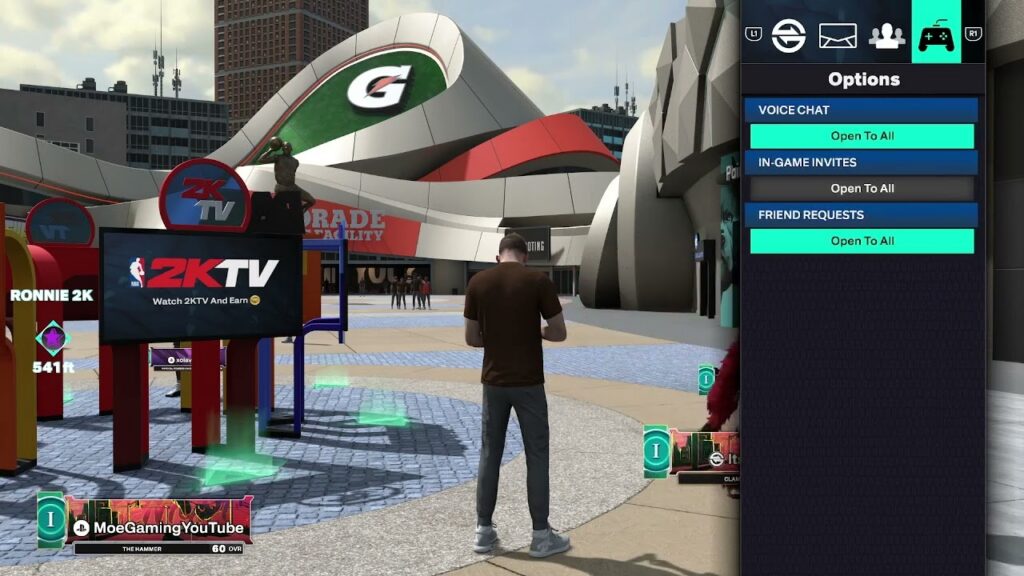
How to Enable Voice Chat in NBA 2K26
•
Enable NBA 2K26 game chat from Social > Voice Chat, then check party-chat, privacy, and platform permissions if Open to All is missing. Read full guide →
-
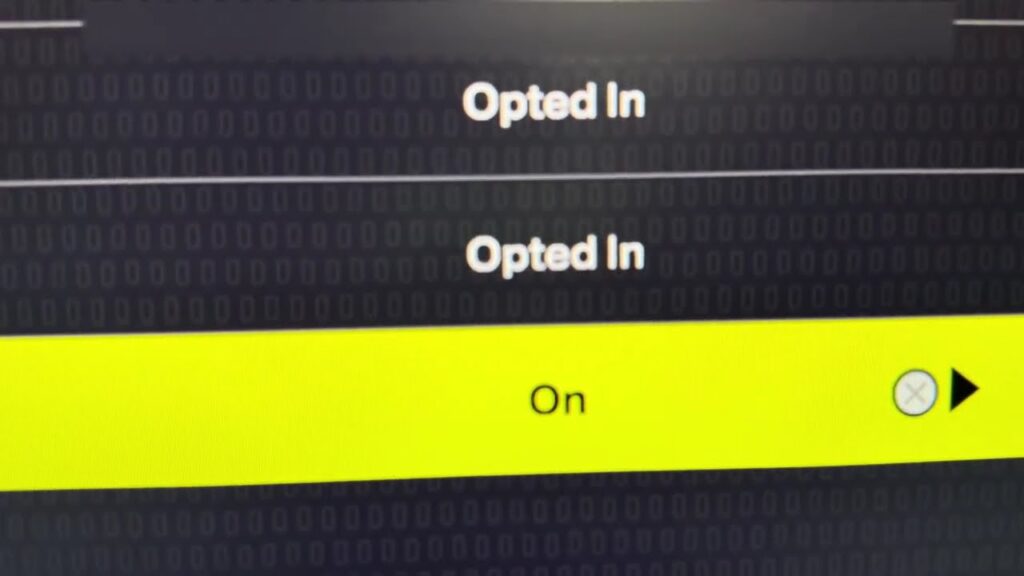
How to Enable Crossplay in NBA 2K26
•
Enable NBA 2K26 crossplay through Features and Settings, then confirm both players use PS5 or Xbox Series X|S with online access. Read full guide →
Latest tutorials
Fresh fixes, walkthroughs, and gaming tech help.
-
Fix Rockstar Games Launcher ‘Failed to Connect to the Games Library Service’
Start the Rockstar Games Library Service, repair the launcher components, and check Windows and security settings without disabling protection permanently. Read more →
•
-
Fix ‘You’ll Need a New App to Open This ms-xbl-multiplayer Link’ on PC
Repair the Xbox app and Gaming Services when Windows cannot open an ms-xbl-multiplayer link, without risky registry edits or deleting… Read more →
•
-
Fix League of Legends VAN 128 Vanguard Error
Fix League of Legends VAN 128 by following Riot’s current trust-check sequence: restore Windows security, update Windows, repair vgc, then… Read more →
•
-
Fix Hell Let Loose “A Network Error Has Occurred” on PC
Fix Hell Let Loose’s network error on PC with Team17’s launcher-file repair, file verification, DNS flushing, and an optional reversible… Read more →
•
-
Fix Black Ops 6 “Update Required” Loop on Steam
Break the Black Ops 6 Update Required loop on Steam by completing downloads, verifying files, removing unsupported launch options, and… Read more →
•
-
Fix Dota 2 “Failed to Create DX11 Render Device”
Repair Dota 2’s DX11 render-device error by checking DirectX 11 support, updating the GPU driver, verifying files, and selecting the… Read more →
•
-
Fix “Unable to Log In to Your Epic Games Account at This Time”
Fix Epic Games account login errors by checking service status, testing web sign-in, clearing the launcher cache, and resetting Windows… Read more →
•
-
How to Change the Camera Angle in NBA 2K26 Park
Press right on the D-pad during an NBA 2K26 Park game to open the camera selector, choose an angle, and… Read more →
•
-
How to Enable Voice Chat in NBA 2K26
Enable NBA 2K26 game chat from Social > Voice Chat, then check party-chat, privacy, and platform permissions if Open to… Read more →
•
-
How to Enable Crossplay in NBA 2K26
Enable NBA 2K26 crossplay through Features and Settings, then confirm both players use PS5 or Xbox Series X|S with online… Read more →
•