Tutorial archive
Gaming fixes, walkthroughs, and troubleshooting guides
Browse practical tutorials for PC, console, and game-specific issues, with clear steps and video-backed help for solving problems fast.
Inside Tutorials
- PC gaming fixes
- Console troubleshooting
- Error code solutions
- Game-specific how-to guides
Featured post
-
How to Download Modern Warfare 4 Campaign, Multiplayer and DMZ on PS5
•
Download Modern Warfare 4 on PS5 and install the correct Campaign, Multiplayer, DMZ, and shared-content packs. Includes Content Not Found fixes. Read full guide →
-
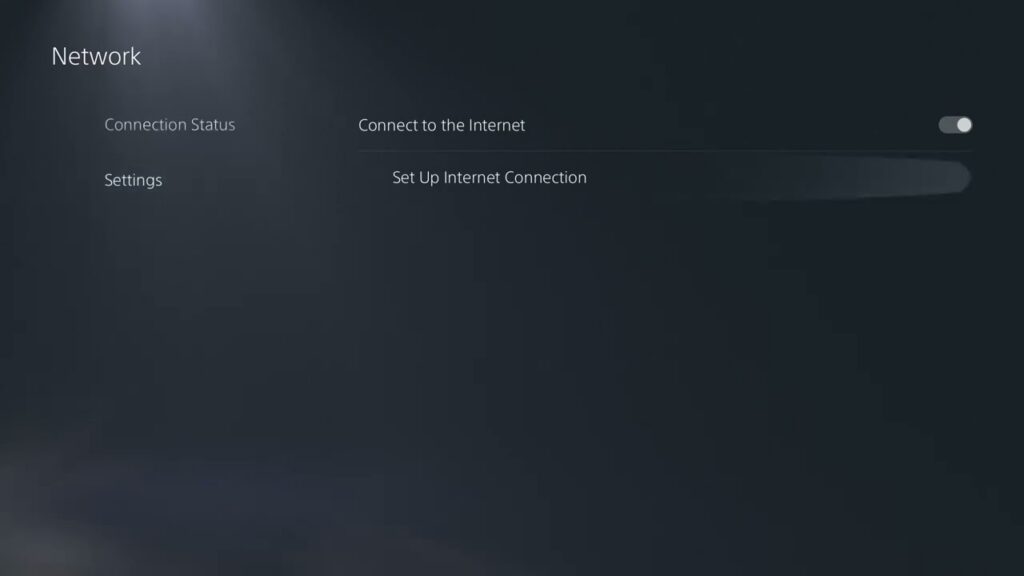
How to Fix PS5 Error WV-109145-0
•
Fix PS5 error WV-109145-0 with PlayStation’s recommended service-status, wired-network, router, Wi-Fi and DNS checks. Read full guide →
-
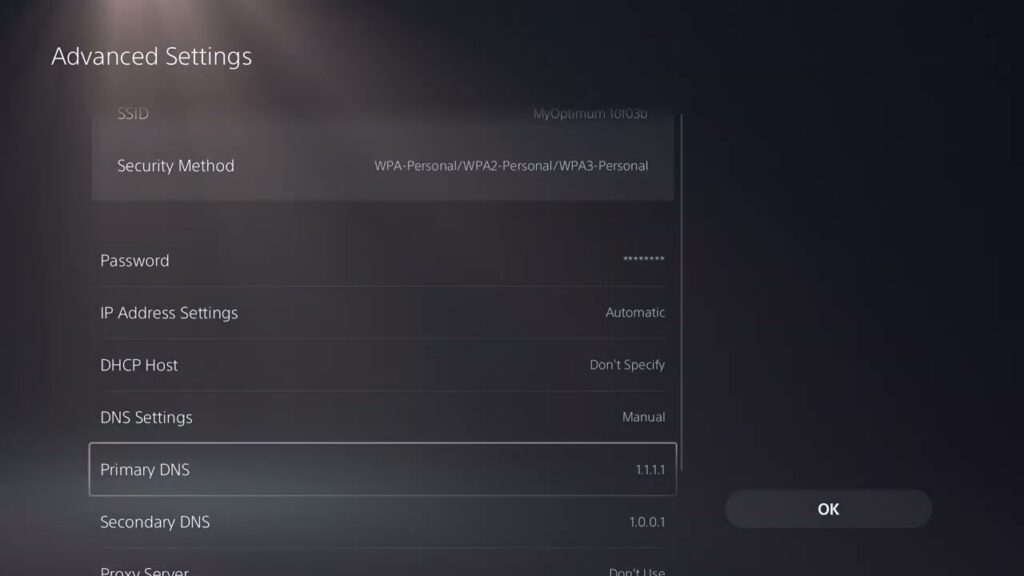
How to Fix PS5 Error WS-116521-6
•
Fix PS5 error WS-116521-6 by checking PlayStation service status, resetting the console connection and power-cycling the router safely. Read full guide →
-
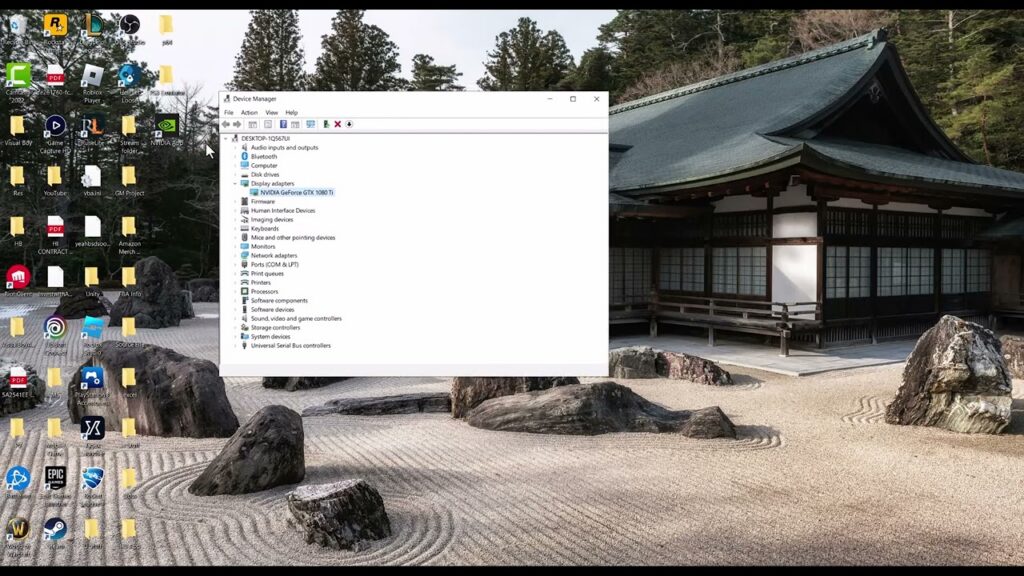
How to Fix inZOI “Limited Graphics Card Performance” on PC
•
Resolve inZOI’s limited graphics card performance warning with safe driver, GPU selection, file verification and graphics-setting checks. Read full guide →
-
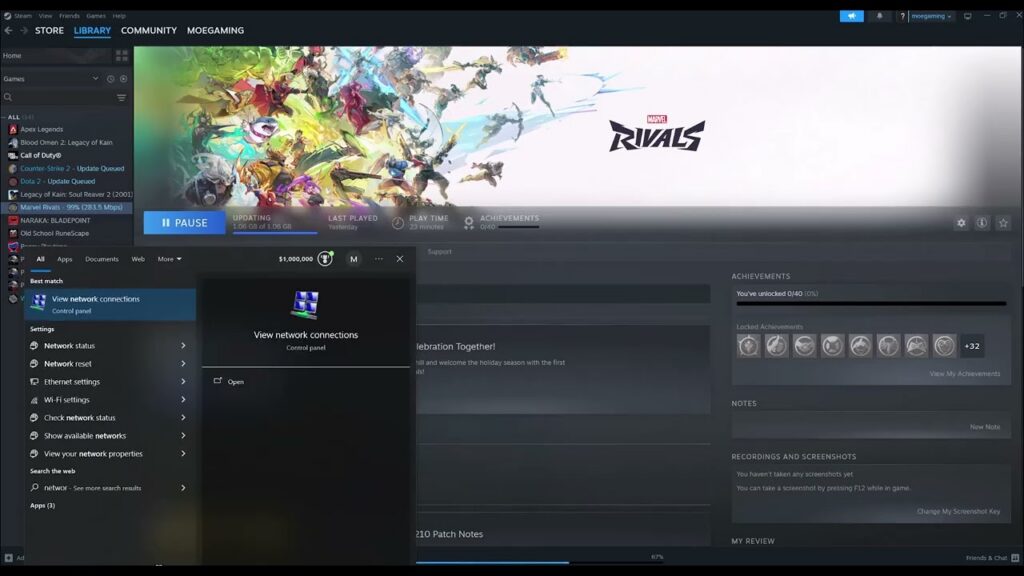
How to Fix Marvel Rivals Error Code 211 on PC
•
Fix Marvel Rivals error code 211 on PC with safe checks for service status, Steam files, firewall access and network settings. Read full guide →
-
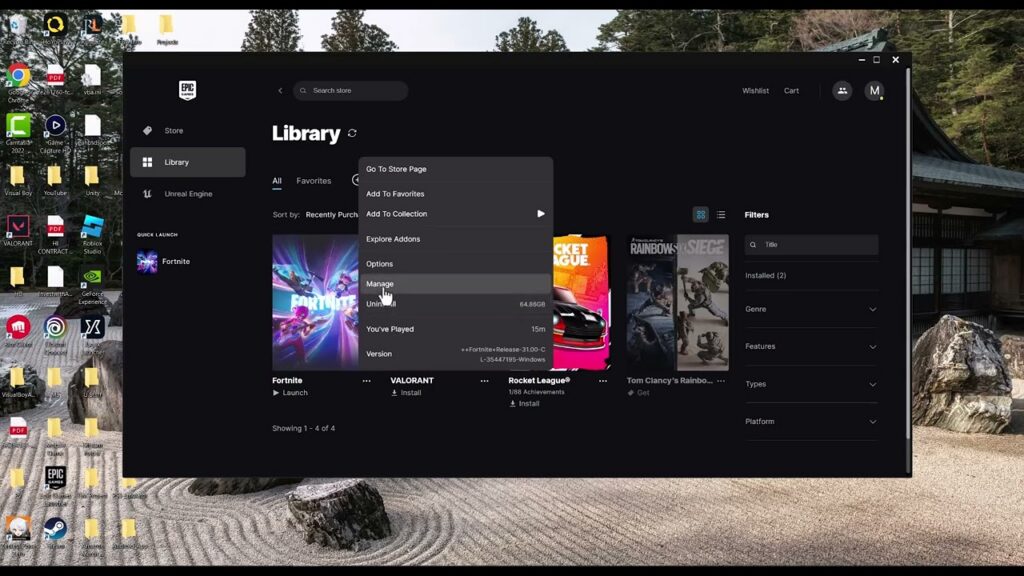
How to Fix Fortnite Easy Anti-Cheat Error 30004
•
Fix Fortnite Easy Anti-Cheat error 30004 by restarting Windows, verifying Fortnite, repairing Easy Anti-Cheat, and checking Windows system files. Read full guide →
-
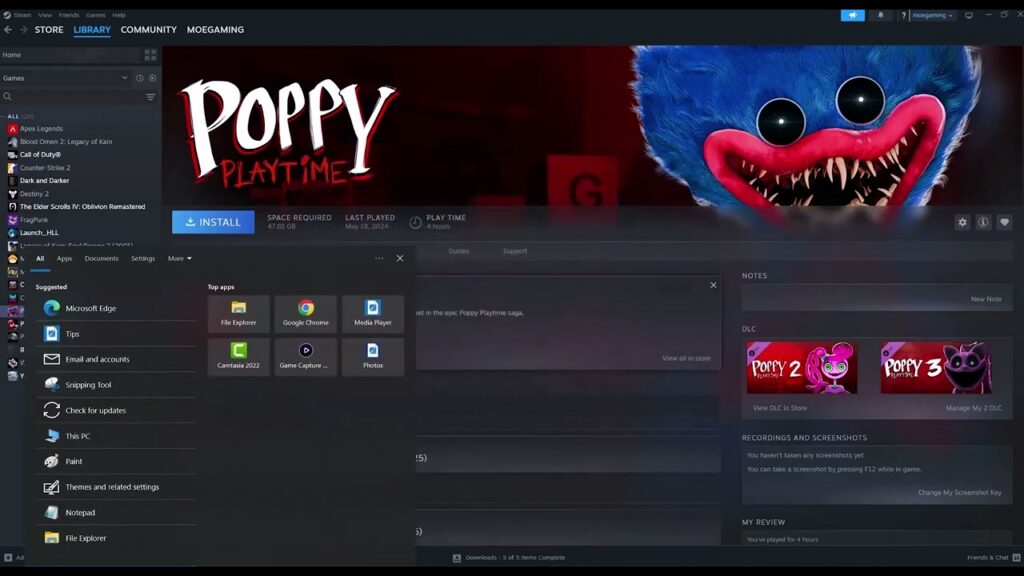
How to Fix PEAK Crashing or Not Launching on Steam
•
Fix PEAK crashes on Steam with file verification, clean launch settings, driver updates, and safe mod or overlay isolation. Read full guide →
-
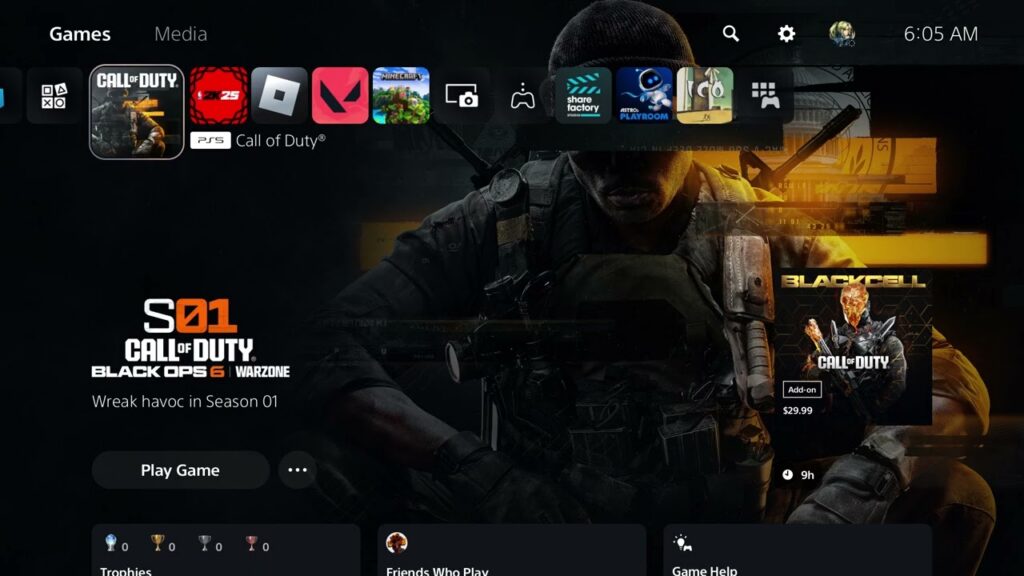
How to Fix Black Ops 6 “Failed to Start Matchmaking”
•
Fix Black Ops 6 matchmaking startup failures by checking service status, rebuilding the party, testing the connection, and repairing game files. Read full guide →
-
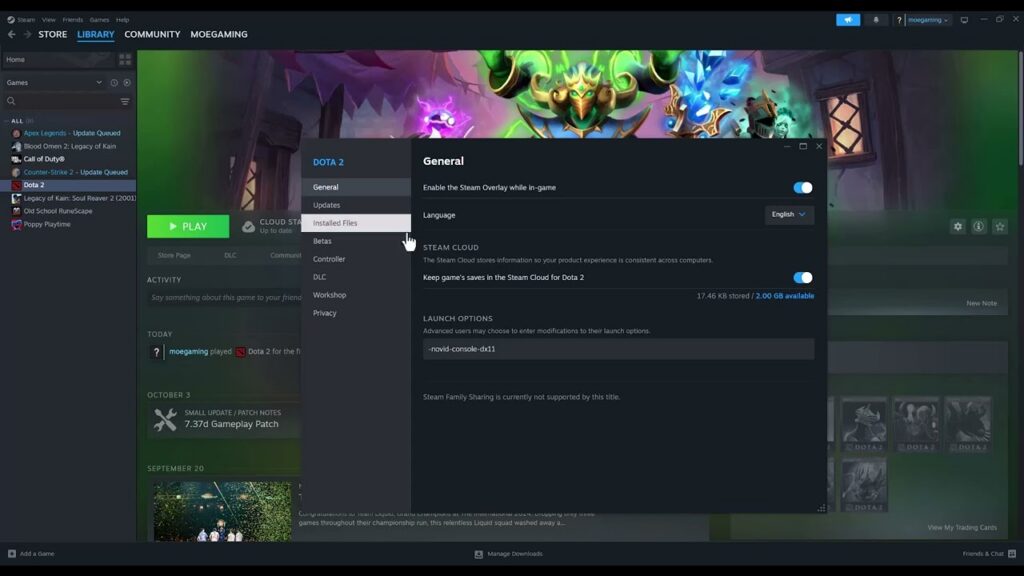
How to Fix Dota 2 PAK01.VPK Corrupt Error
•
Repair Dota 2 PAK01.VPK corruption with Steam file verification, a clean download cache, and safe storage checks—without downloading replacement VPK files. Read full guide →
-
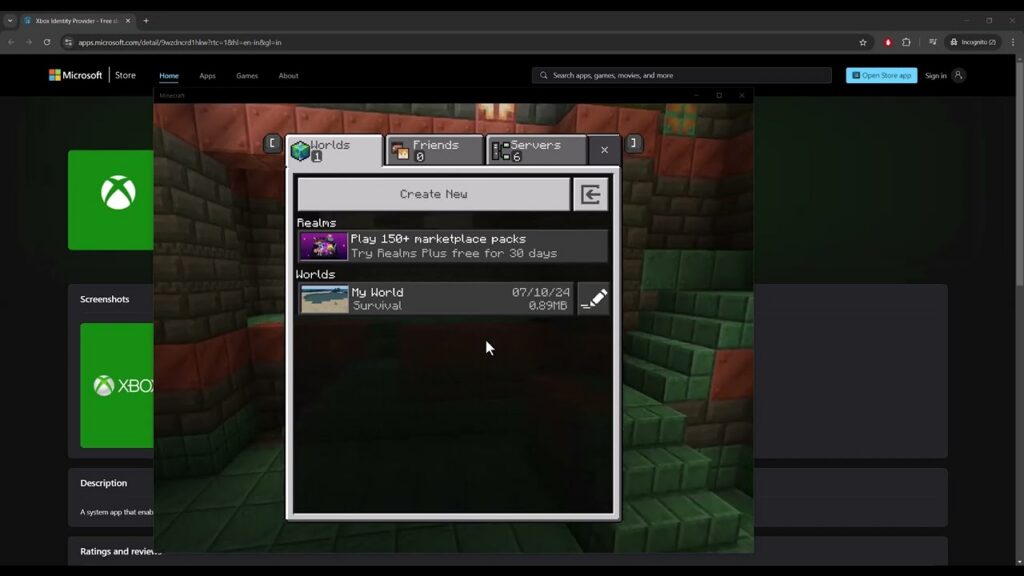
How to Fix Minecraft for Windows Error Code BAT
•
Repair Minecraft Error Code BAT by resynchronizing the Microsoft Store, Xbox app, Gaming Services, and Minecraft Launcher sign-in. Read full guide →
Latest tutorials
Fresh fixes, walkthroughs, and gaming tech help.
-
How to Download Modern Warfare 4 Campaign, Multiplayer and DMZ on PS5
Download Modern Warfare 4 on PS5 and install the correct Campaign, Multiplayer, DMZ, and shared-content packs. Includes Content Not Found… Read more →
•
-
How to Fix PS5 Error WV-109145-0
Fix PS5 error WV-109145-0 with PlayStation’s recommended service-status, wired-network, router, Wi-Fi and DNS checks. Read more →
•
-
How to Fix PS5 Error WS-116521-6
Fix PS5 error WS-116521-6 by checking PlayStation service status, resetting the console connection and power-cycling the router safely. Read more →
•
-
How to Fix inZOI “Limited Graphics Card Performance” on PC
Resolve inZOI’s limited graphics card performance warning with safe driver, GPU selection, file verification and graphics-setting checks. Read more →
•
-
How to Fix Marvel Rivals Error Code 211 on PC
Fix Marvel Rivals error code 211 on PC with safe checks for service status, Steam files, firewall access and network… Read more →
•
-
How to Fix Fortnite Easy Anti-Cheat Error 30004
Fix Fortnite Easy Anti-Cheat error 30004 by restarting Windows, verifying Fortnite, repairing Easy Anti-Cheat, and checking Windows system files. Read more →
•
-
How to Fix PEAK Crashing or Not Launching on Steam
Fix PEAK crashes on Steam with file verification, clean launch settings, driver updates, and safe mod or overlay isolation. Read more →
•
-
How to Fix Black Ops 6 “Failed to Start Matchmaking”
Fix Black Ops 6 matchmaking startup failures by checking service status, rebuilding the party, testing the connection, and repairing game… Read more →
•
-
How to Fix Dota 2 PAK01.VPK Corrupt Error
Repair Dota 2 PAK01.VPK corruption with Steam file verification, a clean download cache, and safe storage checks—without downloading replacement VPK… Read more →
•
-
How to Fix Minecraft for Windows Error Code BAT
Repair Minecraft Error Code BAT by resynchronizing the Microsoft Store, Xbox app, Gaming Services, and Minecraft Launcher sign-in. Read more →
•