Tutorial archive
Gaming fixes, walkthroughs, and troubleshooting guides
Browse practical tutorials for PC, console, and game-specific issues, with clear steps and video-backed help for solving problems fast.
Inside Tutorials
- PC gaming fixes
- Console troubleshooting
- Error code solutions
- Game-specific how-to guides
Featured post
-
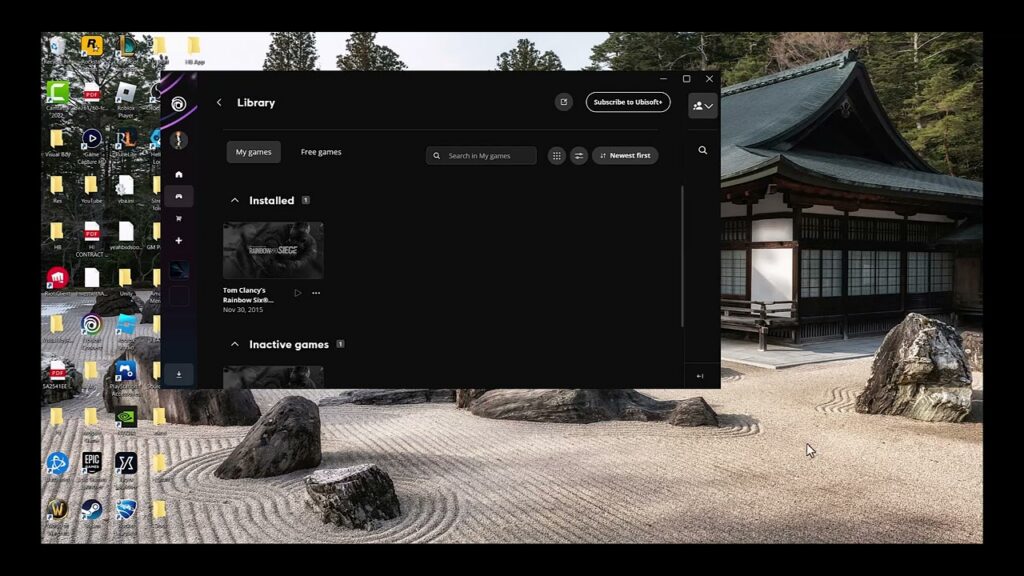
Fix Ubisoft Connect: Game Linked to a Different Account
•
See which Ubisoft account owns the game, correct a mismatched platform link, and recover access without risking progress or entitlements. Read full guide →
-
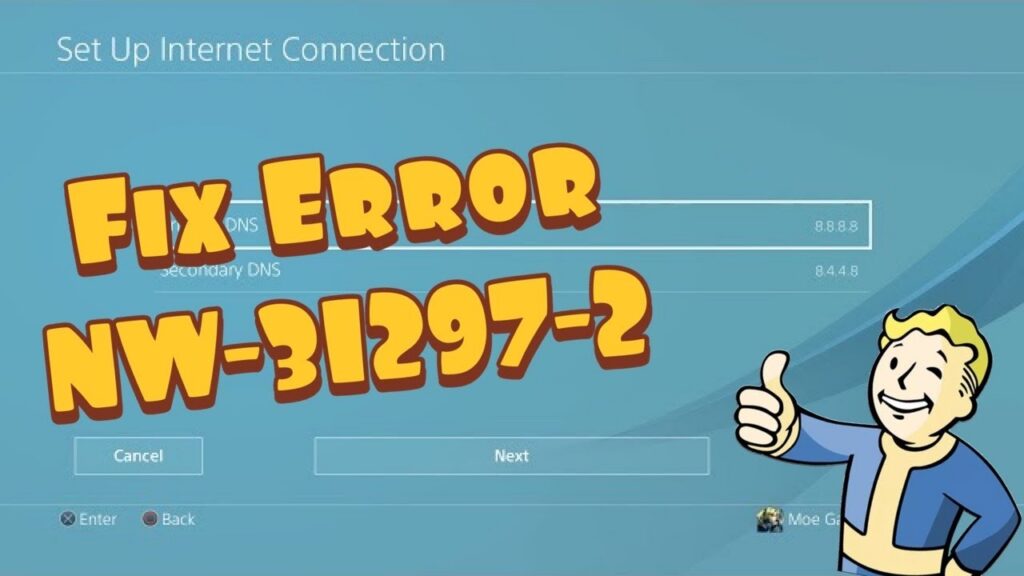
How to Fix PS4 Error NW-31297-2 (Wi-Fi Won’t Connect)
•
Fix PS4 error NW-31297-2 by correcting the saved Wi-Fi password, reducing wireless congestion, testing another band, and checking the connection safely. Read full guide →
-
How to Fix PS5 Error NW-102216-2
•
Fix PS5 error NW-102216-2 by checking PlayStation services, restarting the network, improving Wi-Fi or using a wired connection. Read full guide →
-
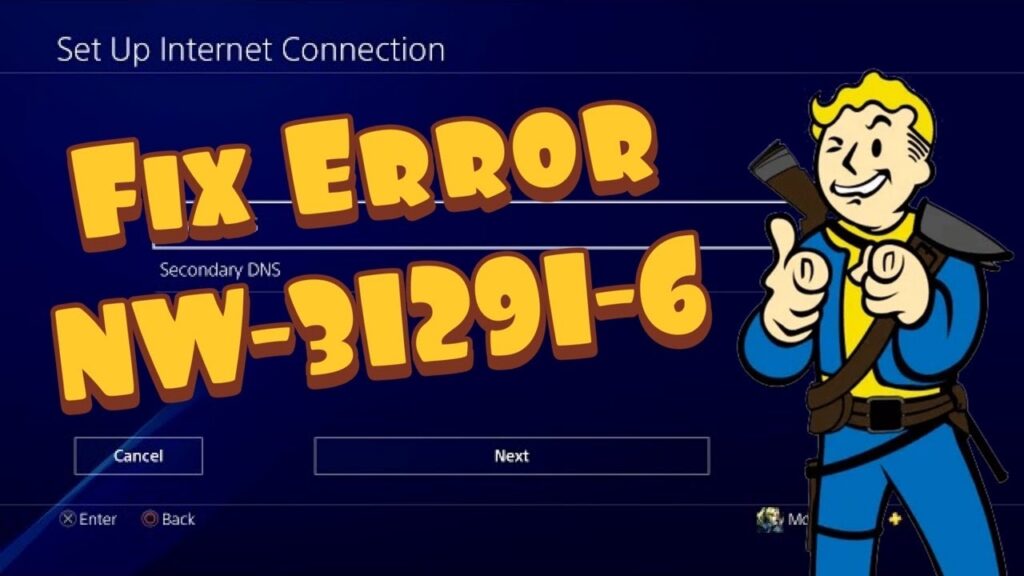
How to Fix PS4 Error NW-31291-6: Weak Wi-Fi Signal
•
Fix PS4 error NW-31291-6 by testing the connection, restarting the router, reducing Wi-Fi interference or switching to Ethernet. Read full guide →
-
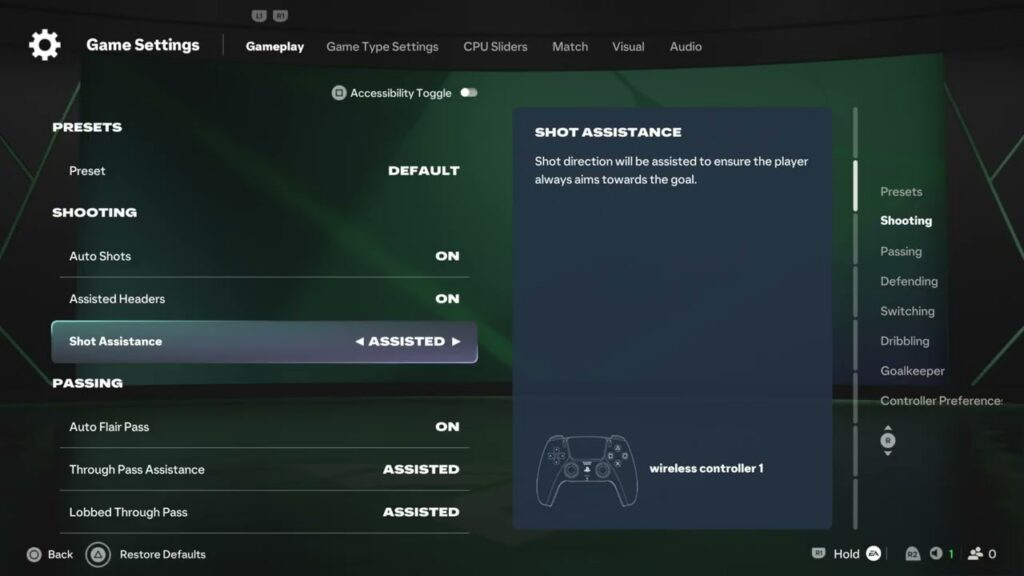
FC 27 Shot Assistance and Auto Shots Settings Explained
•
Choose Assisted, Precision, or Manual Shot Assistance in FC 27, control Auto Shots, test the result, and restore your original setup. Read full guide →
-
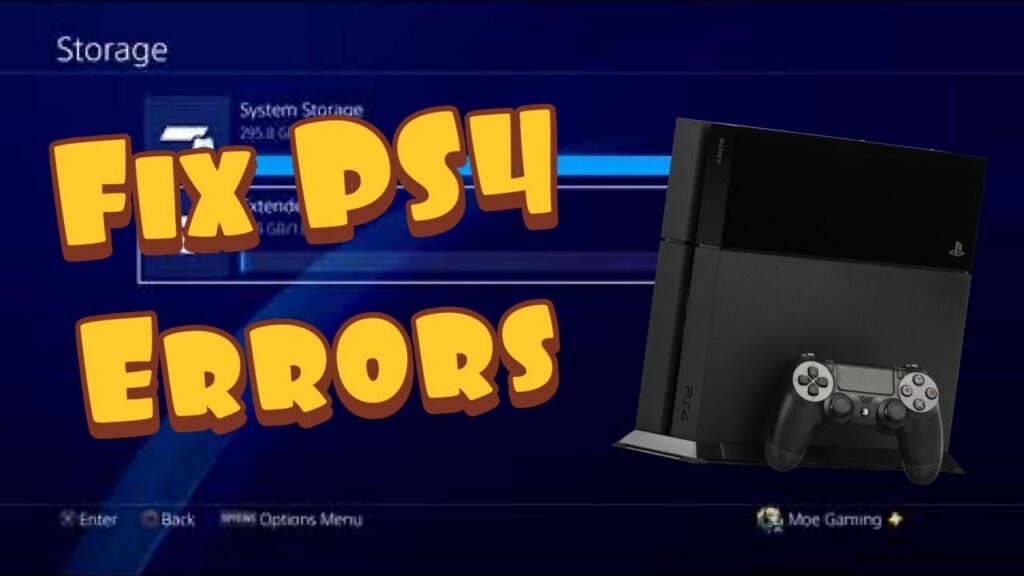
Fix PS4 USB Errors CE-41902-6, CE-41899-1 and CE-41901-5
•
Fix PS4 USB extended-storage errors by checking drive capacity, USB speed, direct connection, cable condition and official formatting requirements. Read full guide →
-
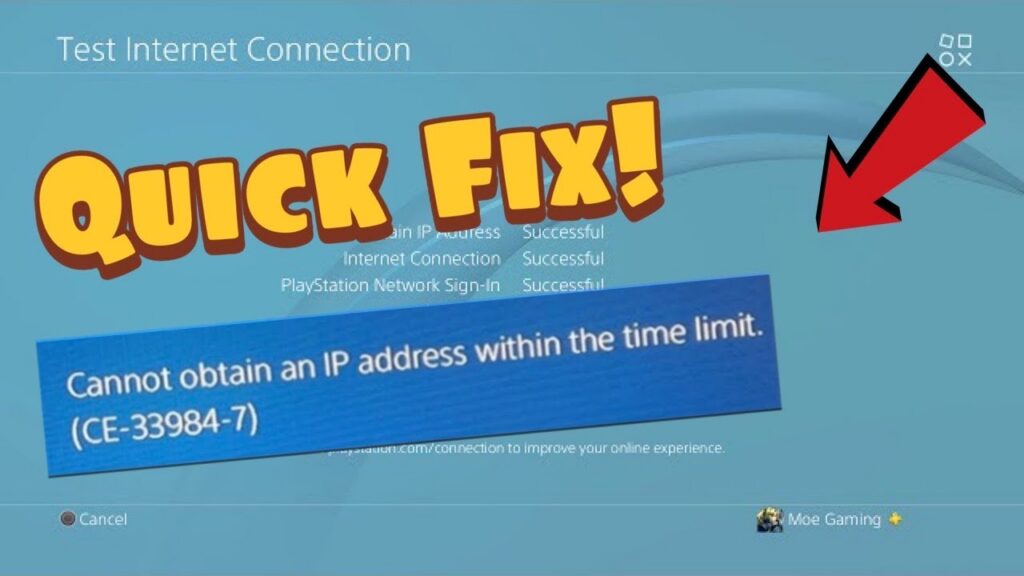
How to Fix PS4 Error CE-33984-7: Cannot Obtain IP Address
•
Fix PS4 error CE-33984-7 by testing the network, restarting the router, improving Wi-Fi or using Ethernet and rebuilding automatic settings. Read full guide →
-
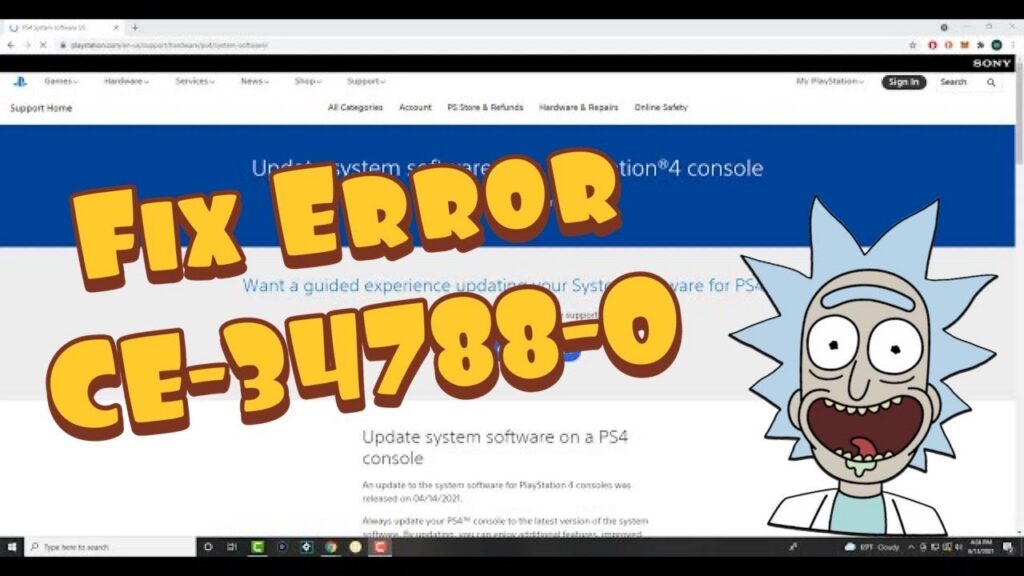
How to Fix PS4 Error CE-34788-0: Update File Cannot Be Used
•
Fix PS4 error CE-34788-0 by using the correct official update file, exact PS4/UPDATE folder structure and PS4UPDATE.PUP filename. Read full guide →
-
How to Fix PS4 Error CE-33729-4
•
Resolve PS4 error CE-33729-4 by checking PlayStation services, rebuilding the connection, restarting network equipment and using Safe Mode safely. Read full guide →
-
How to Fix PS4 Error CE-35285-3 (Signed Out)
•
Fix PS4 error CE-35285-3 by signing out of other PS4 consoles and securing your PlayStation account if the sign-in was unexpected. Read full guide →
Latest tutorials
Fresh fixes, walkthroughs, and gaming tech help.
-
Fix Ubisoft Connect: Game Linked to a Different Account
See which Ubisoft account owns the game, correct a mismatched platform link, and recover access without risking progress or entitlements. Read more →
•
-
How to Fix PS4 Error NW-31297-2 (Wi-Fi Won’t Connect)
Fix PS4 error NW-31297-2 by correcting the saved Wi-Fi password, reducing wireless congestion, testing another band, and checking the connection… Read more →
•
-
How to Fix PS5 Error NW-102216-2
Fix PS5 error NW-102216-2 by checking PlayStation services, restarting the network, improving Wi-Fi or using a wired connection. Read more →
•
-
How to Fix PS4 Error NW-31291-6: Weak Wi-Fi Signal
Fix PS4 error NW-31291-6 by testing the connection, restarting the router, reducing Wi-Fi interference or switching to Ethernet. Read more →
•
-
FC 27 Shot Assistance and Auto Shots Settings Explained
Choose Assisted, Precision, or Manual Shot Assistance in FC 27, control Auto Shots, test the result, and restore your original… Read more →
•
-
Fix PS4 USB Errors CE-41902-6, CE-41899-1 and CE-41901-5
Fix PS4 USB extended-storage errors by checking drive capacity, USB speed, direct connection, cable condition and official formatting requirements. Read more →
•
-
How to Fix PS4 Error CE-33984-7: Cannot Obtain IP Address
Fix PS4 error CE-33984-7 by testing the network, restarting the router, improving Wi-Fi or using Ethernet and rebuilding automatic settings. Read more →
•
-
How to Fix PS4 Error CE-34788-0: Update File Cannot Be Used
Fix PS4 error CE-34788-0 by using the correct official update file, exact PS4/UPDATE folder structure and PS4UPDATE.PUP filename. Read more →
•
-
How to Fix PS4 Error CE-33729-4
Resolve PS4 error CE-33729-4 by checking PlayStation services, rebuilding the connection, restarting network equipment and using Safe Mode safely. Read more →
•
-
How to Fix PS4 Error CE-35285-3 (Signed Out)
Fix PS4 error CE-35285-3 by signing out of other PS4 consoles and securing your PlayStation account if the sign-in was… Read more →
•